Cinescape kiosk UI tests
Run local · 2026-10-14 09:09:07 UTC · Repository · Actions
24 Tests
22 ✓ Passed
0 ✗ Failed
2 – Skipped
92% Pass rate
159 Steps executed
1800.57s Duration
Trend: last 4 runs
Hover a column for details · x-axis: run number
Run & environment Run local Commit 9859b47 Keep the kiosk open between tests: home, English and no-popup check before each test, fresh start after a failure; .env path set in the workflowsPushed by Chaithu200926 Branch main Trigger published from QA PC Started 2026-10-14 09:09:07 UTC Finished 2026-10-14 09:39:08 UTC Machine QA PC (Windows desktop) OS Windows_NT 10.0.26200 Node.js / Playwright v24.21.0 / 1.63.0 Driver CinescapeKiosk (Appium NovaWindows) App under test CinescapeKiosk build CinescapeKioskNew17 · UAT API
Overview
Test details
✓ Passed
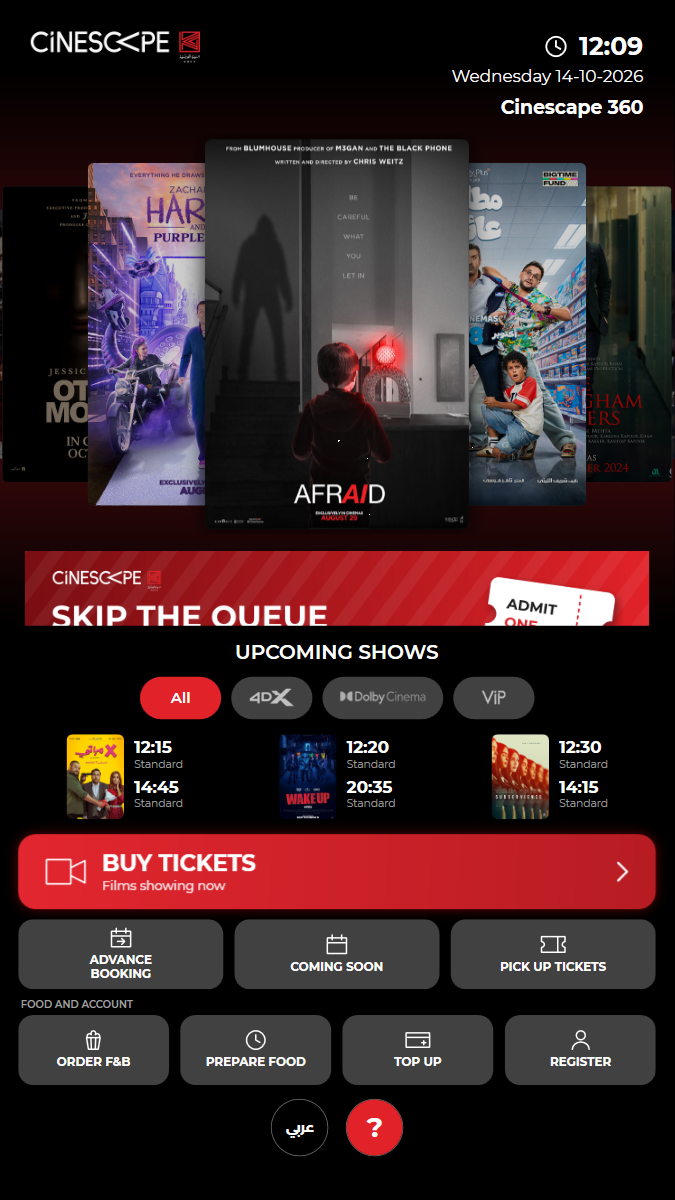
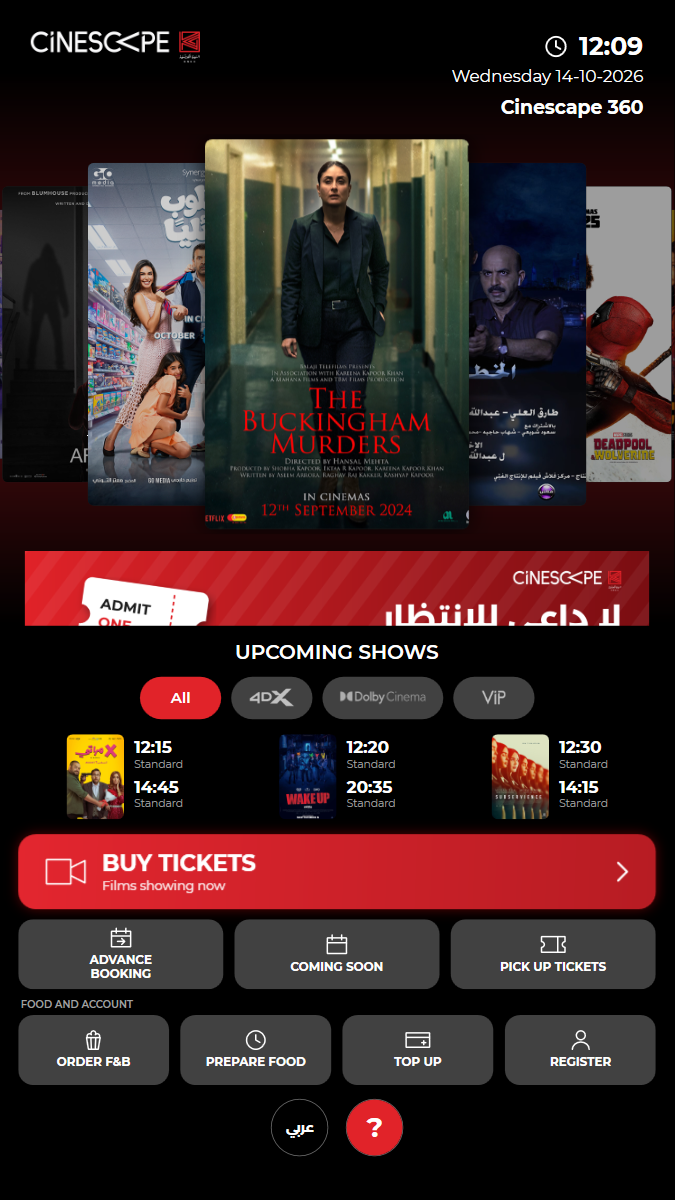
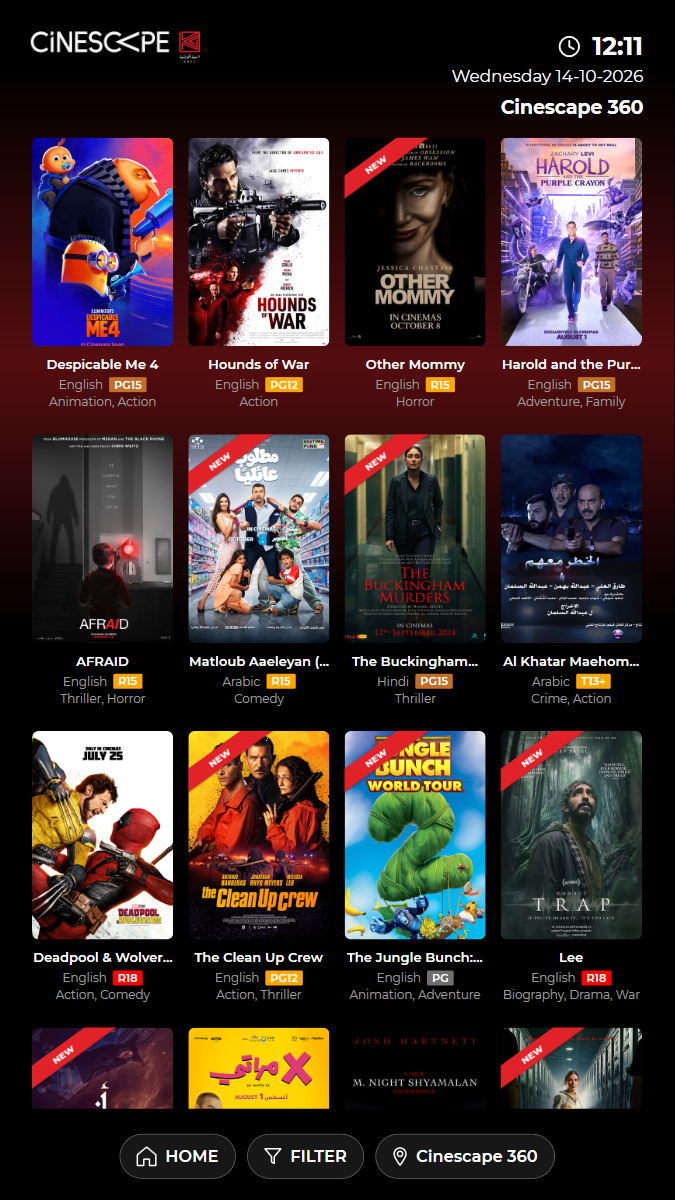
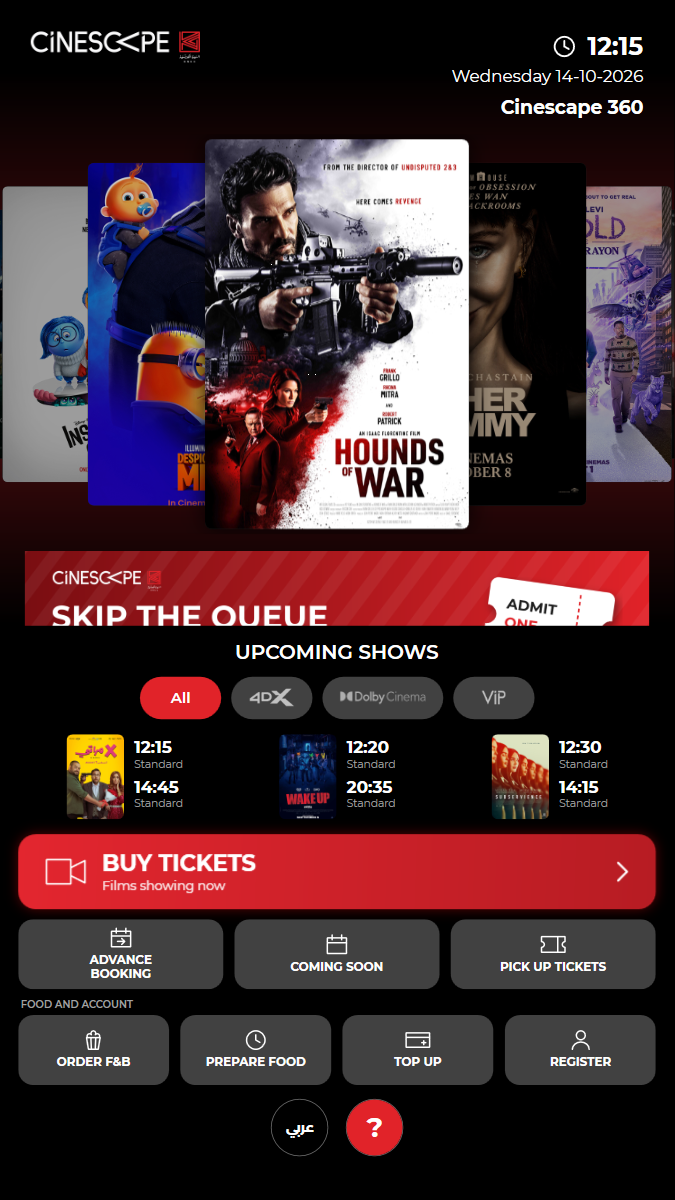
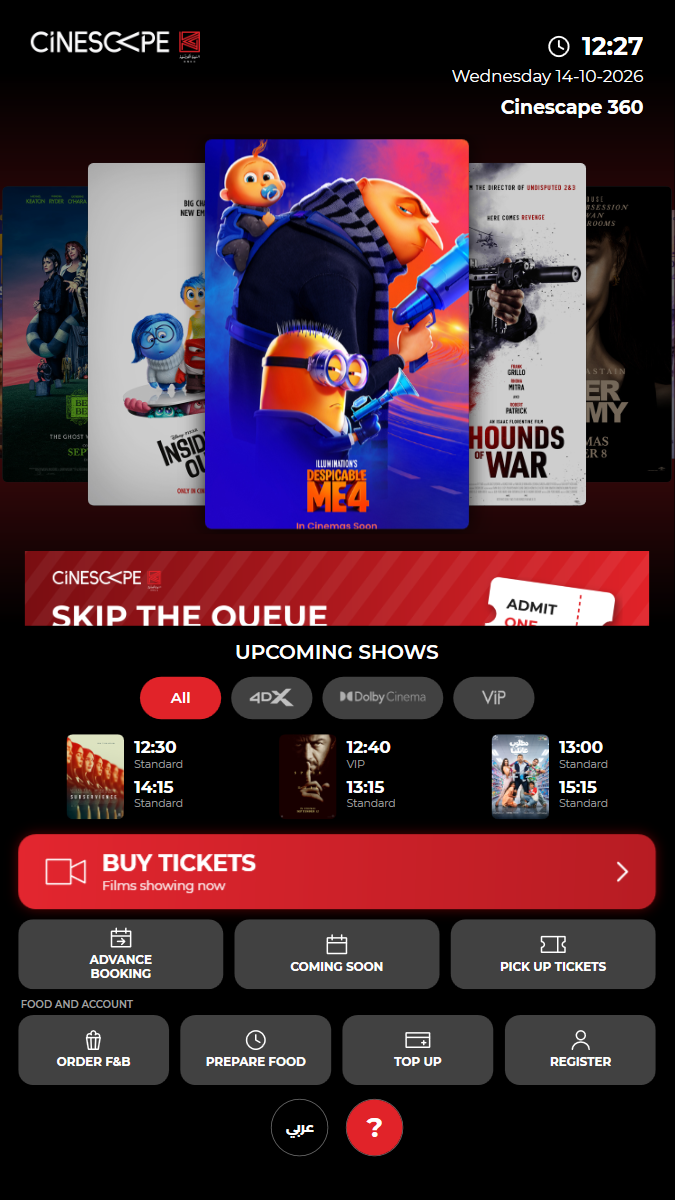
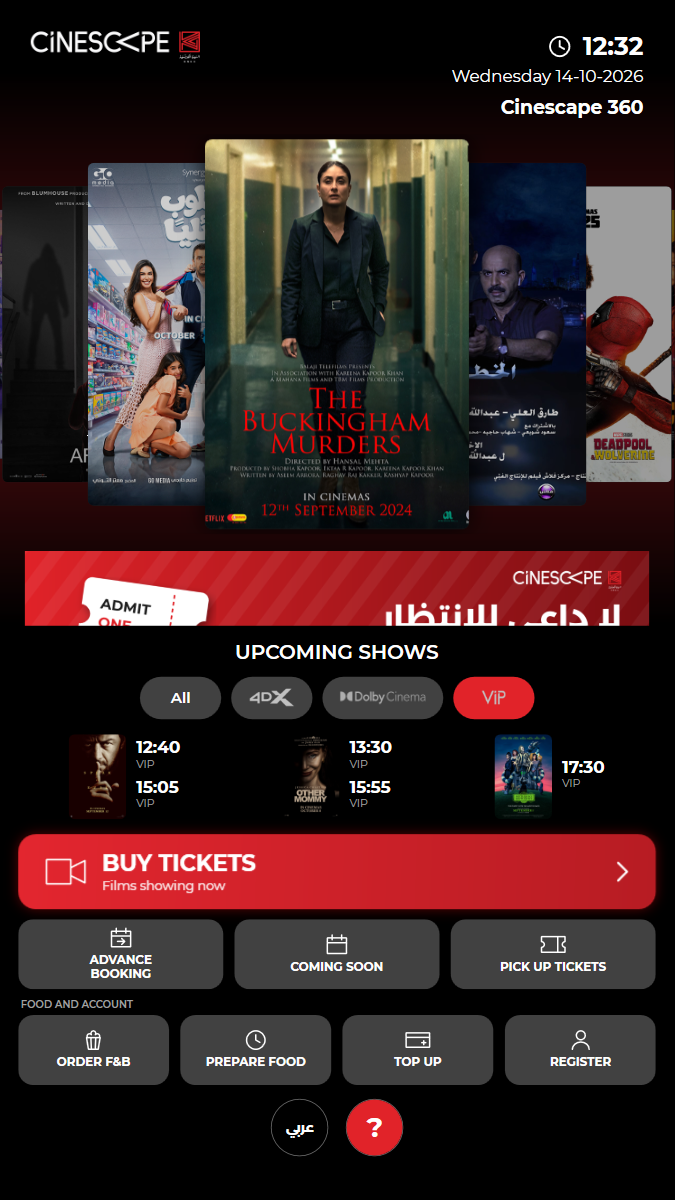
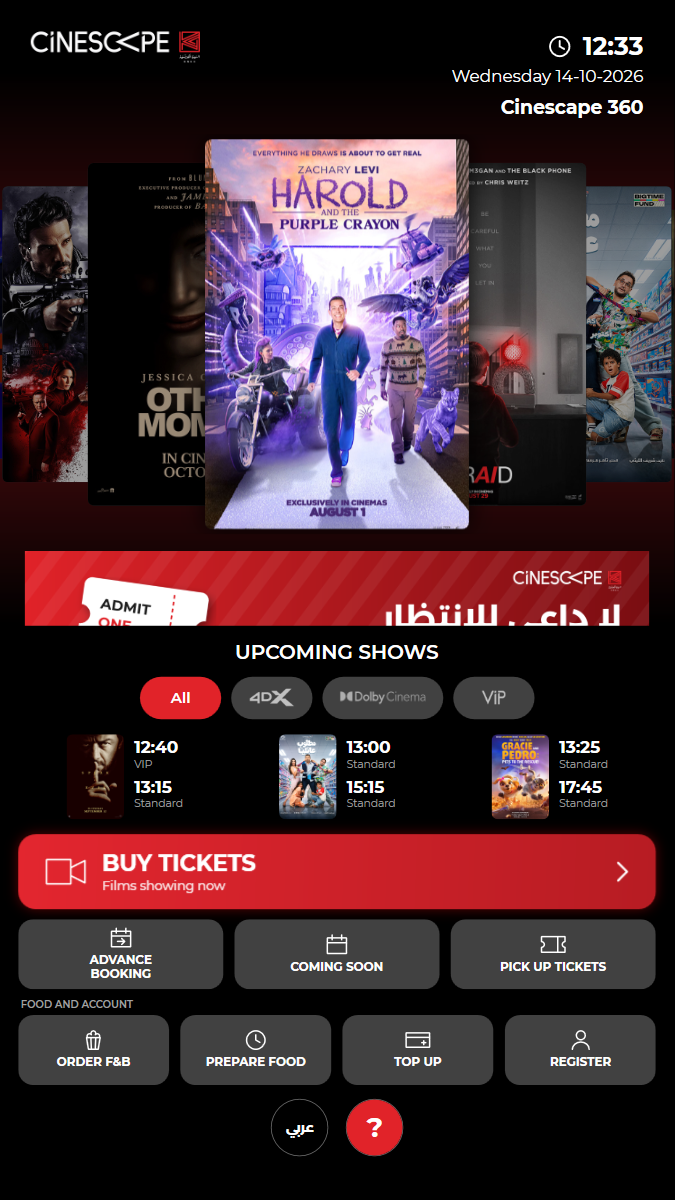
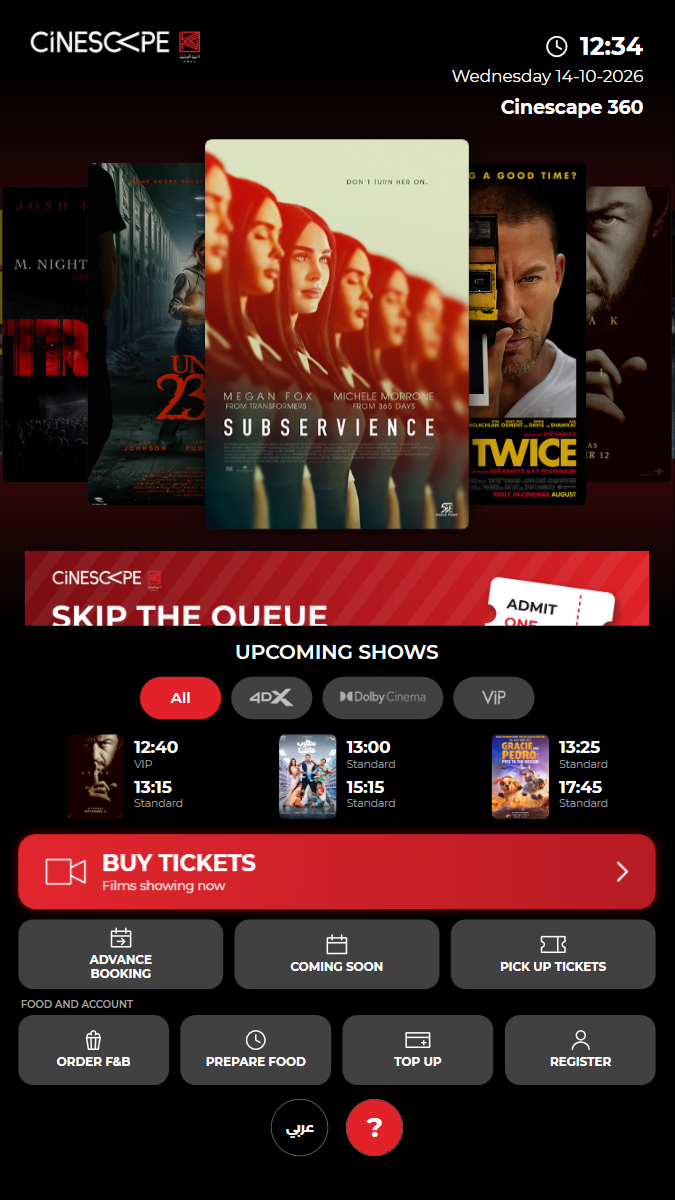
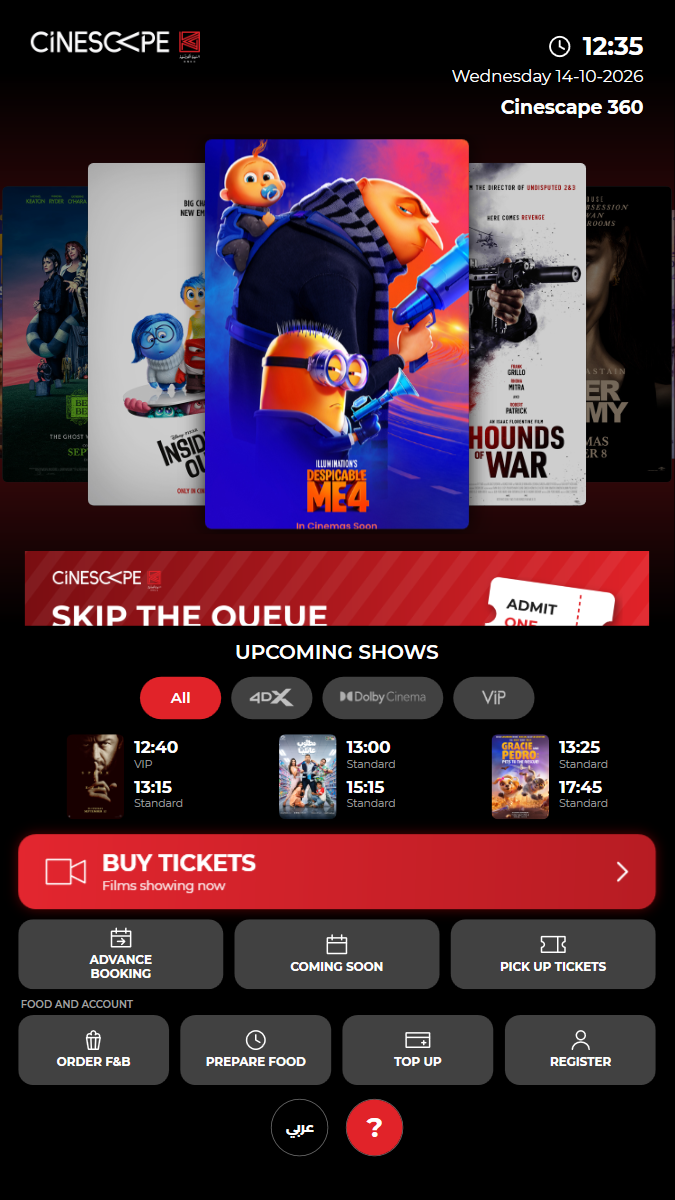
KUI-01 App start: the home screen loads with all menu buttons
✓ ✓ ✓ ✓ 27.13s
kui-01-home-screen.spec.ts · Kiosk app · 5 steps
fresh start: Cleared before start: state/remote-settings.json, state/remote-settings.json.bak, state/staff-pins.json, cache/images, saver/saver-11-d7882bceb289f944.mp4, saver/saver.jsonkiosk: Started fresh: first test of the runWatch test video This viewer cannot play the video. 5 execution steps with screenshots
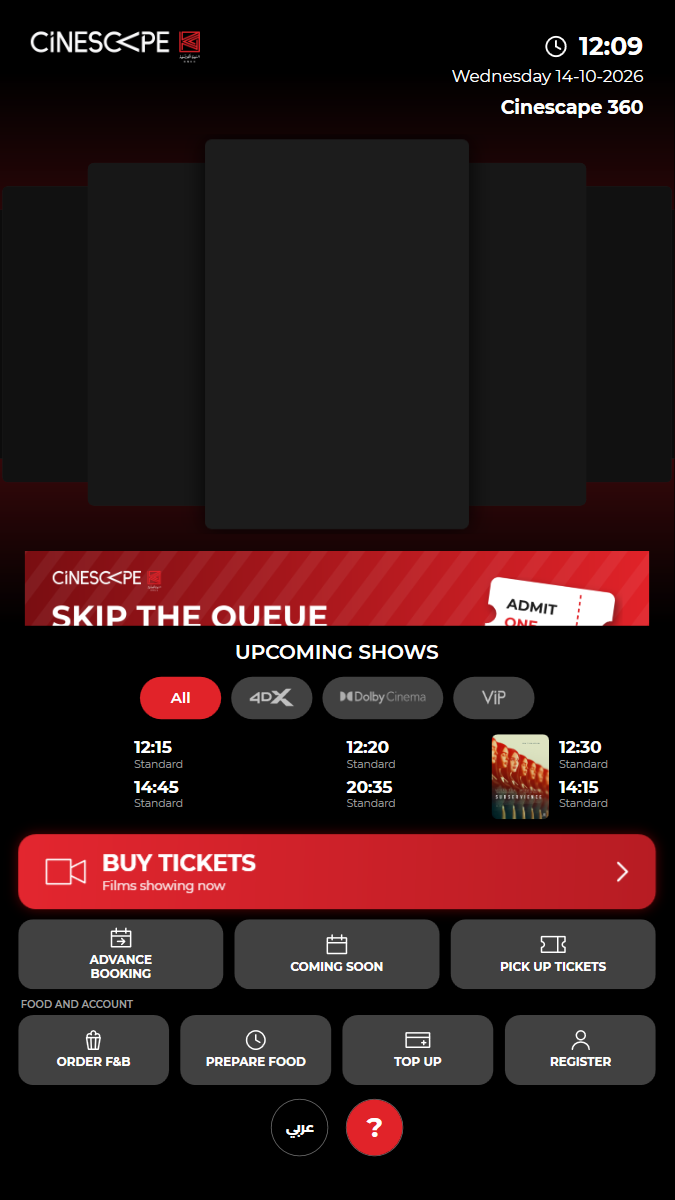
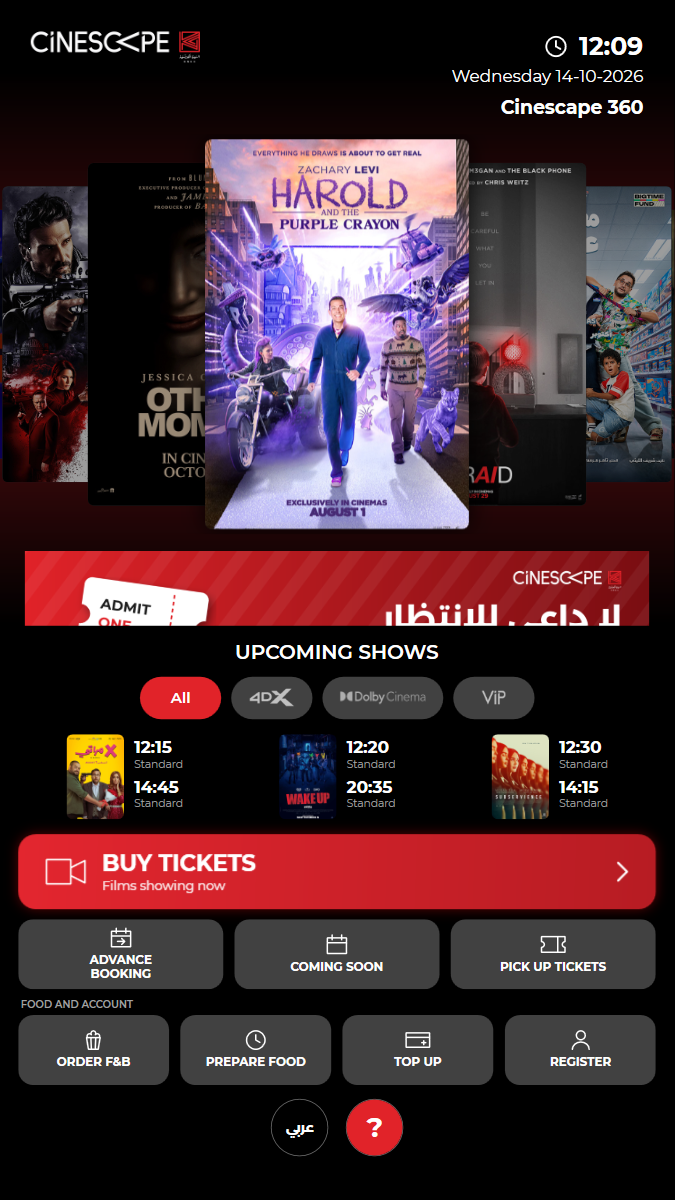
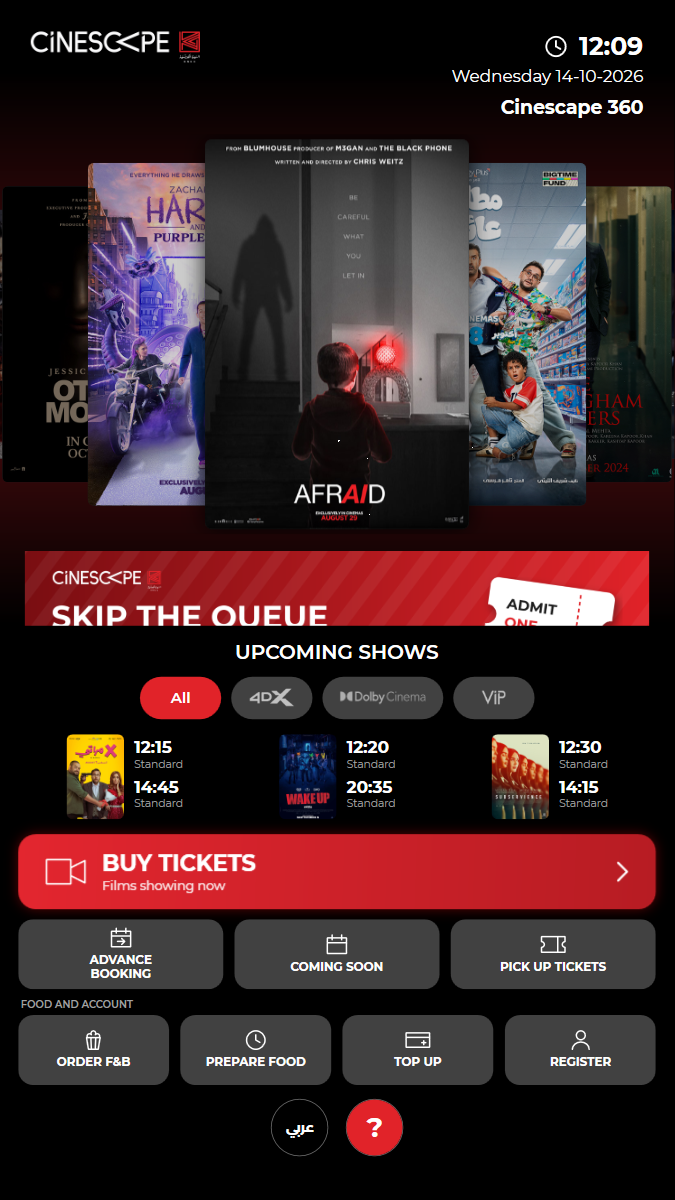
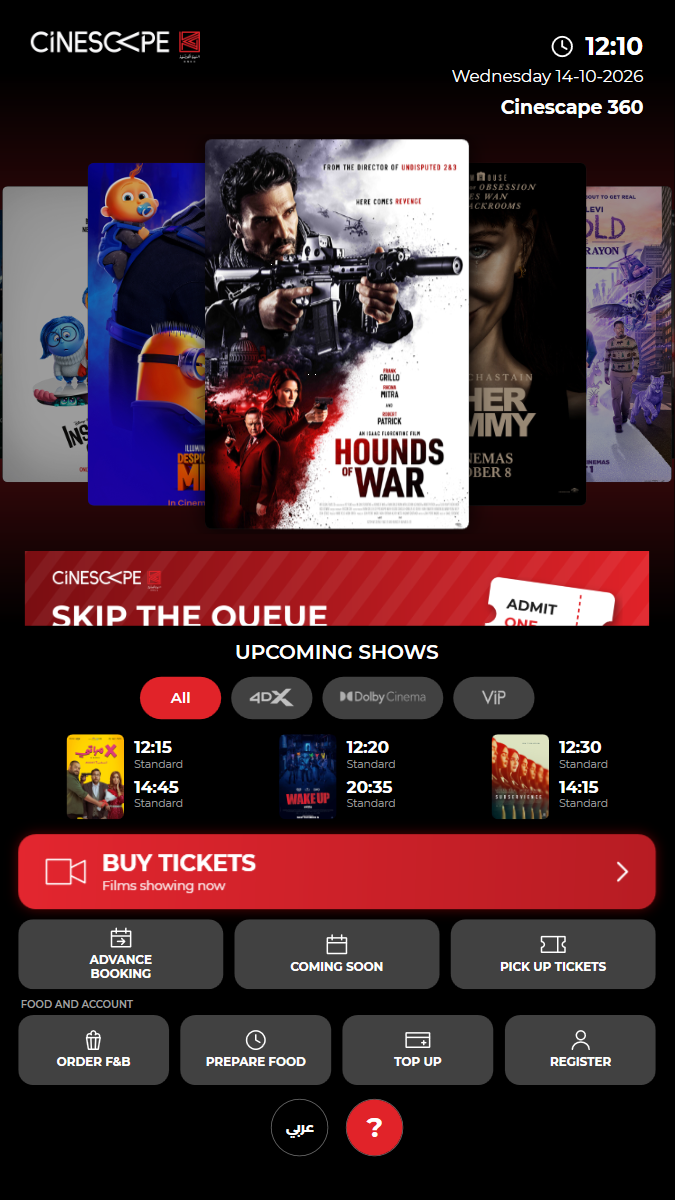
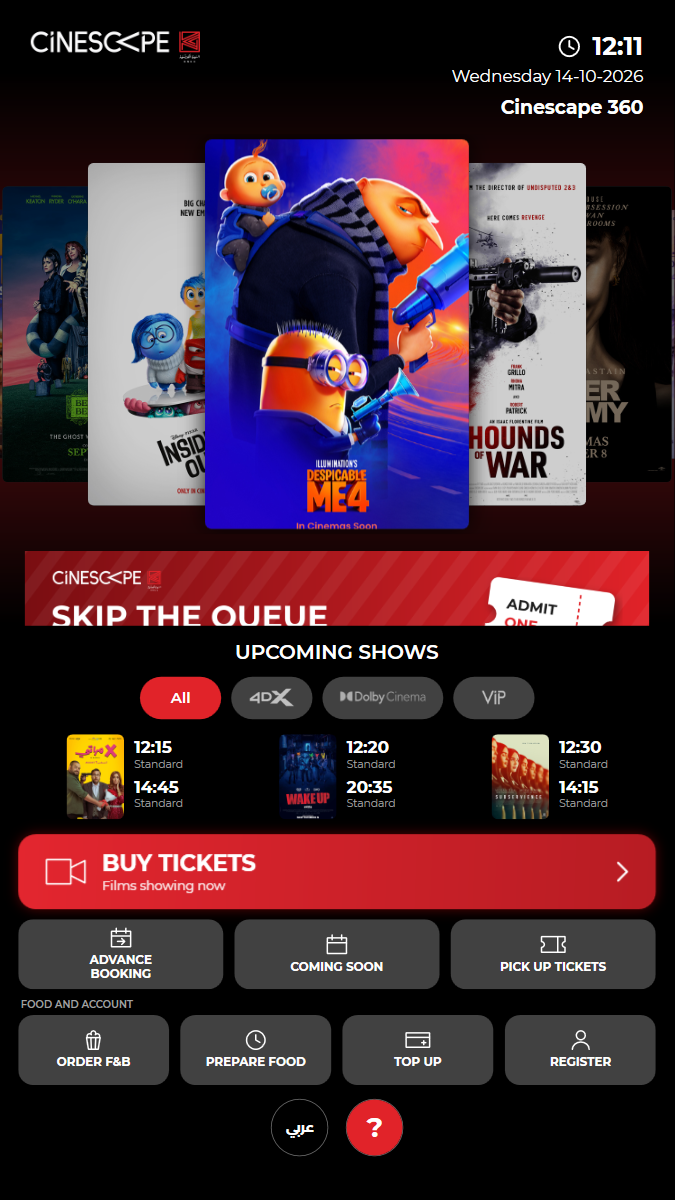
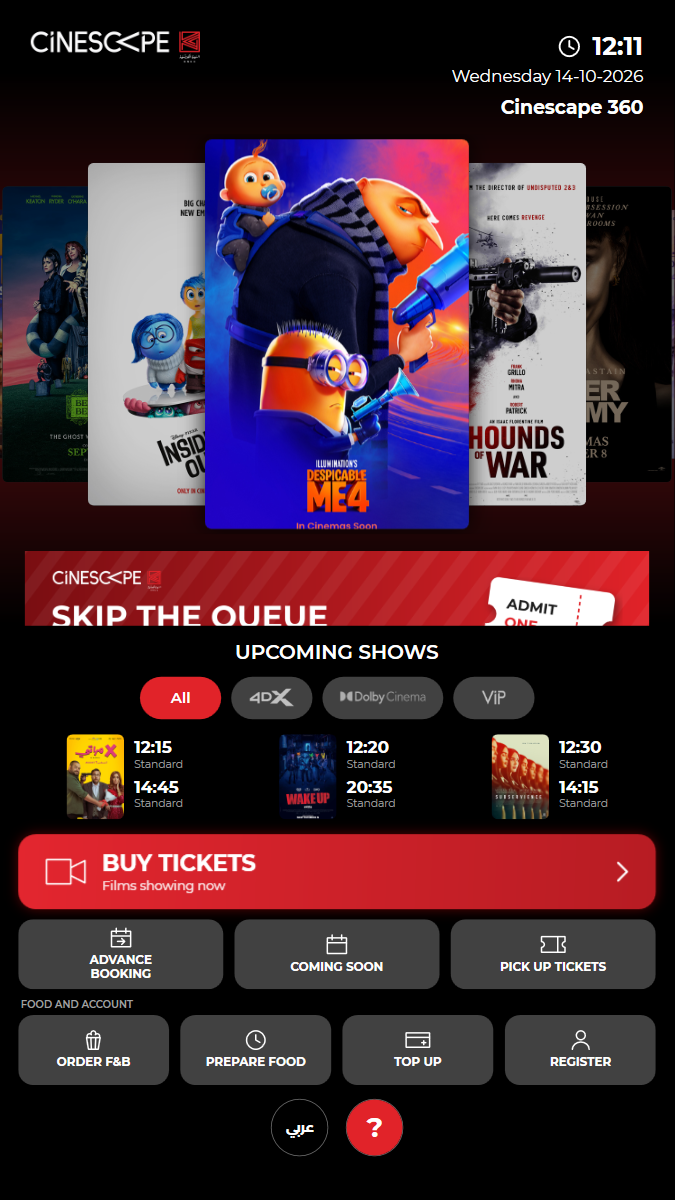
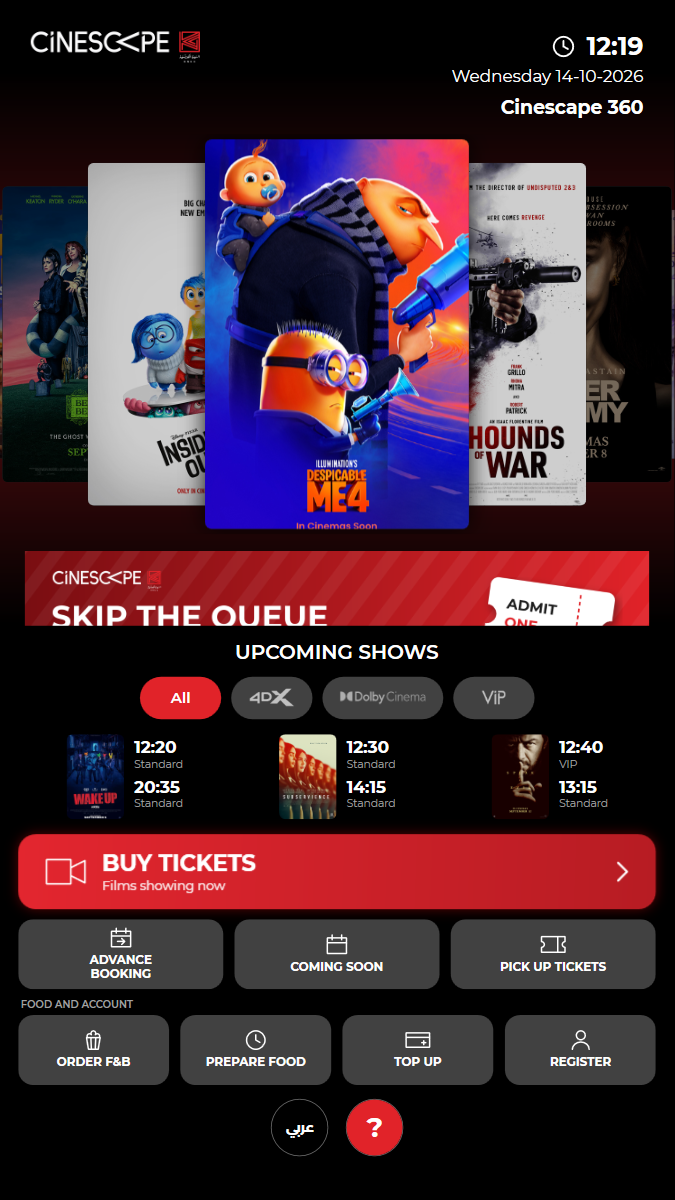
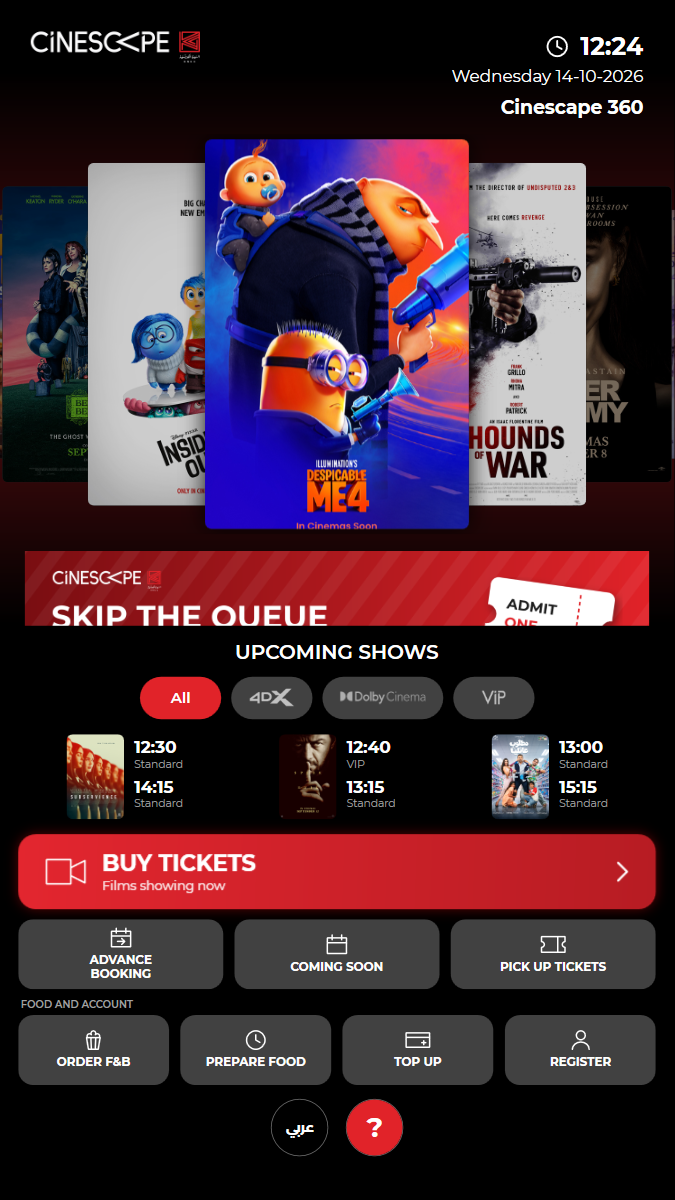
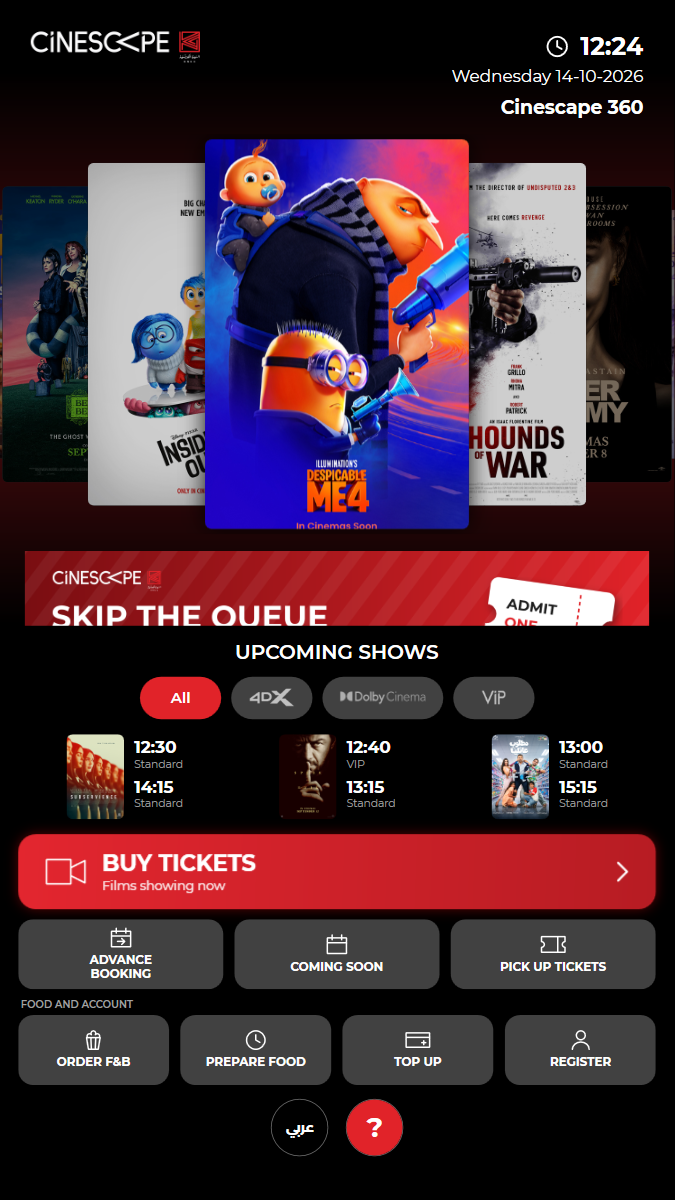
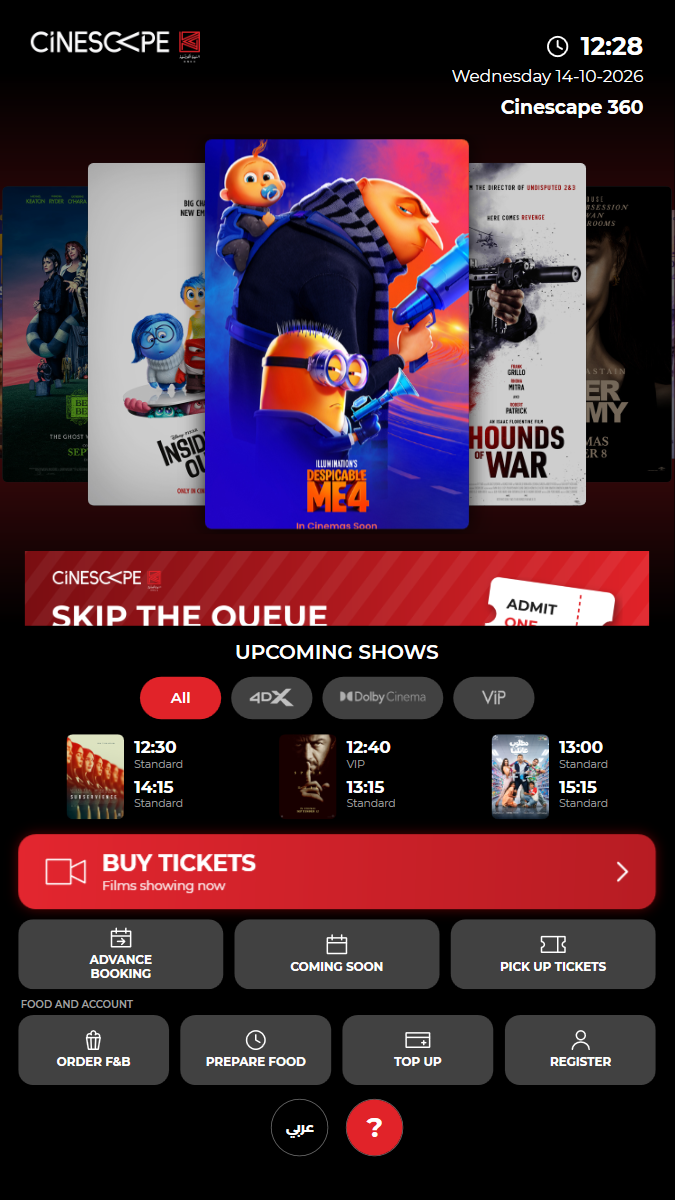
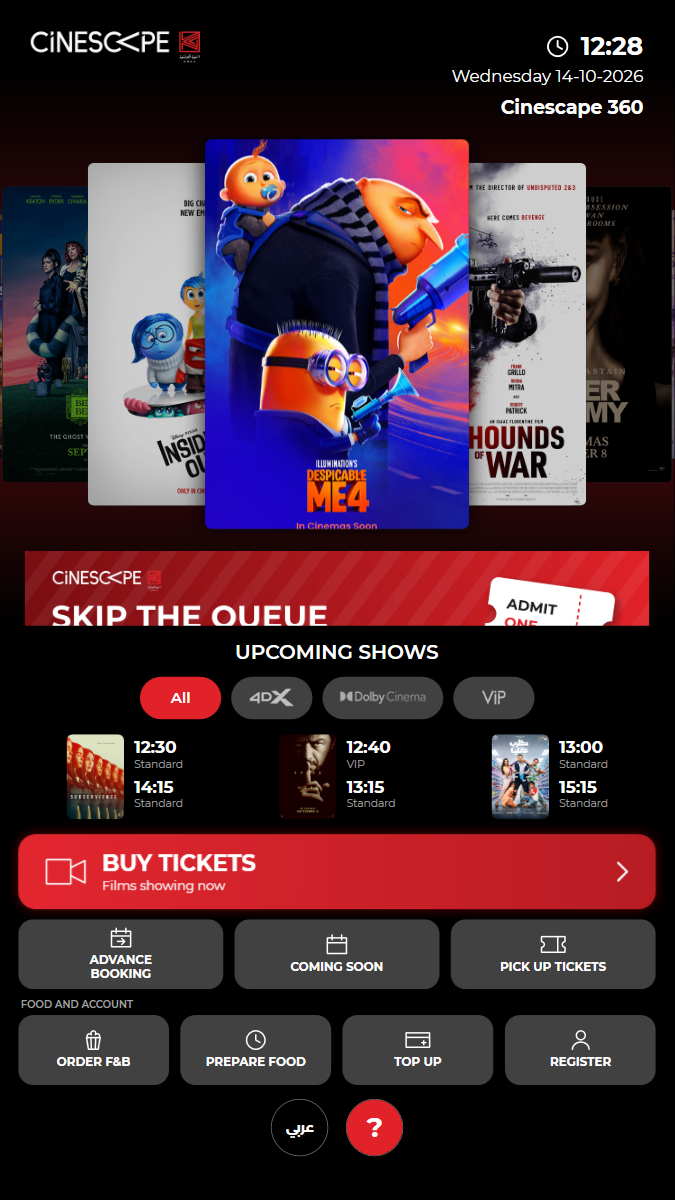
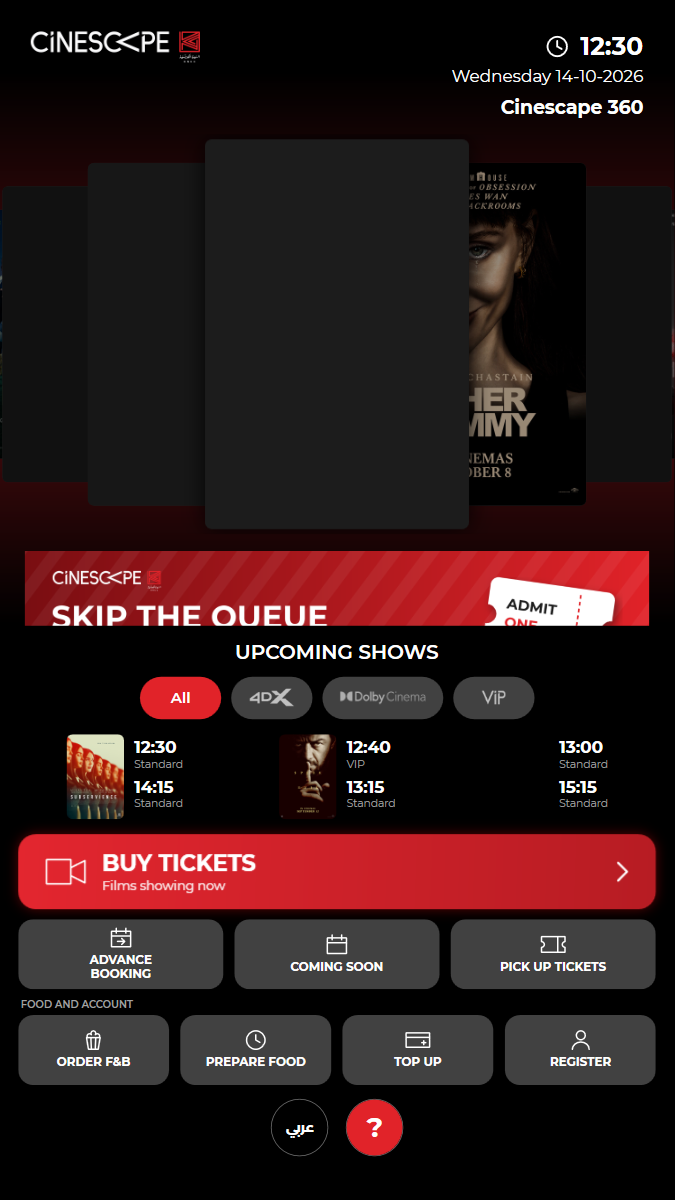
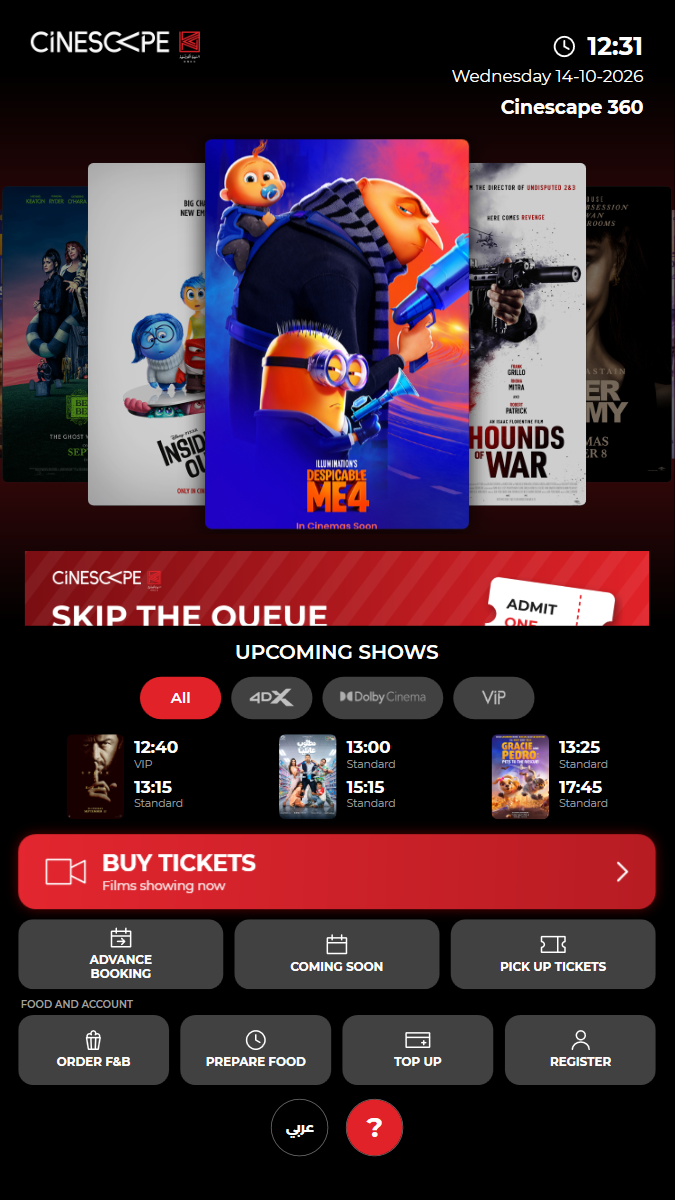
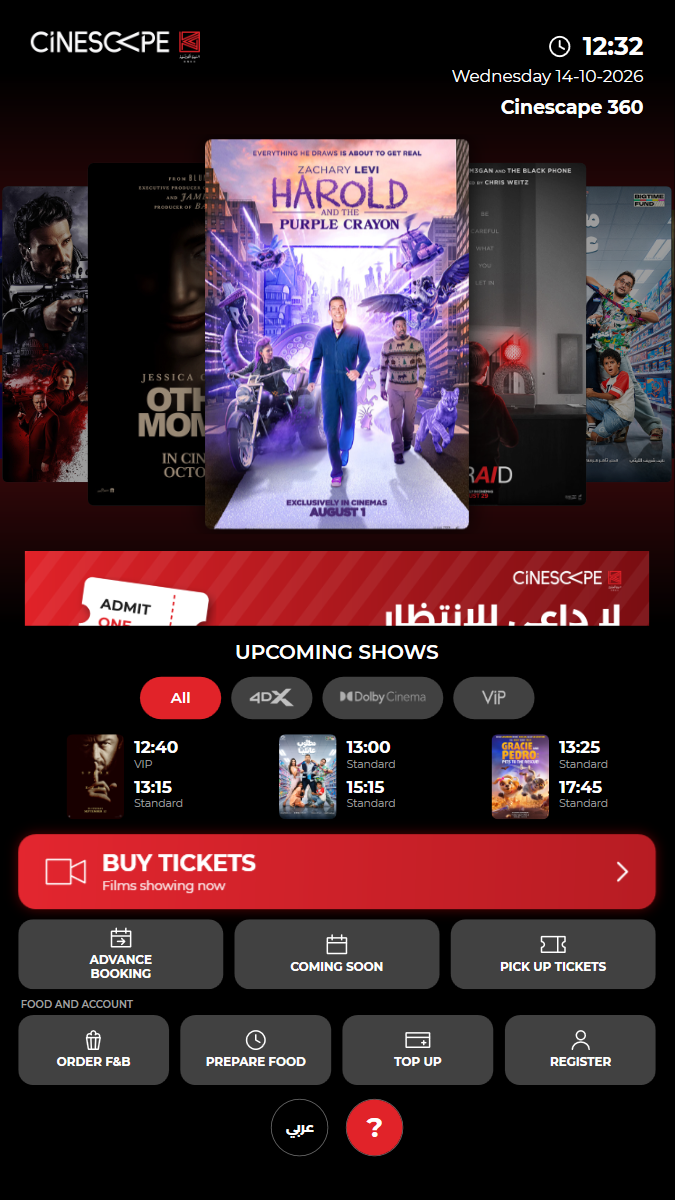
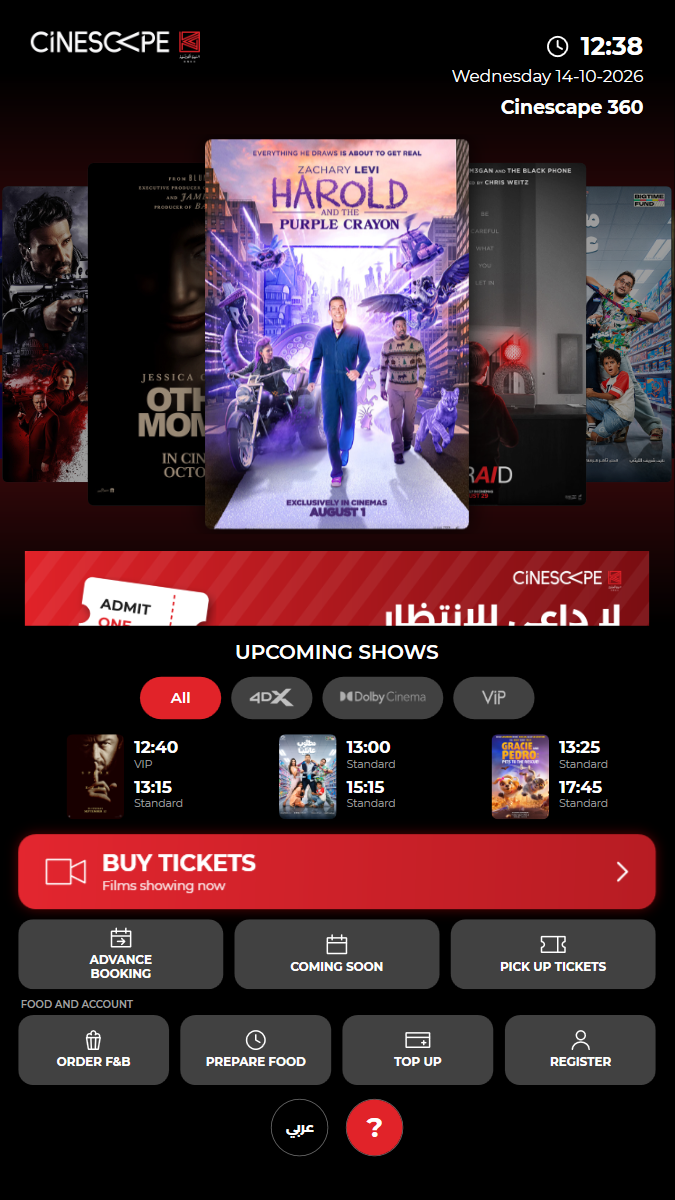
✓ Kiosk started and the home screen is shown 0.24s
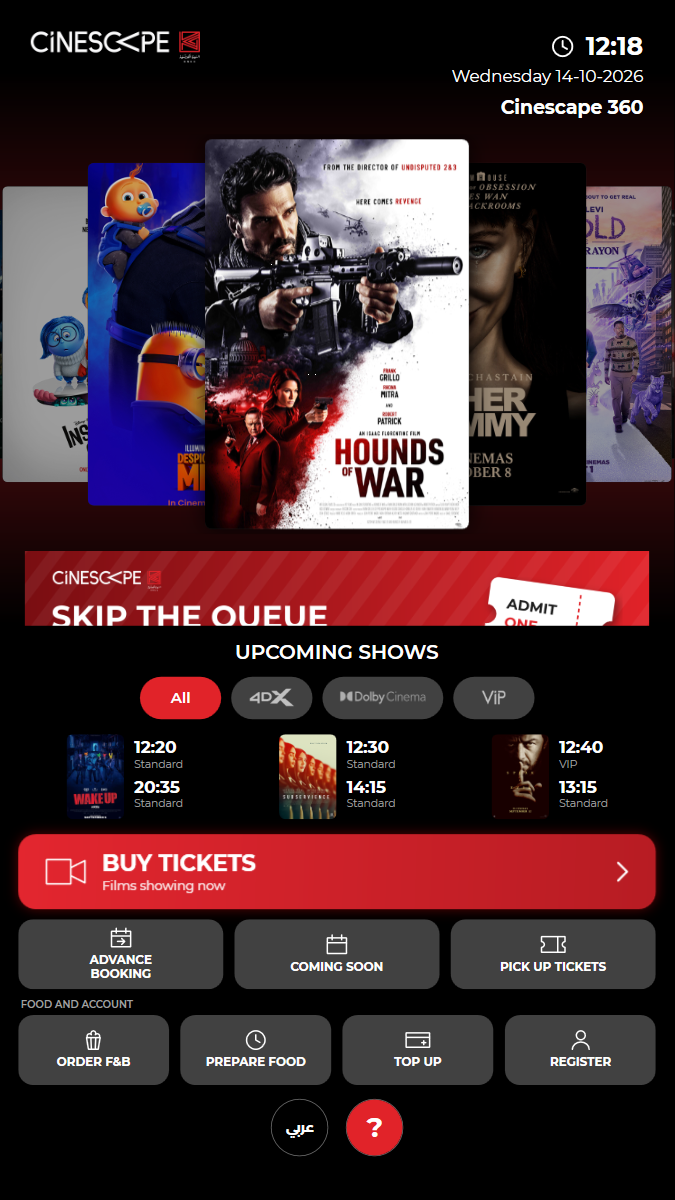
✓ Header shows the clock, date and cinema name 0.27s
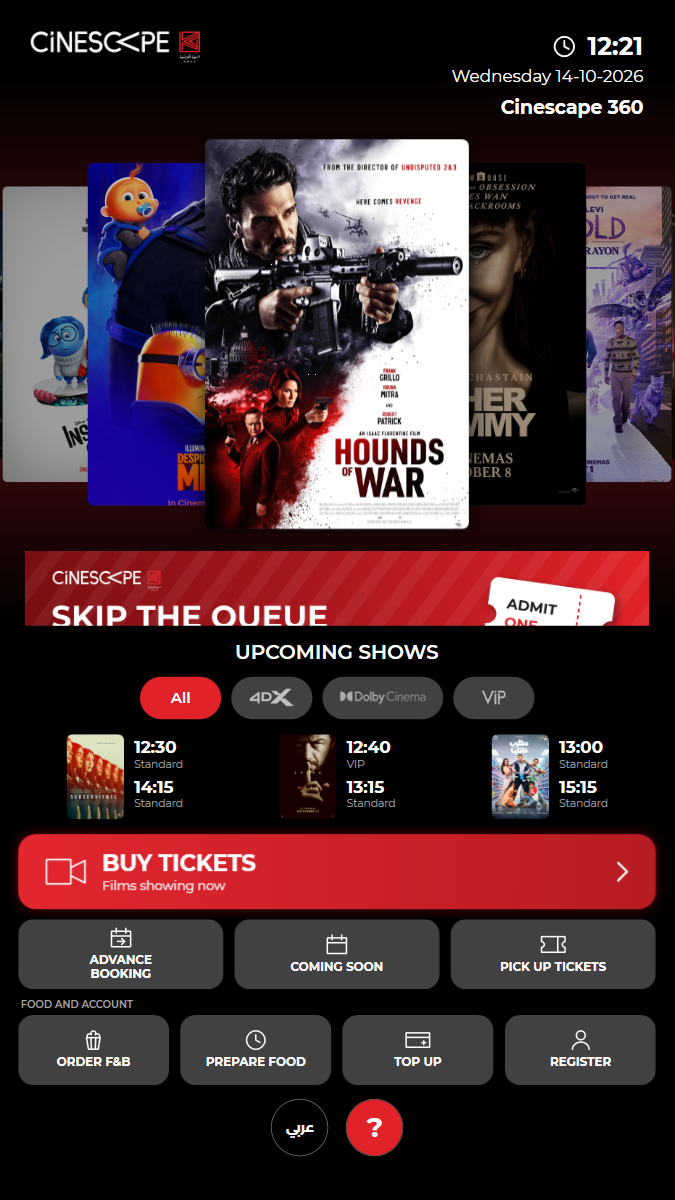
✓ Main menu buttons are all present (BUY TICKETS, three tiles, and FOOD AND ACCOUNT) 10.90s
✓ Promo banner and UPCOMING SHOWS with its experience filter are shown 1.63s
✓ The kiosk loaded today's programme from the API 0.23s
✓ Passed
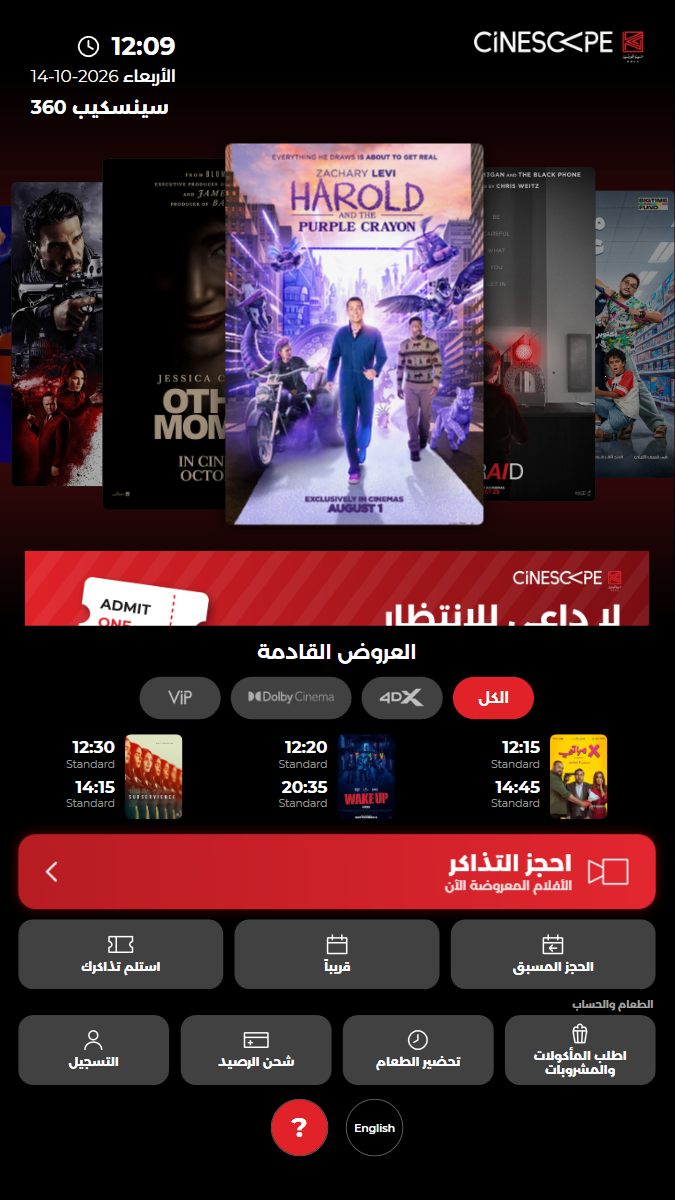
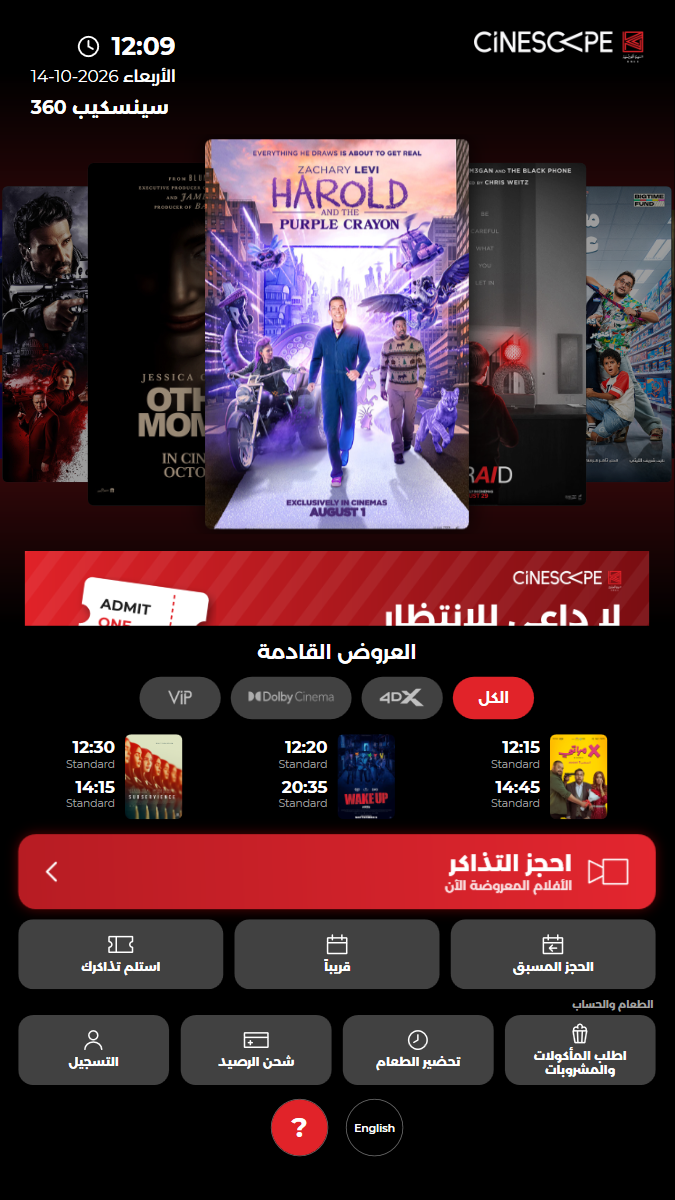
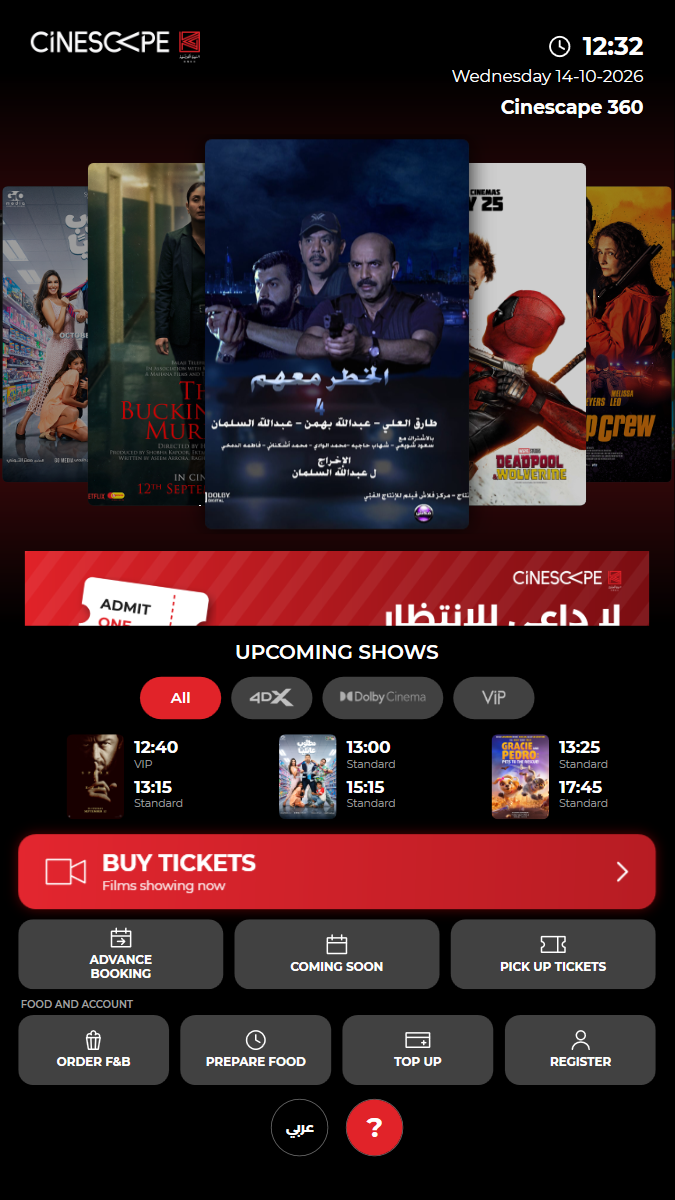
KUI-02 Language switch: Arabic translates and mirrors the screens, HOME returns to English
✓ ✓ ✓ ✓ 32.94s
kui-02-language-switch.spec.ts · Kiosk app · 6 steps
kiosk: Reused the open kiosk: back on the home screen, in English, no popupfinding: Still in English in Arabic mode: experience names (Standard / VIP / 4DX / DOLBY)Watch test video This viewer cannot play the video. 6 execution steps with screenshots
✓ English home screen: ADVANCE BOOKING is on the left 0.37s
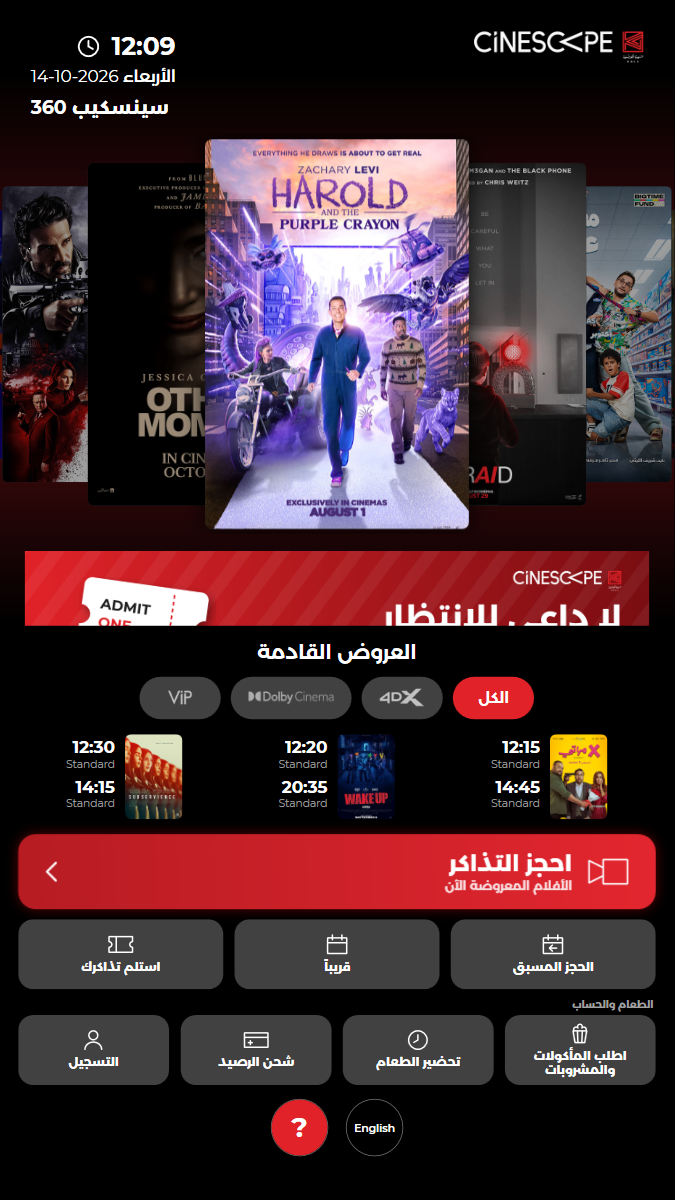
✓ Tap عربي: the home menu is in Arabic 11.50s
✓ Layout is right-to-left: ADVANCE BOOKING moved to the right, Arabic day name in the date 0.38s
✓ Known gaps in Arabic mode are recorded (cinema name, experience names) 0.79s
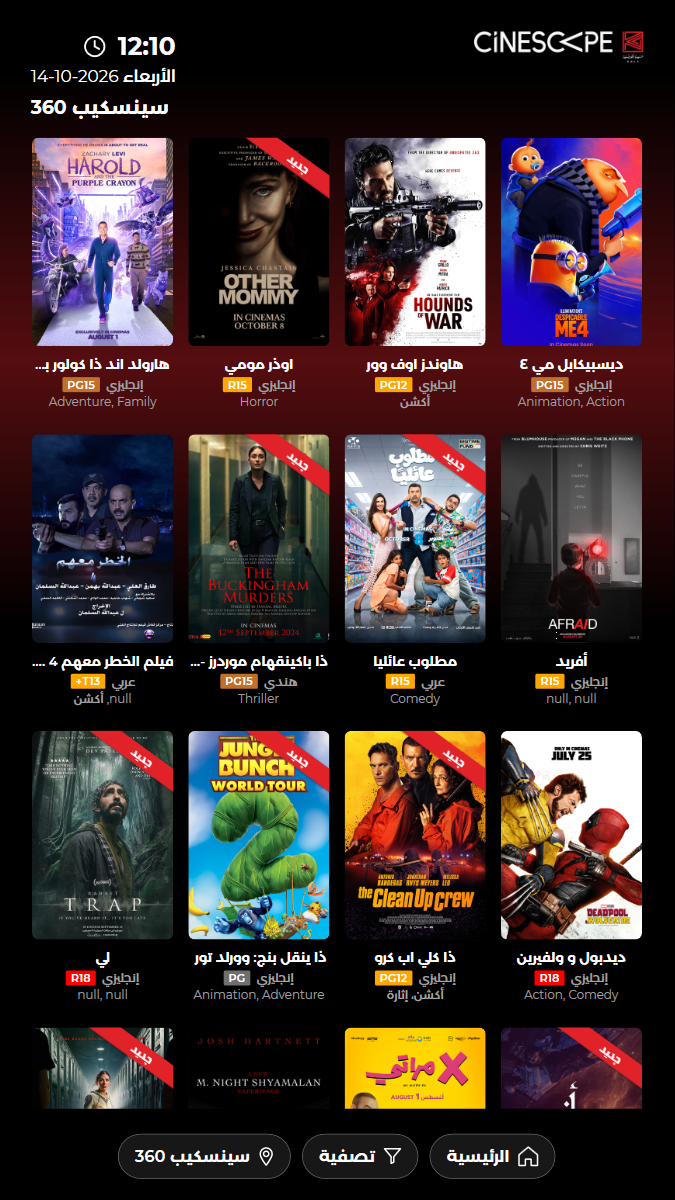
✓ BUY TICKETS in Arabic shows Arabic film titles 4.17s
✓ HOME returns to the English home screen 8.56s
✓ Passed
KUI-03 Films and show times match today's programme
✓ ✓ ✓ ✓ 31.37s
kui-03-films-and-showtimes.spec.ts · Kiosk app · 5 steps
kiosk: Reused the open kiosk: back on the home screen, in English, no popupWatch test video This viewer cannot play the video. 5 execution steps with screenshots
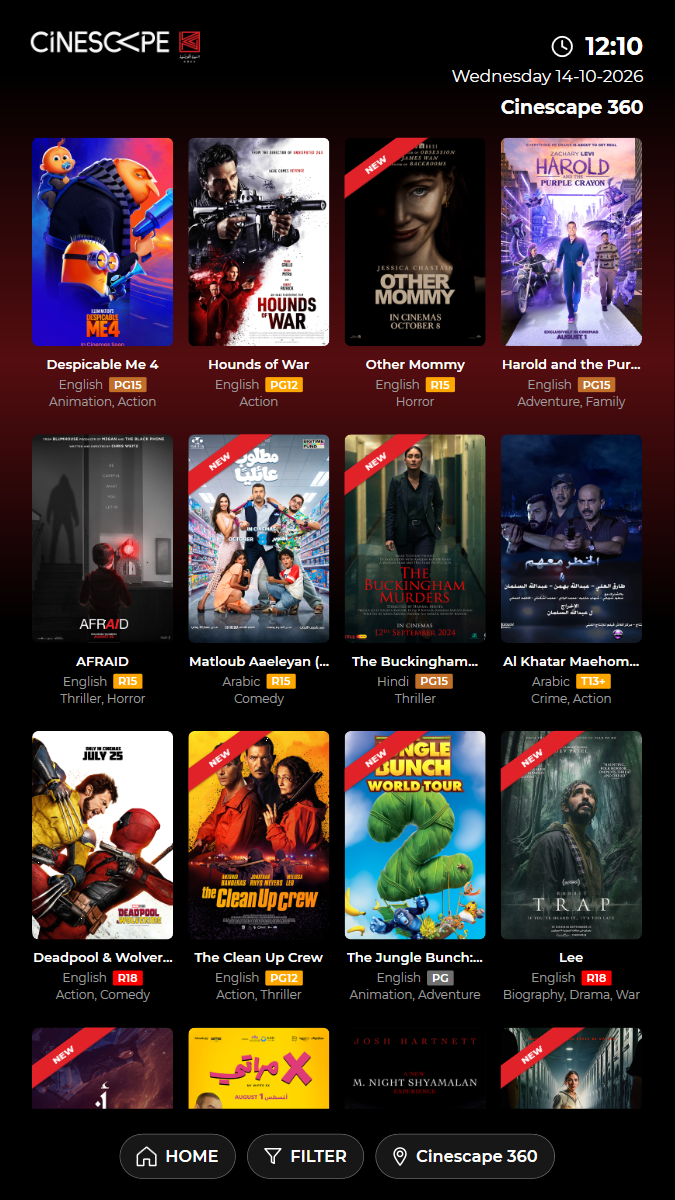
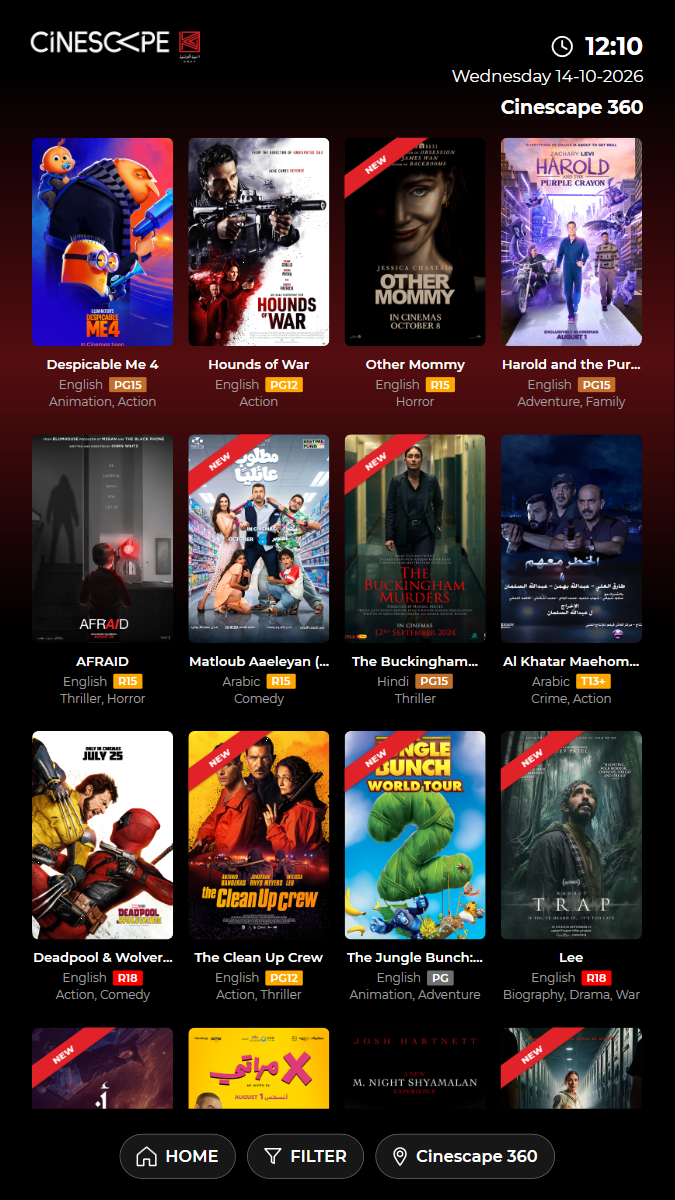
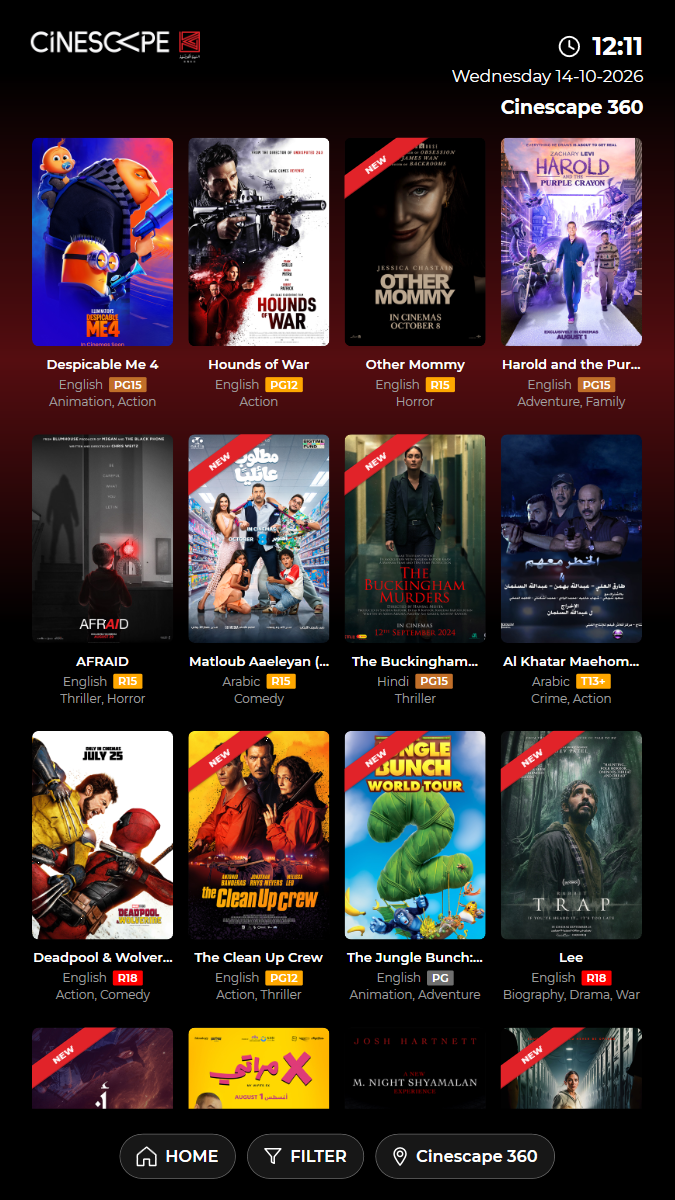
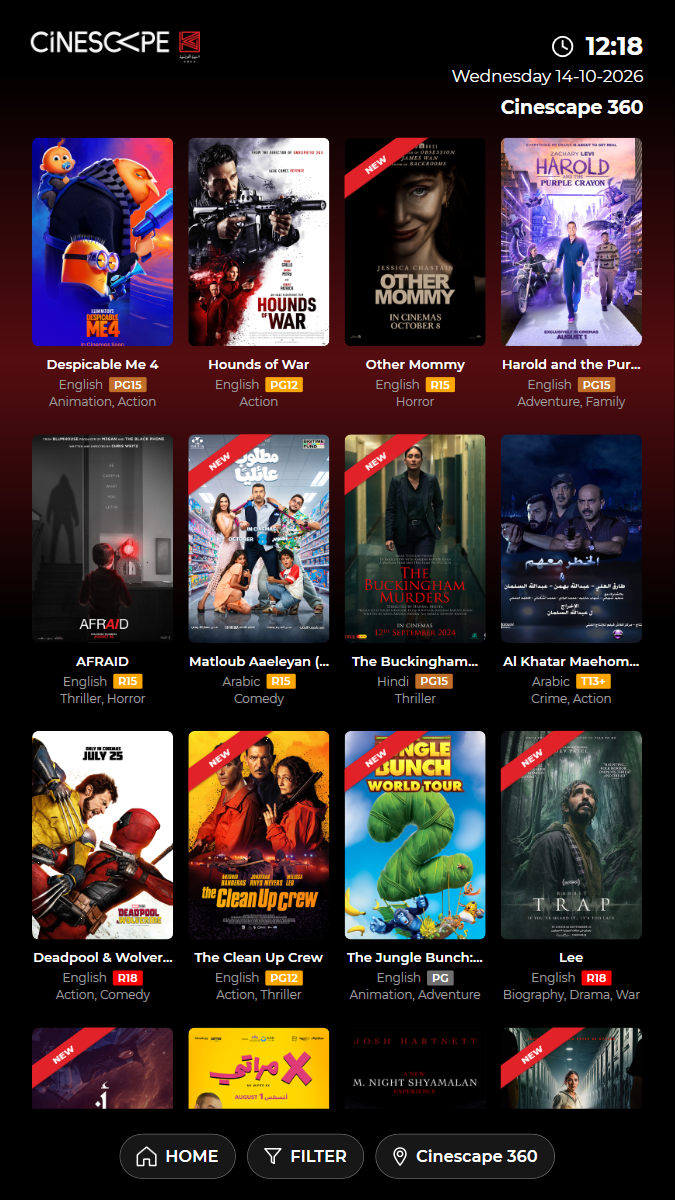
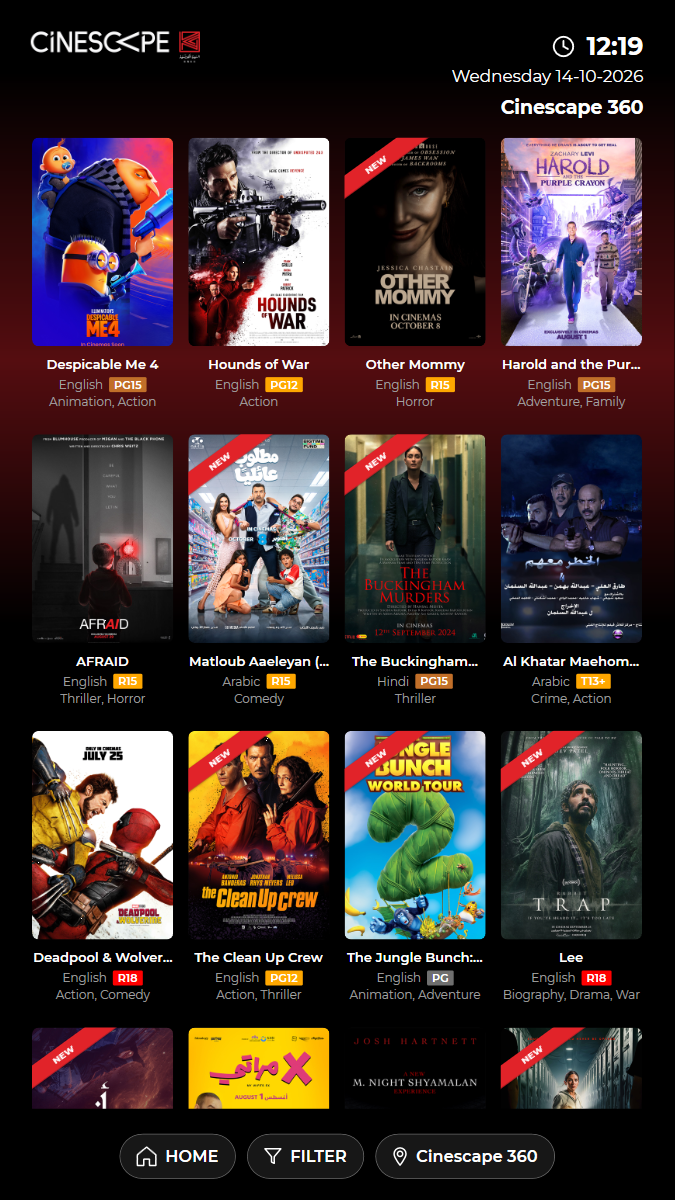
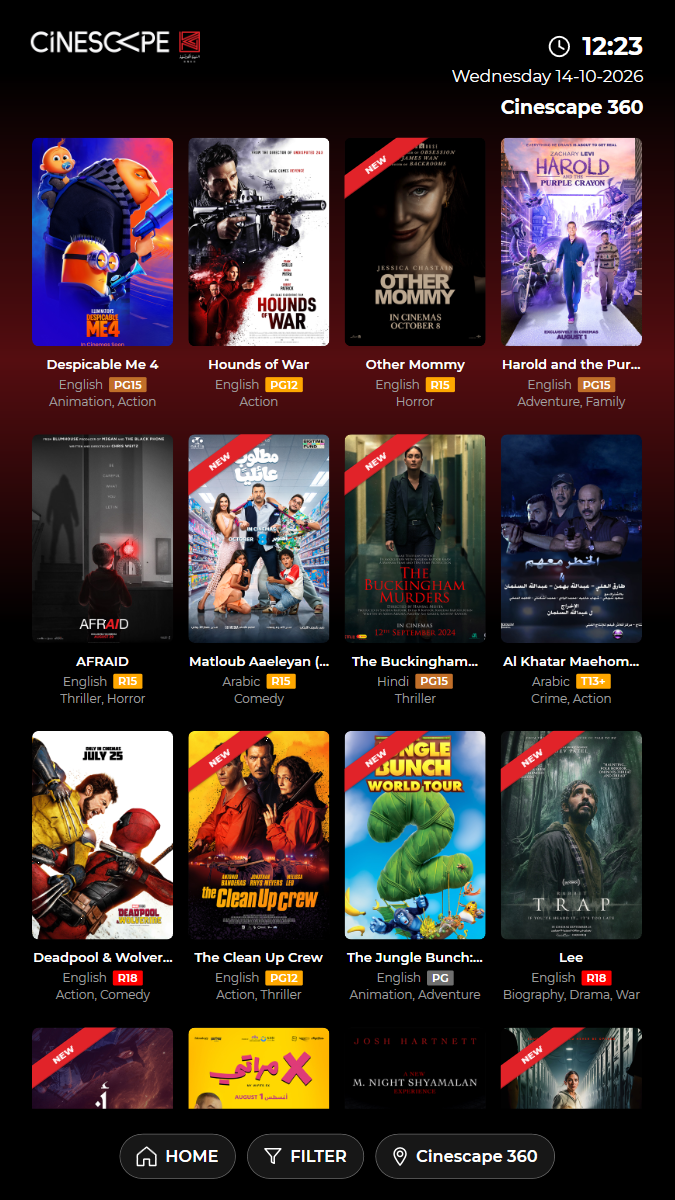
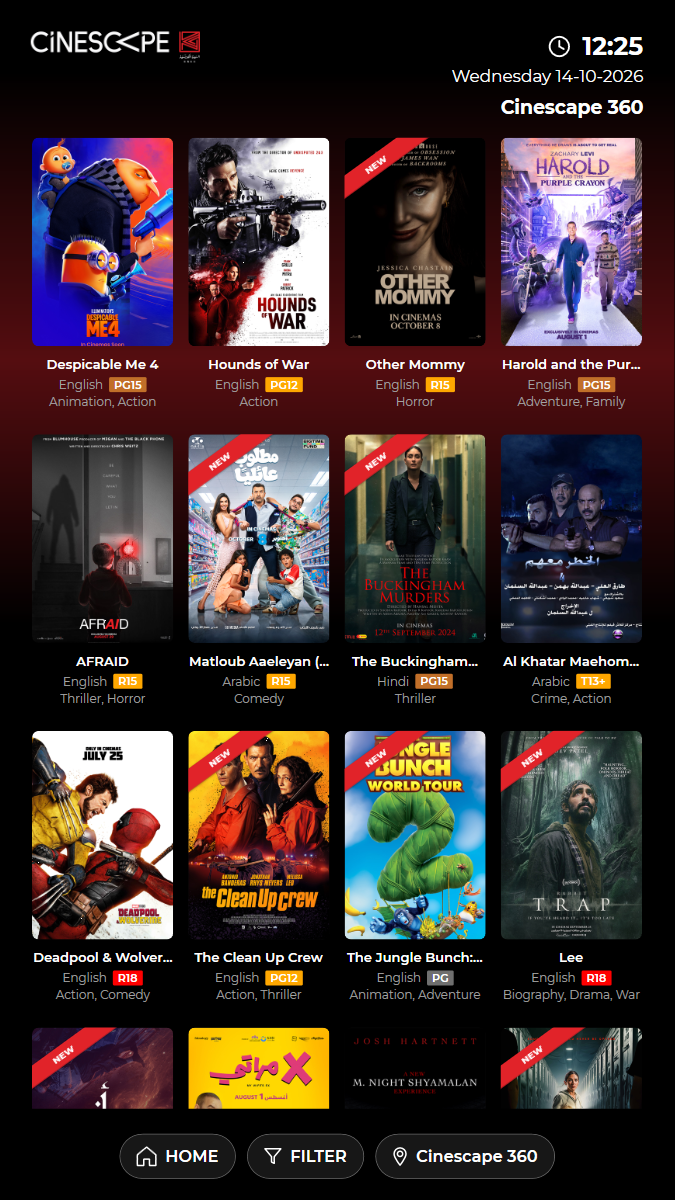
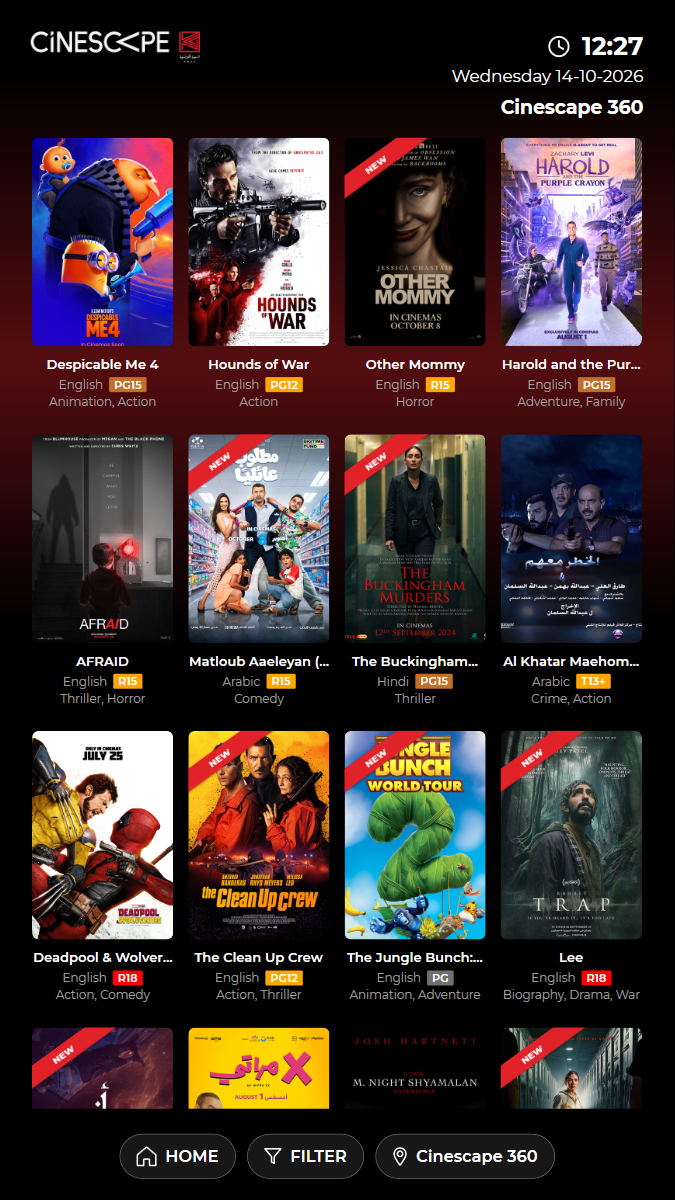
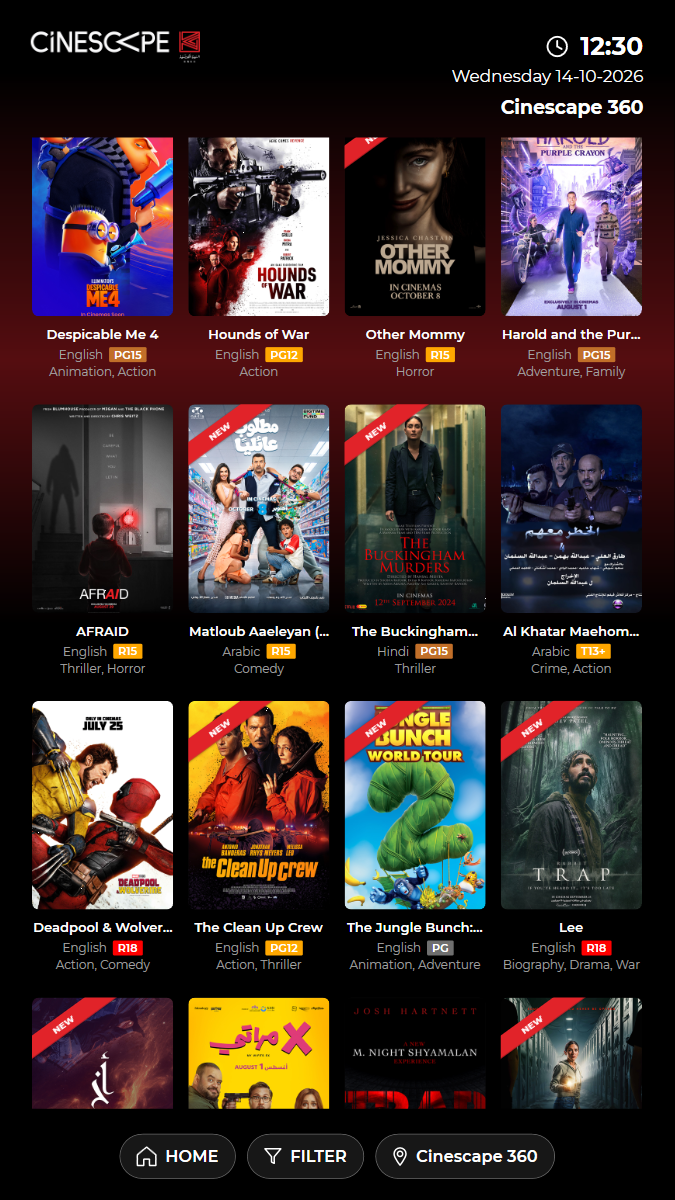
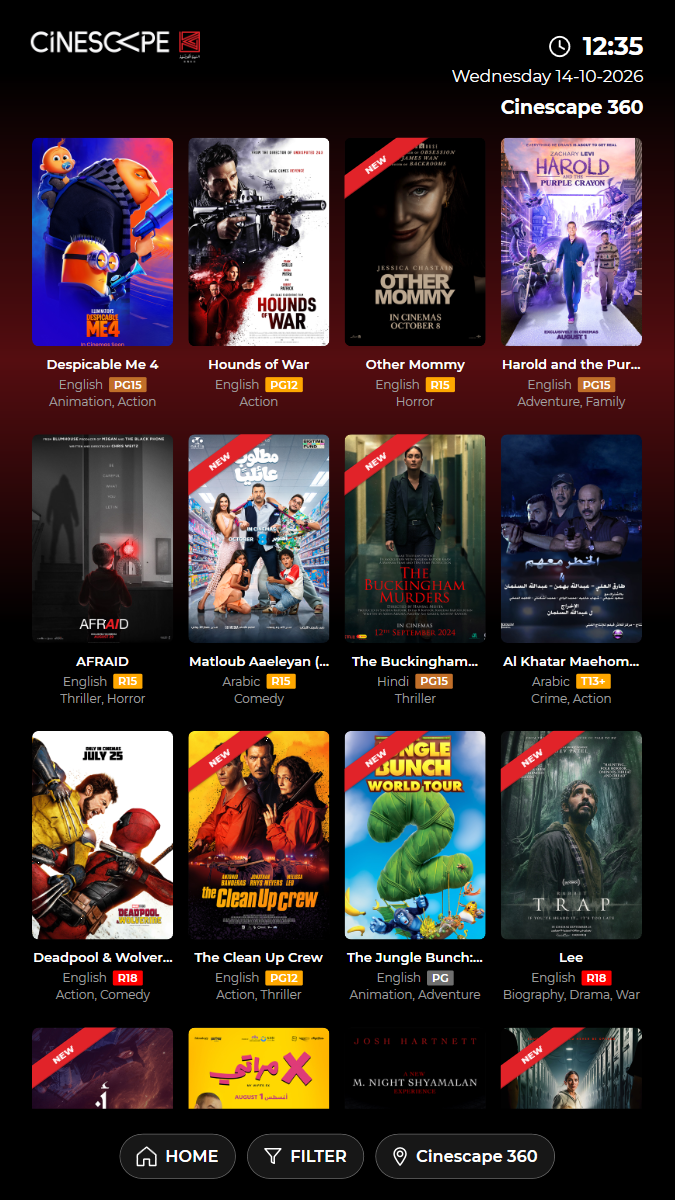
✓ Open BUY TICKETS (films showing now) 2.74s
✓ Every film tile on screen is in today's programme 3.04s
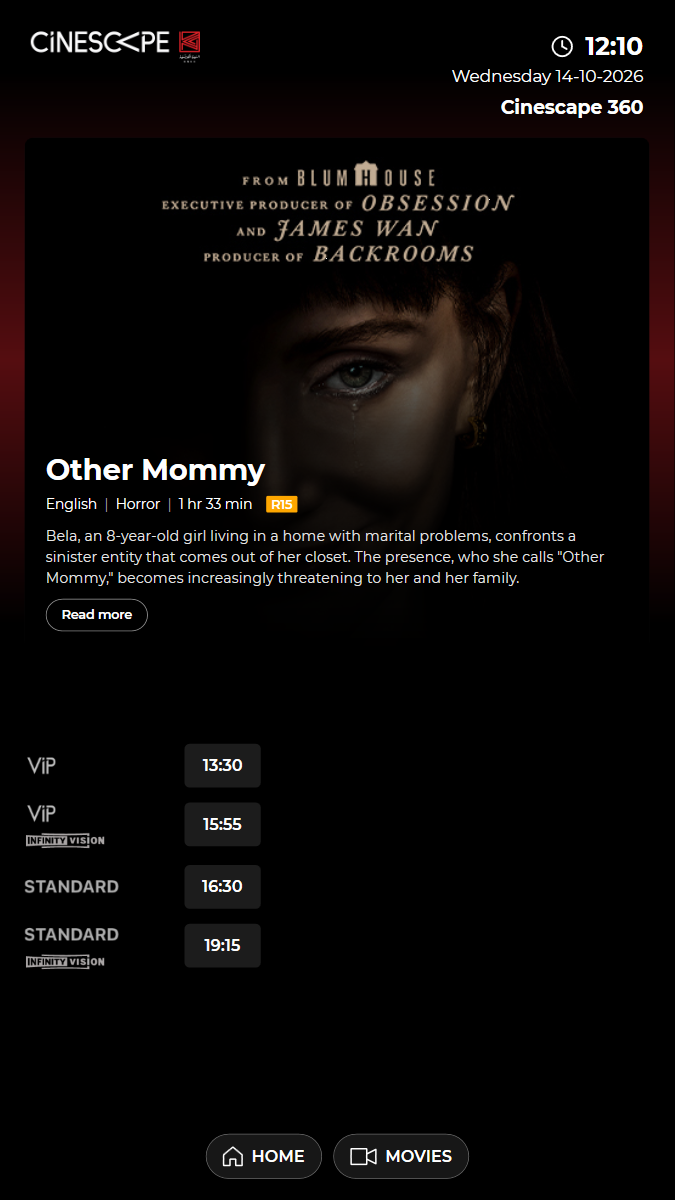
✓ Open "Other Mommy" and check its details 4.68s
✓ Show times on screen match the programme (today only, no date picker) 0.60s
✓ MOVIES returns to the film list 4.47s
✓ Passed
KUI-04 Coming soon: films show opening dates and details, not on sale yet
✓ ✓ ✓ ✓ 21.21s
kui-04-coming-soon.spec.ts · Kiosk app · 4 steps
kiosk: Reused the open kiosk: back on the home screen, in English, no popupWatch test video This viewer cannot play the video. 4 execution steps with screenshots
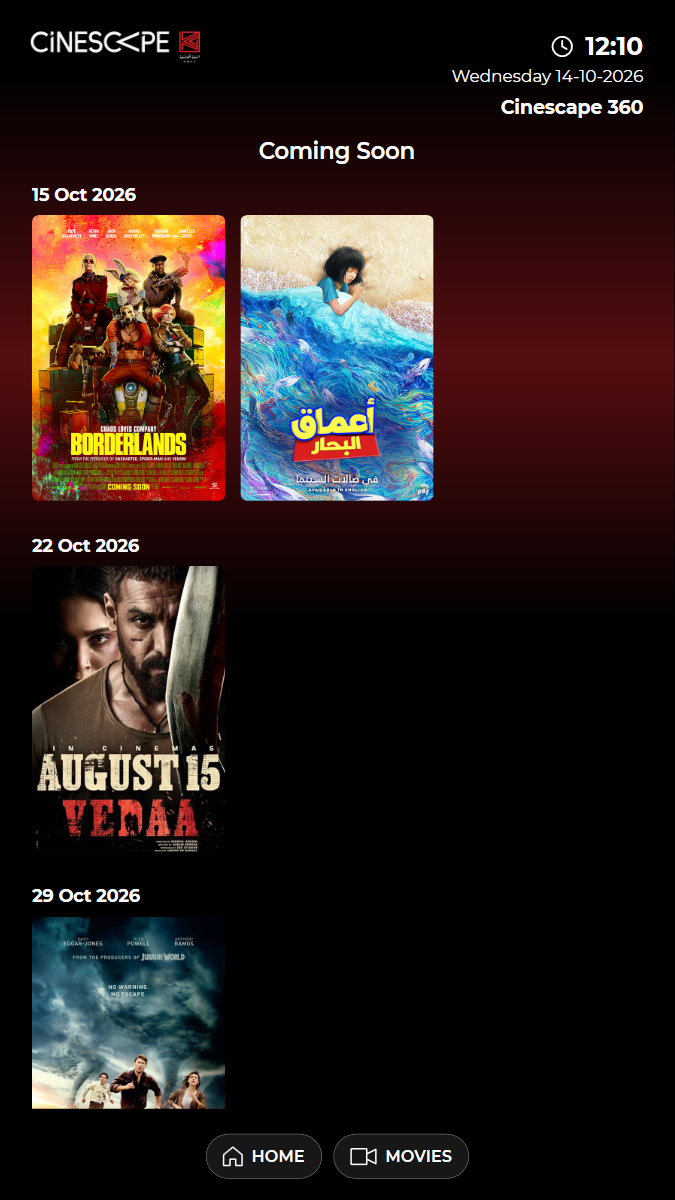
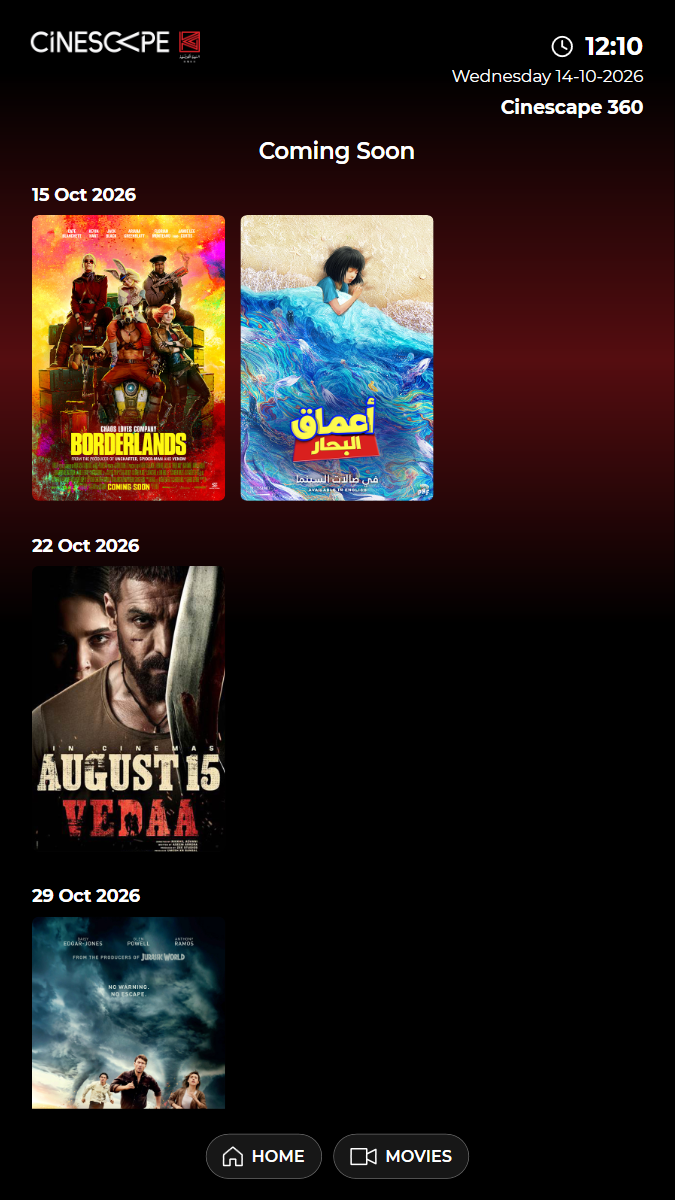
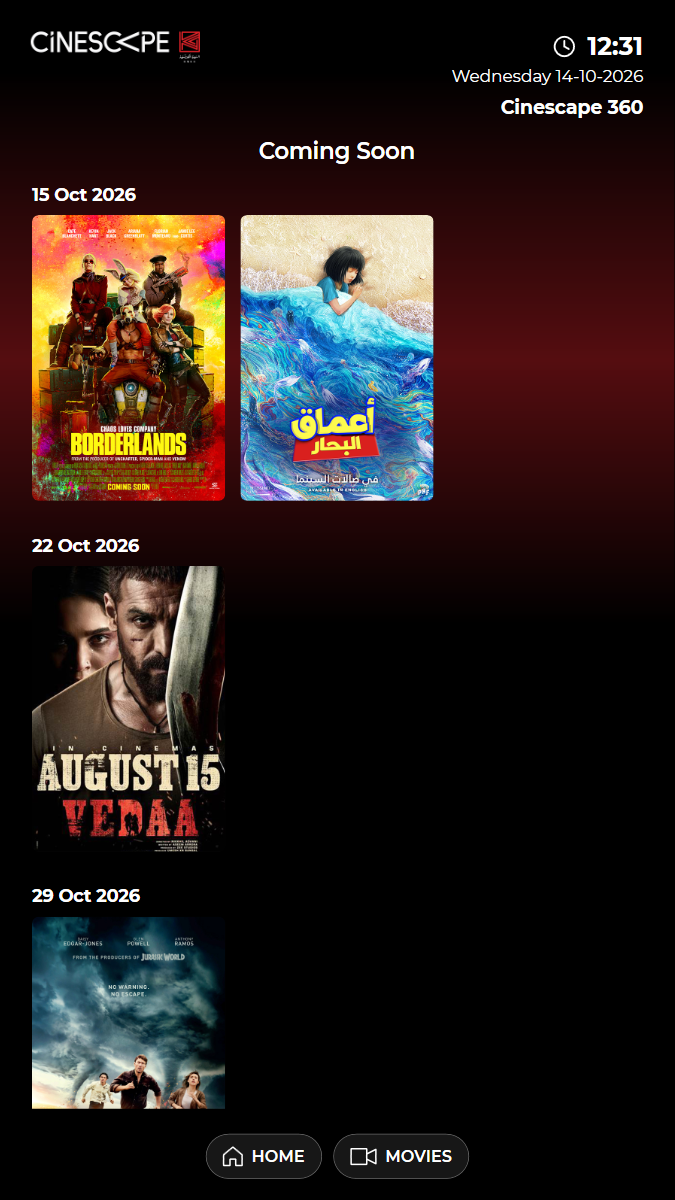
✓ Open COMING SOON: posters grouped under their opening dates 7.08s
✓ The kiosk loaded the list from content/comingsoon 0.24s
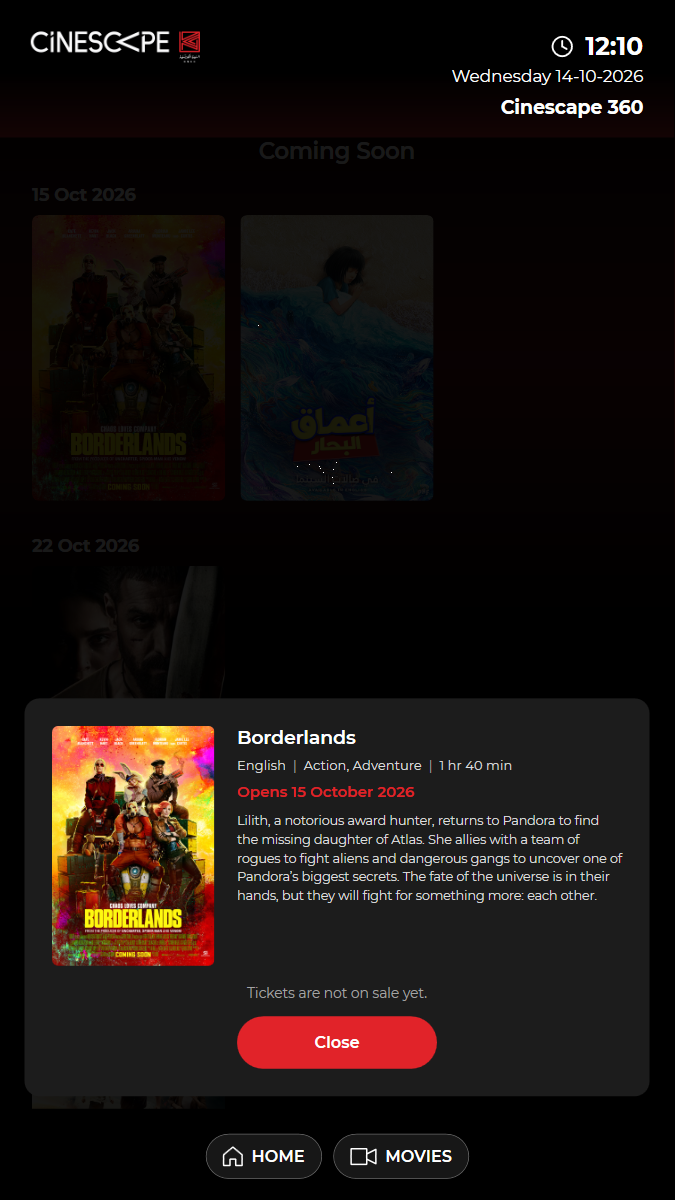
✓ Open "Borderlands": details and "Tickets are not on sale yet." 1.66s
✓ Close the details, then HOME 4.91s
✓ Passed
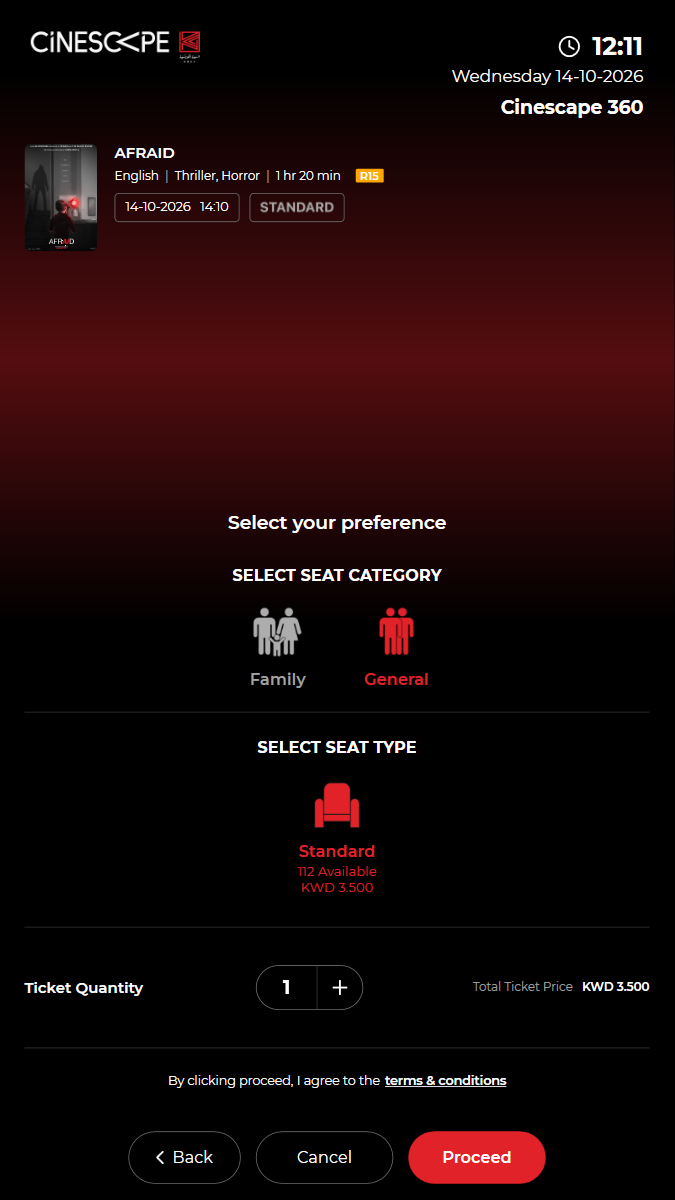
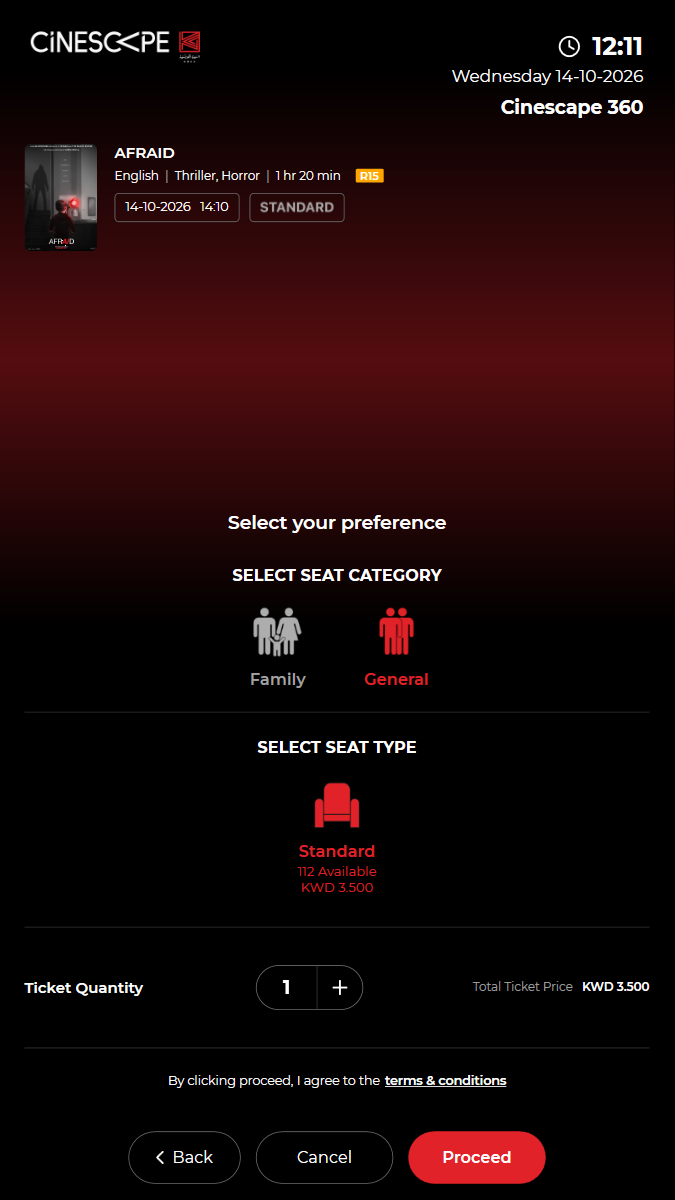
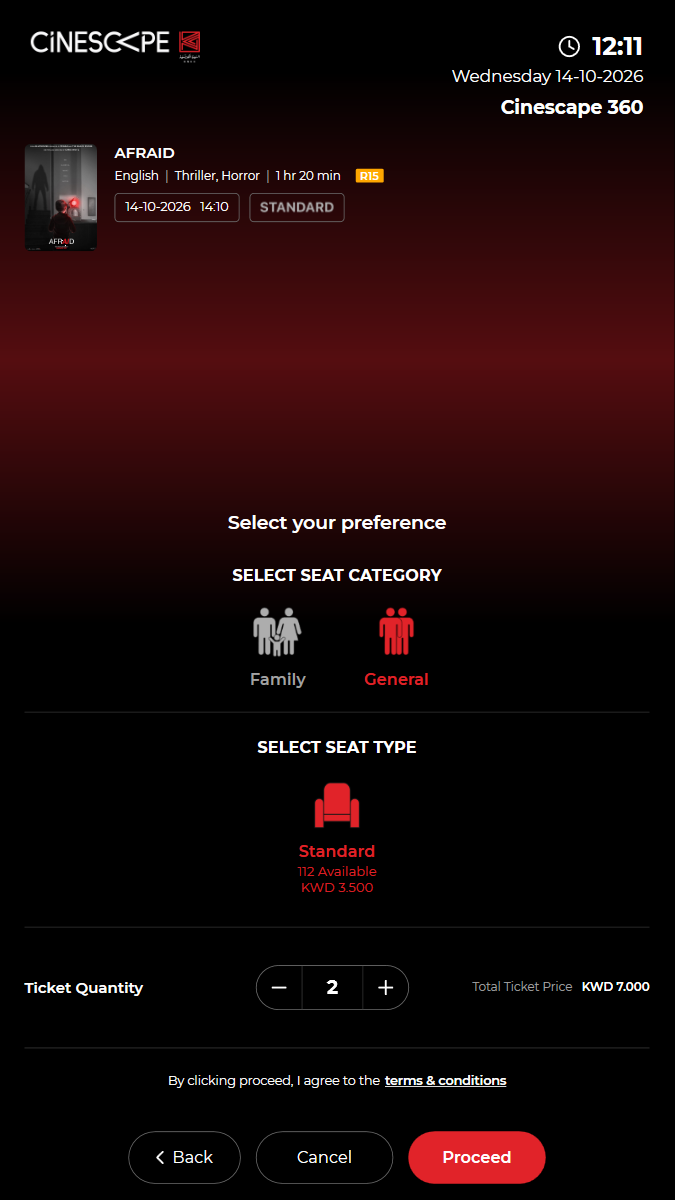
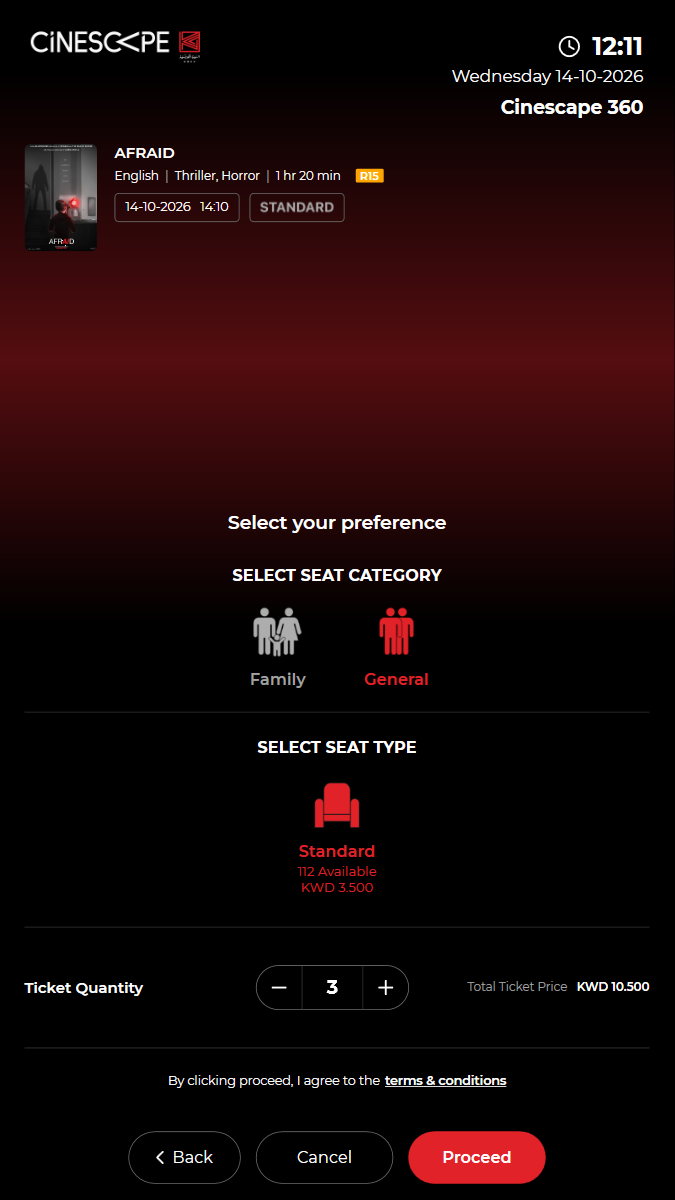
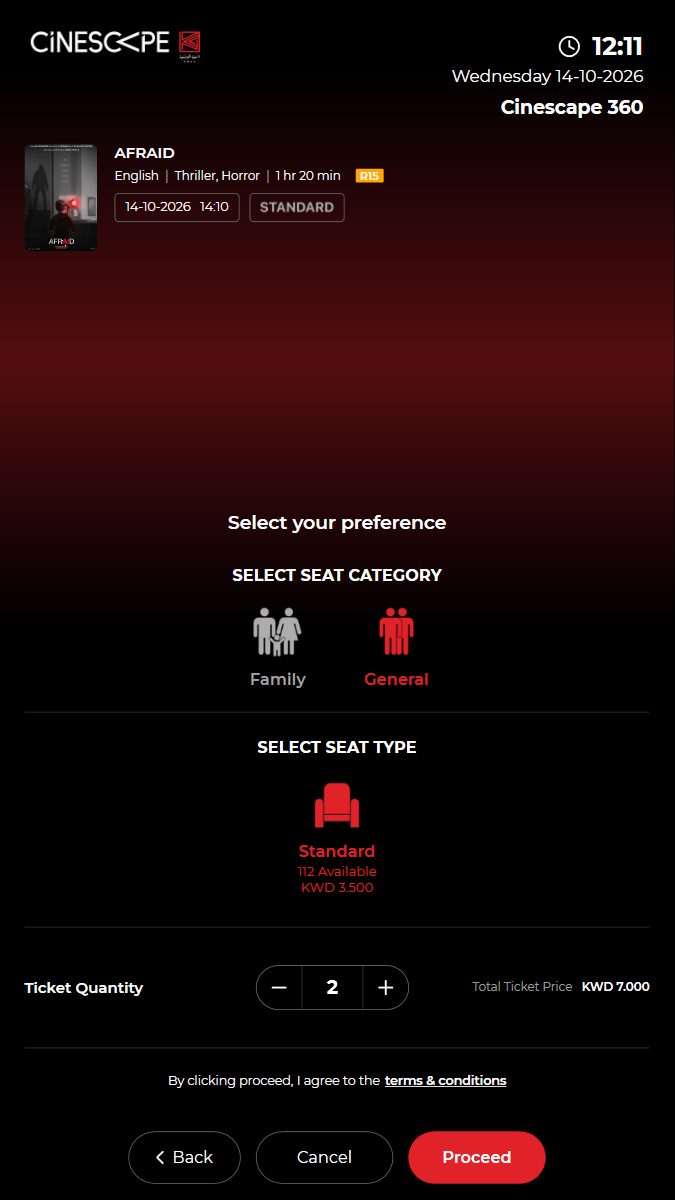
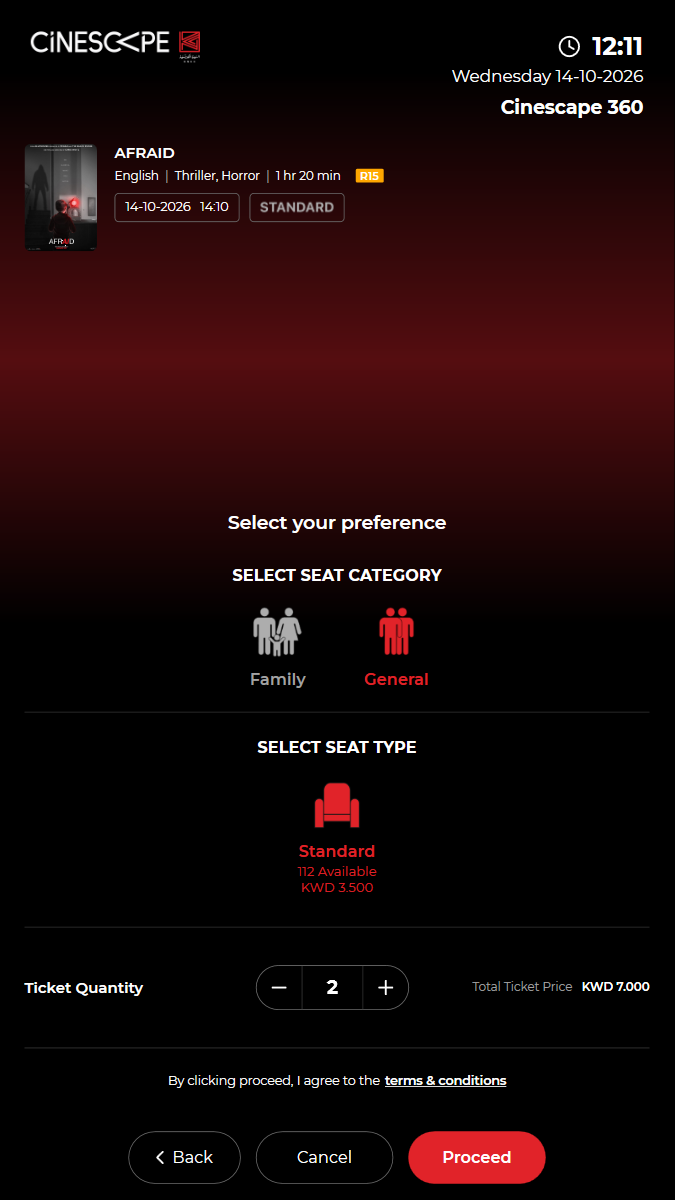
KUI-05 Seat category, seat type and ticket quantity: total = price x quantity
· ✓ ✓ ✓ 31.61s
kui-05-seat-type-and-quantity.spec.ts · Kiosk app · 11 steps
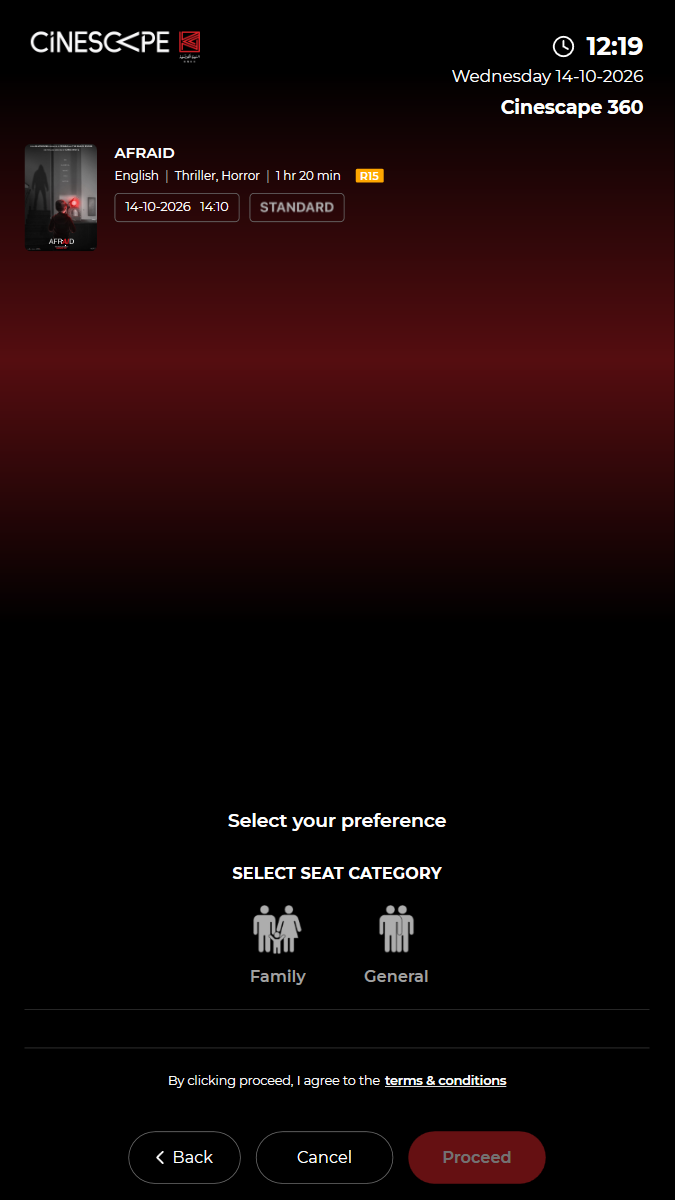
kiosk: Reused the open kiosk: back on the home screen, in English, no popupseat categories: Family, GeneralWatch test video This viewer cannot play the video. 11 execution steps with screenshots
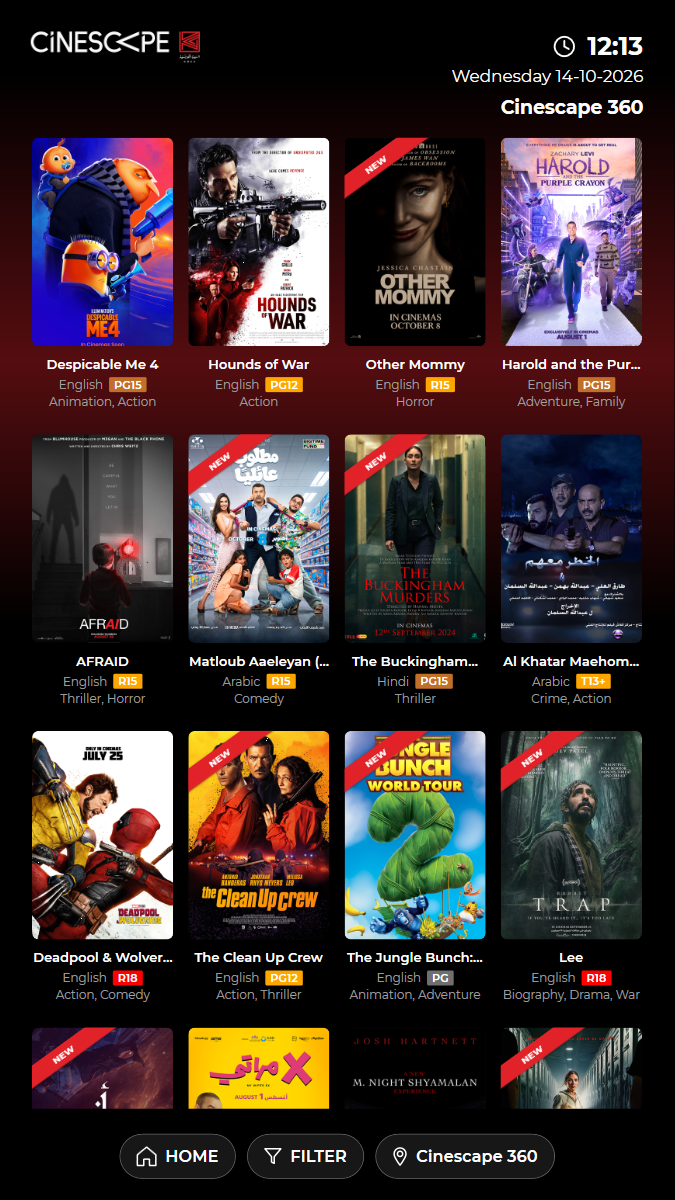
✓ Open BUY TICKETS (films showing now) 3.78s
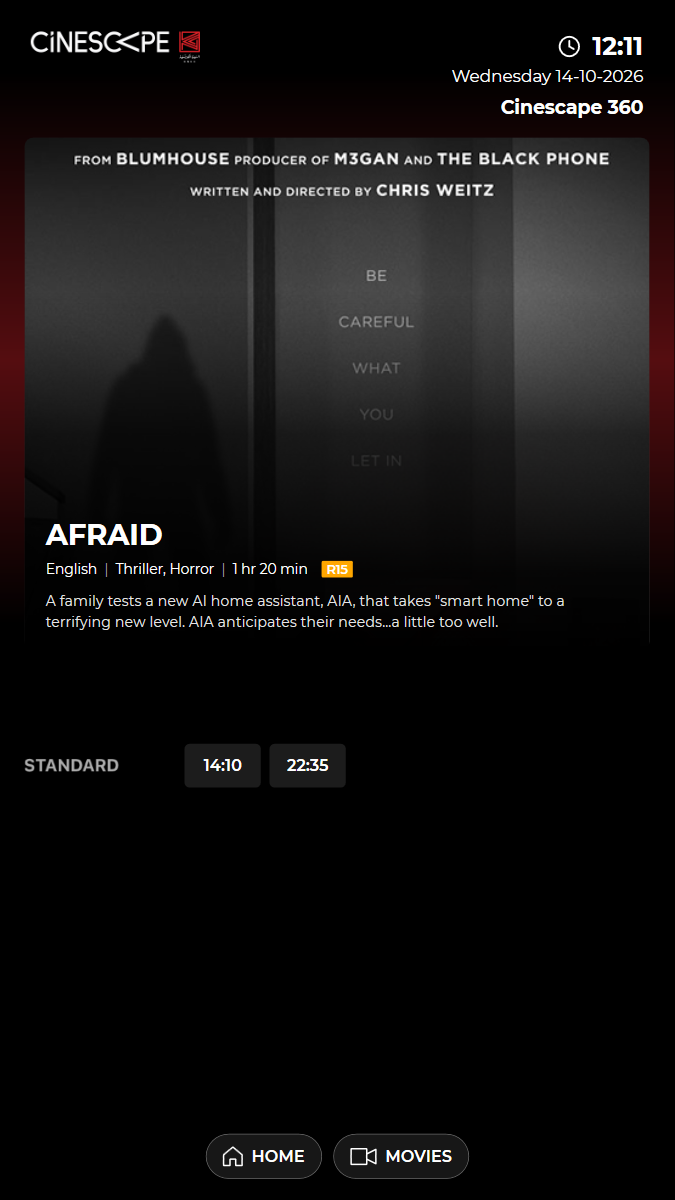
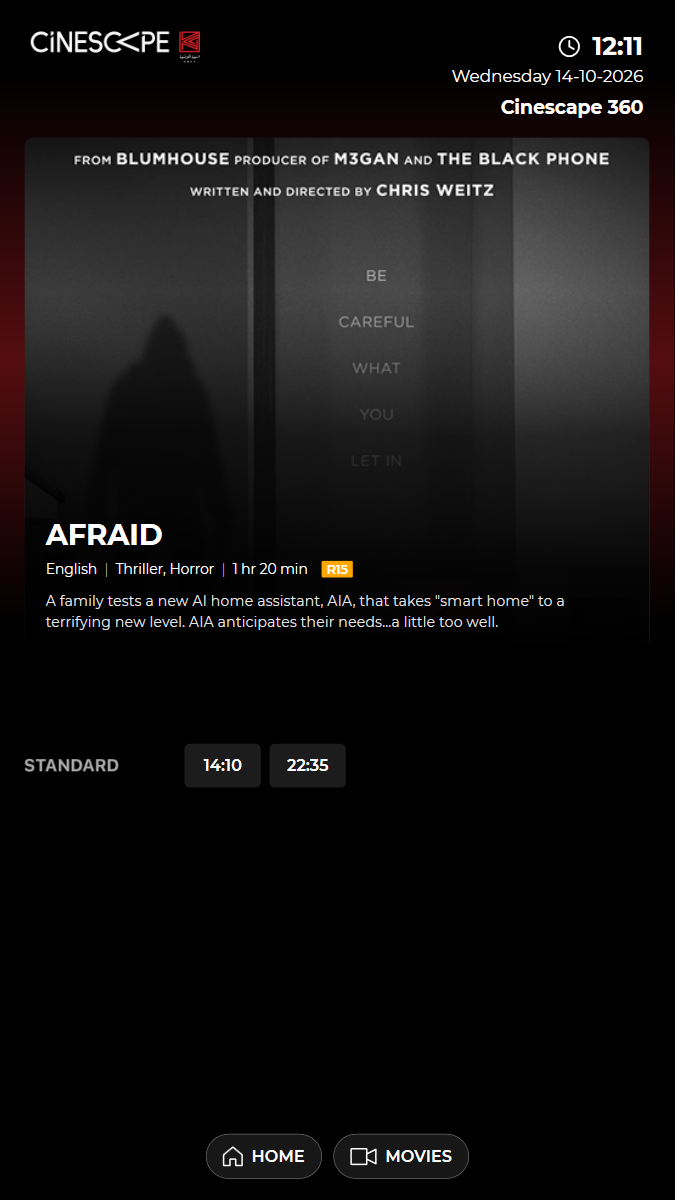
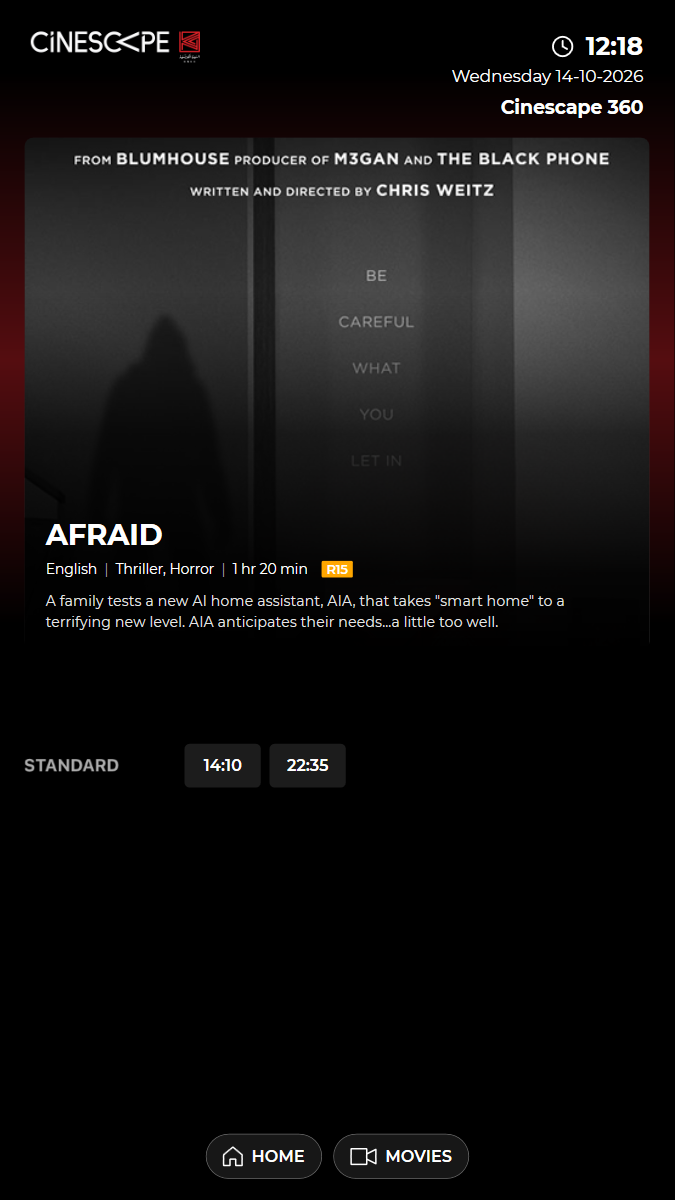
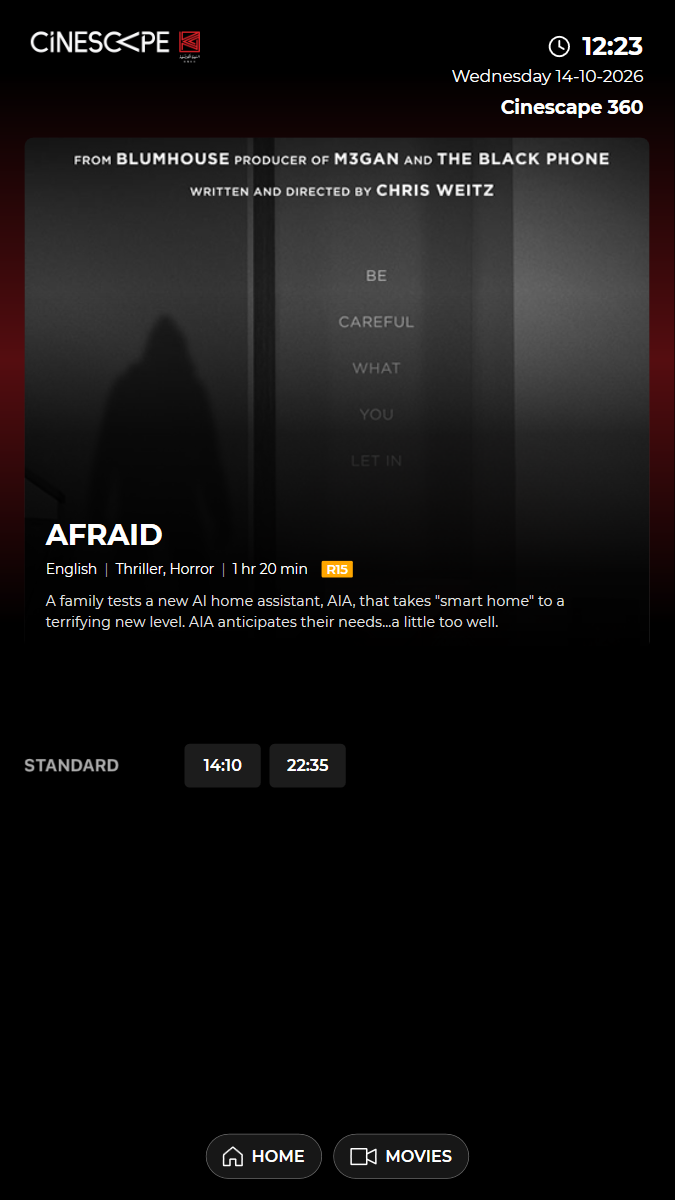
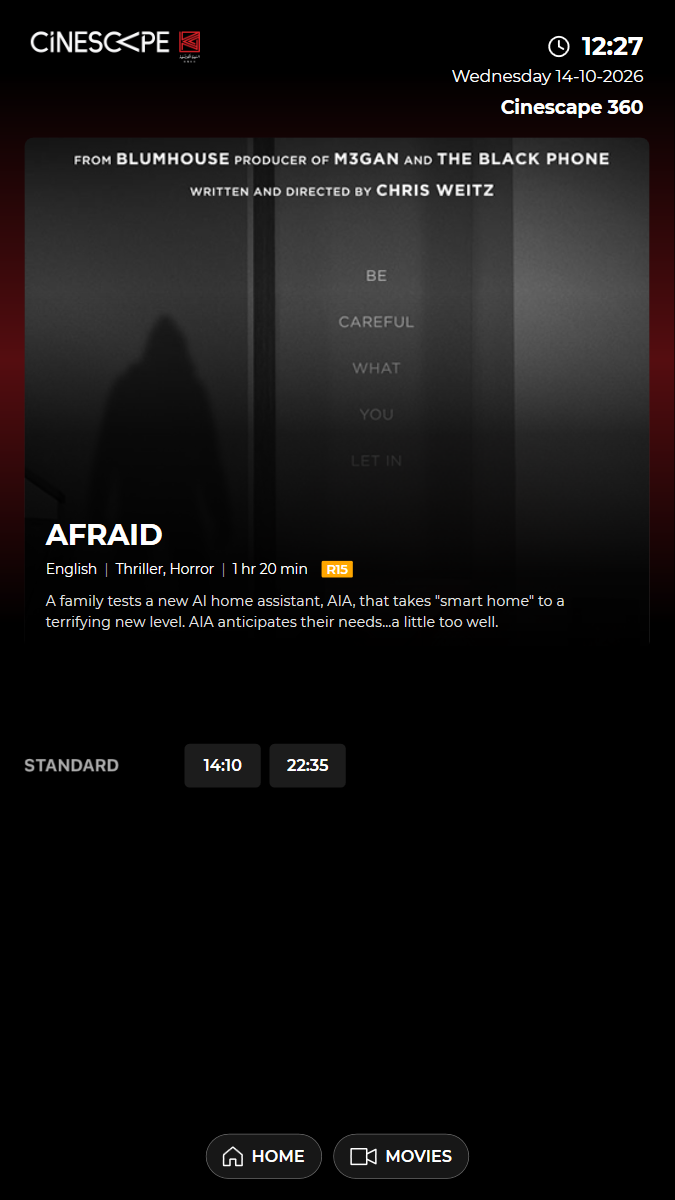
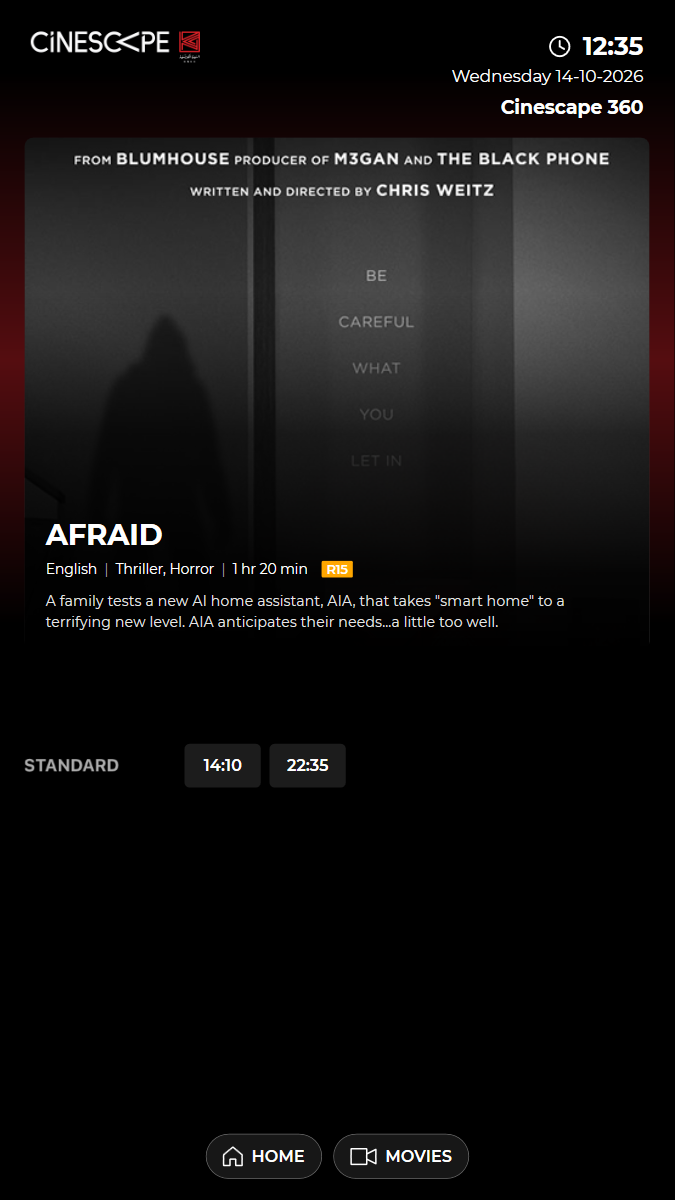
✓ Choose "AFRAID" 3.58s
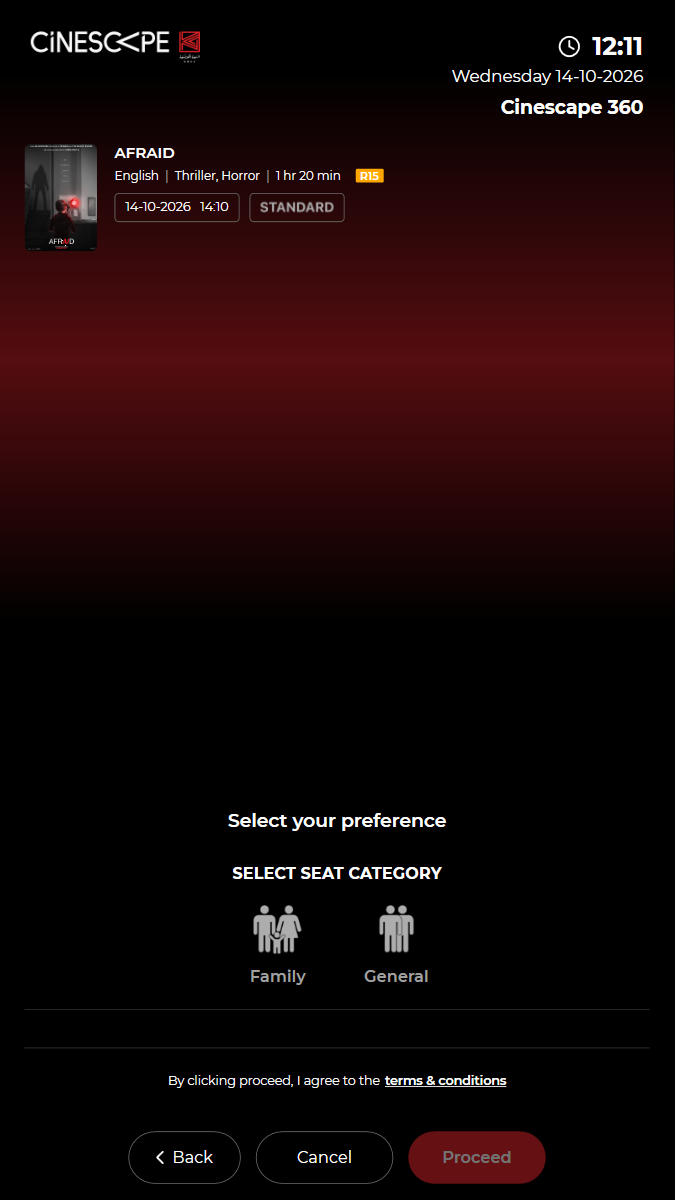
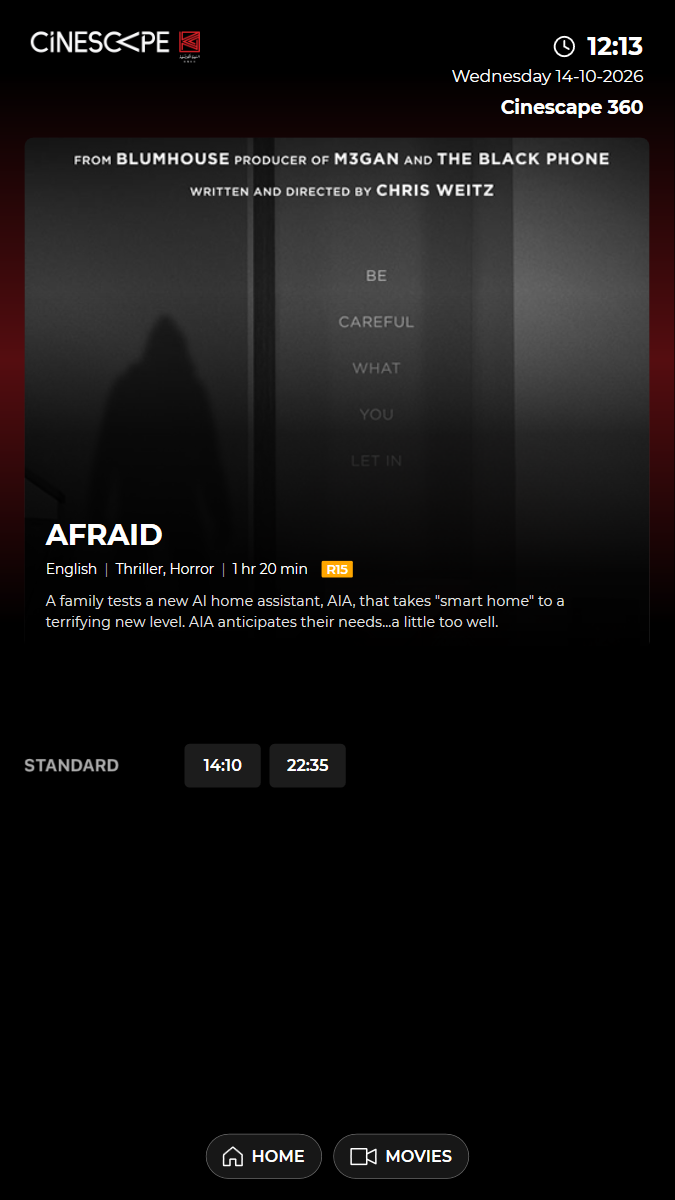
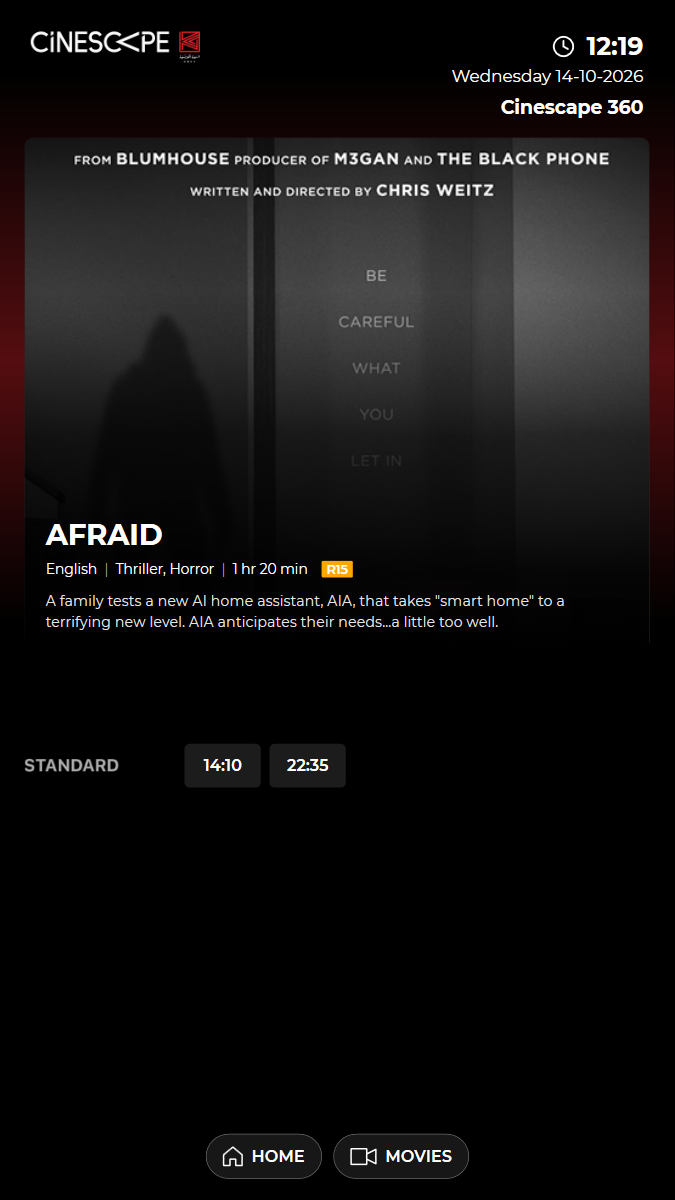
✓ Choose the 14:10 Standard show 3.12s
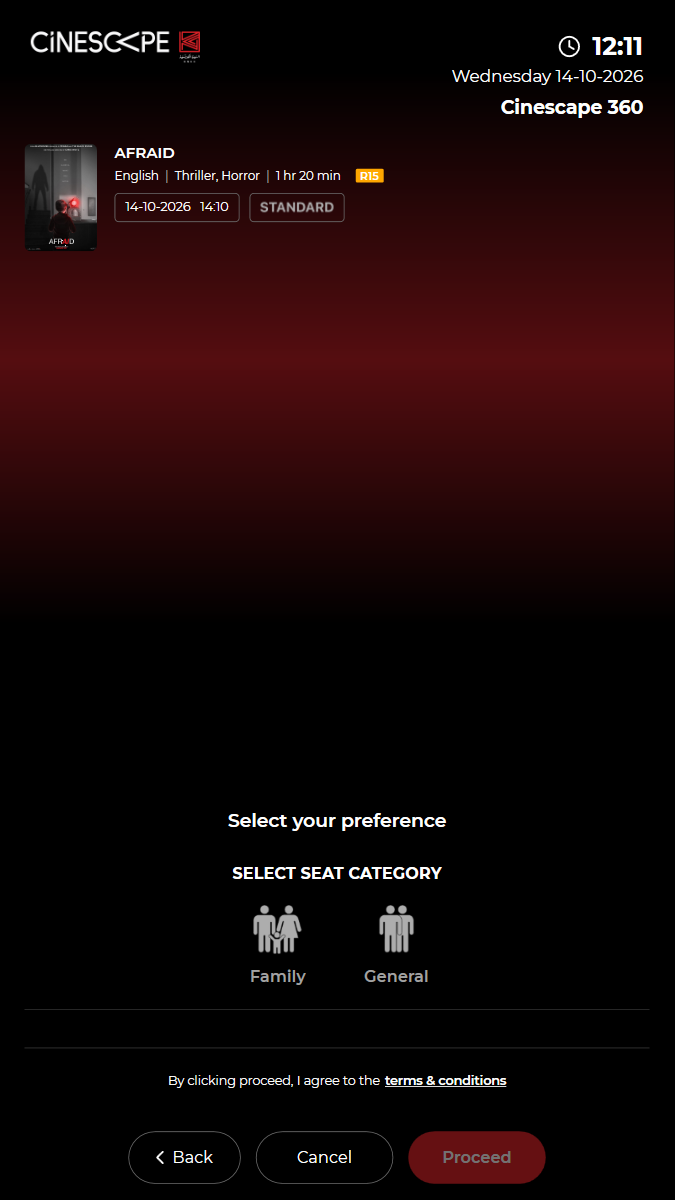
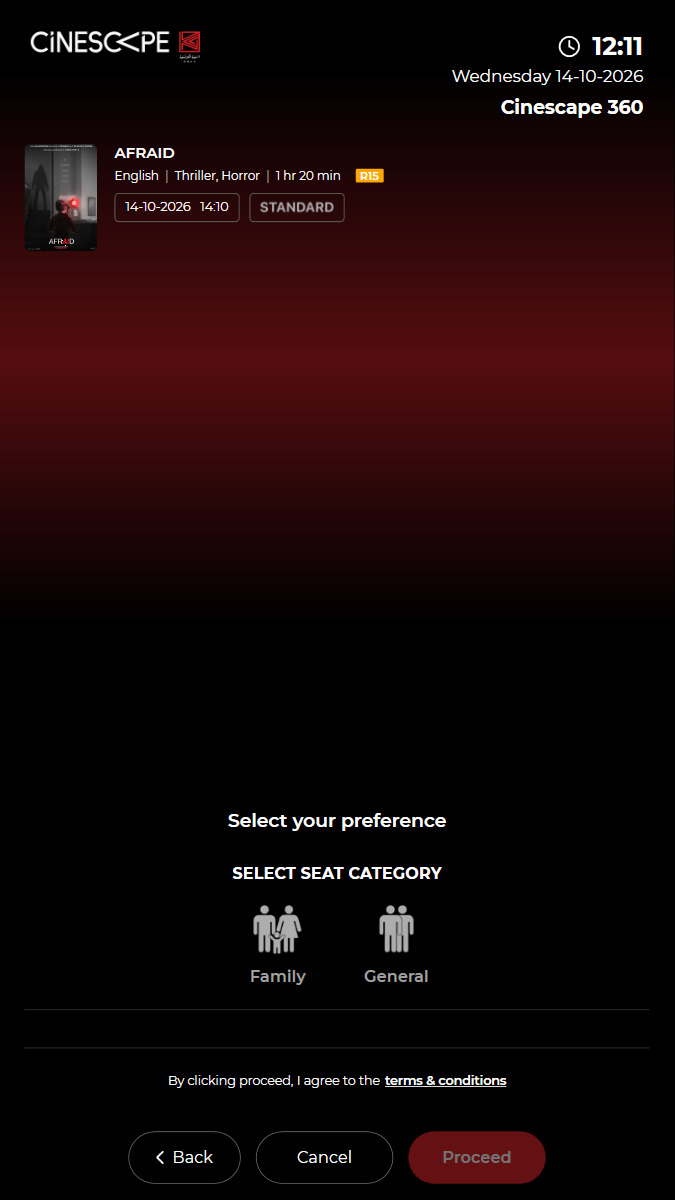
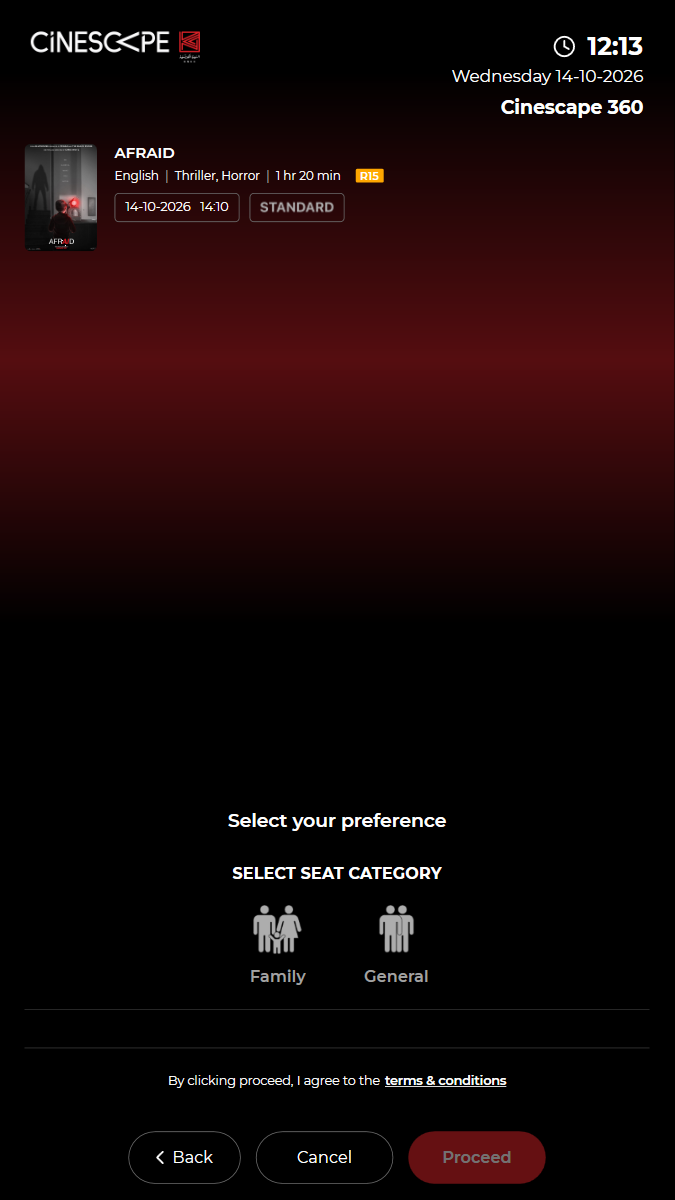
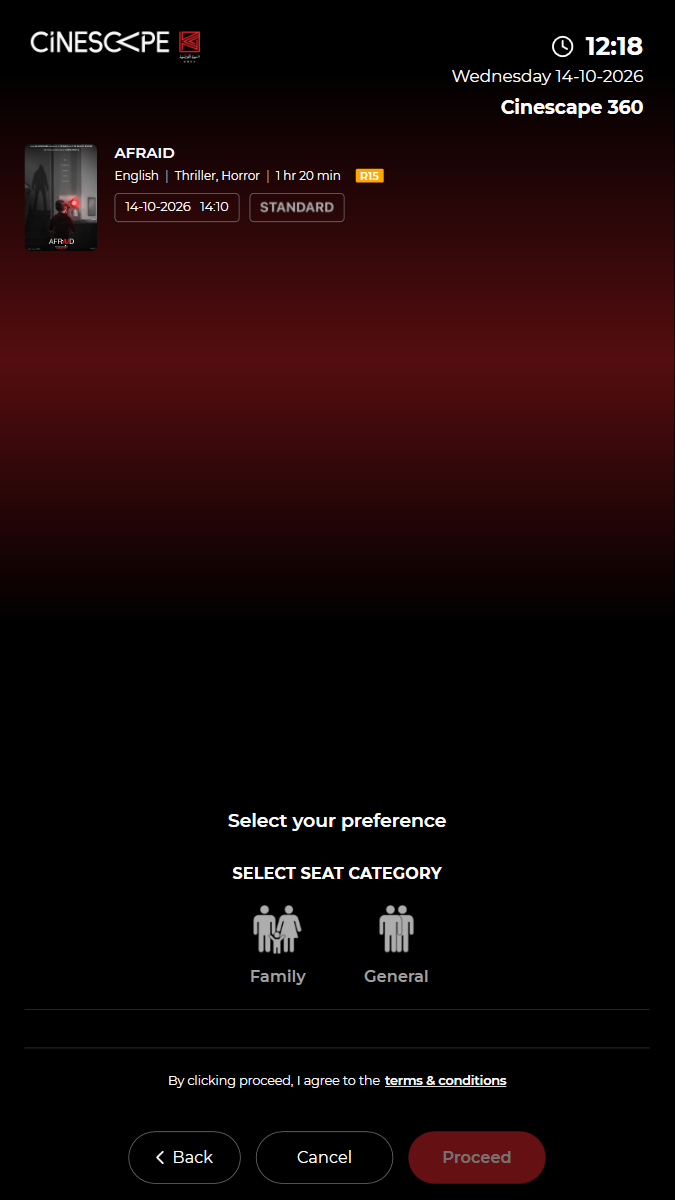
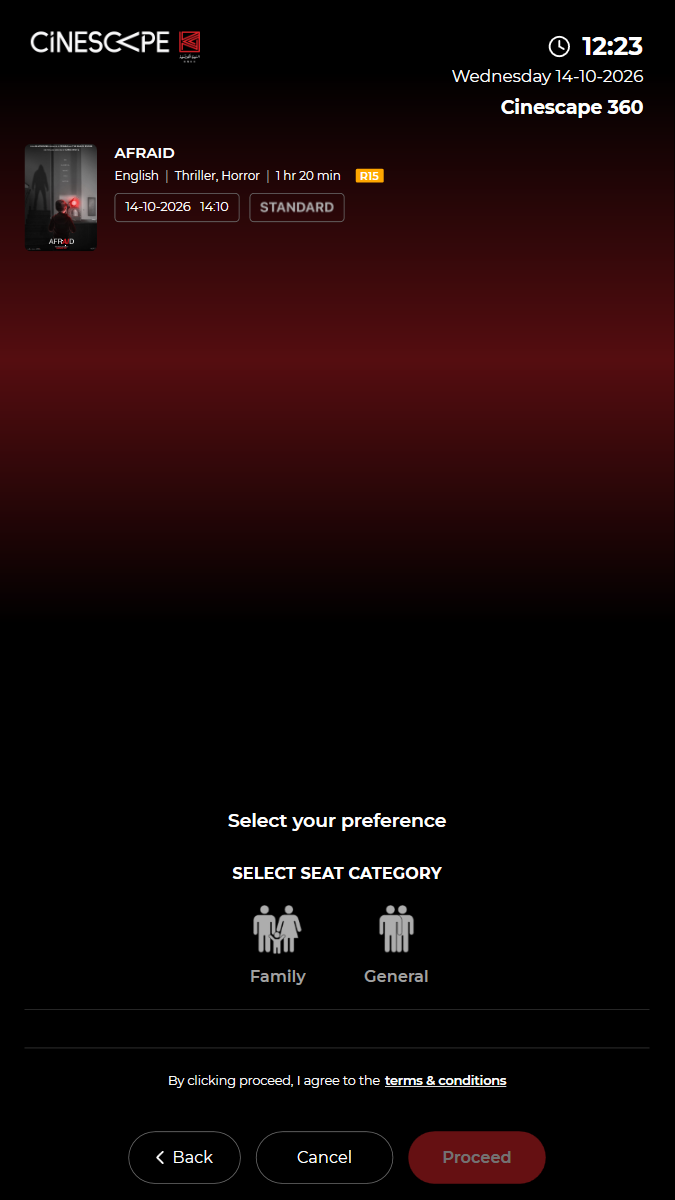
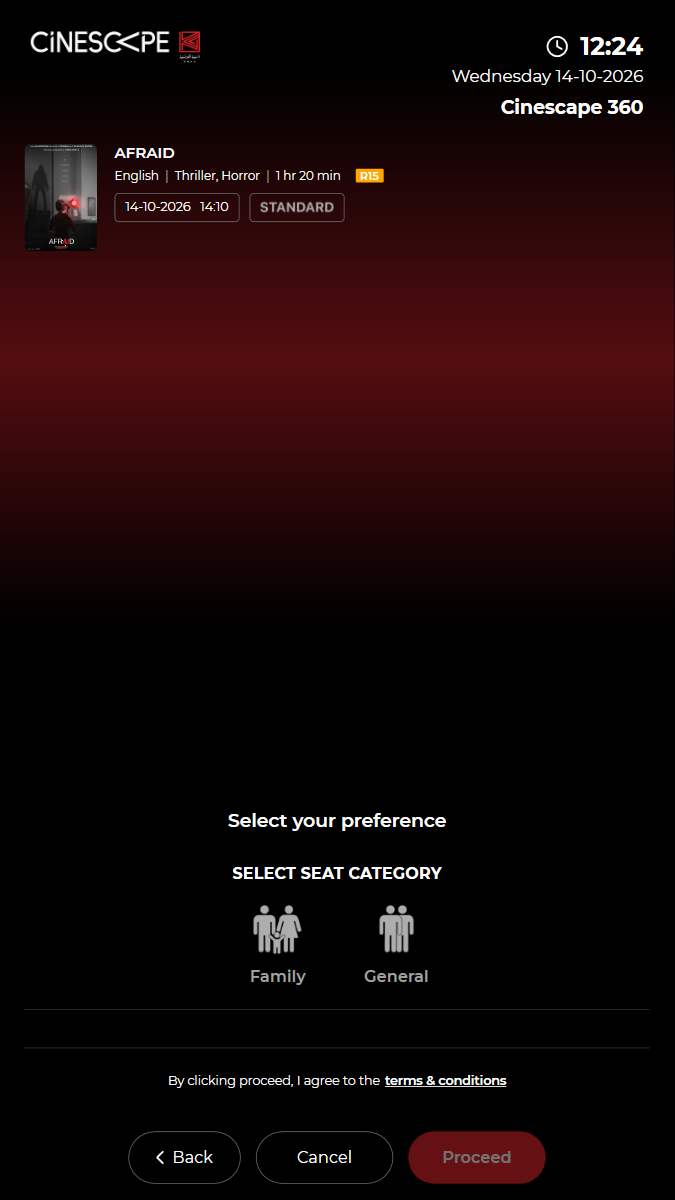
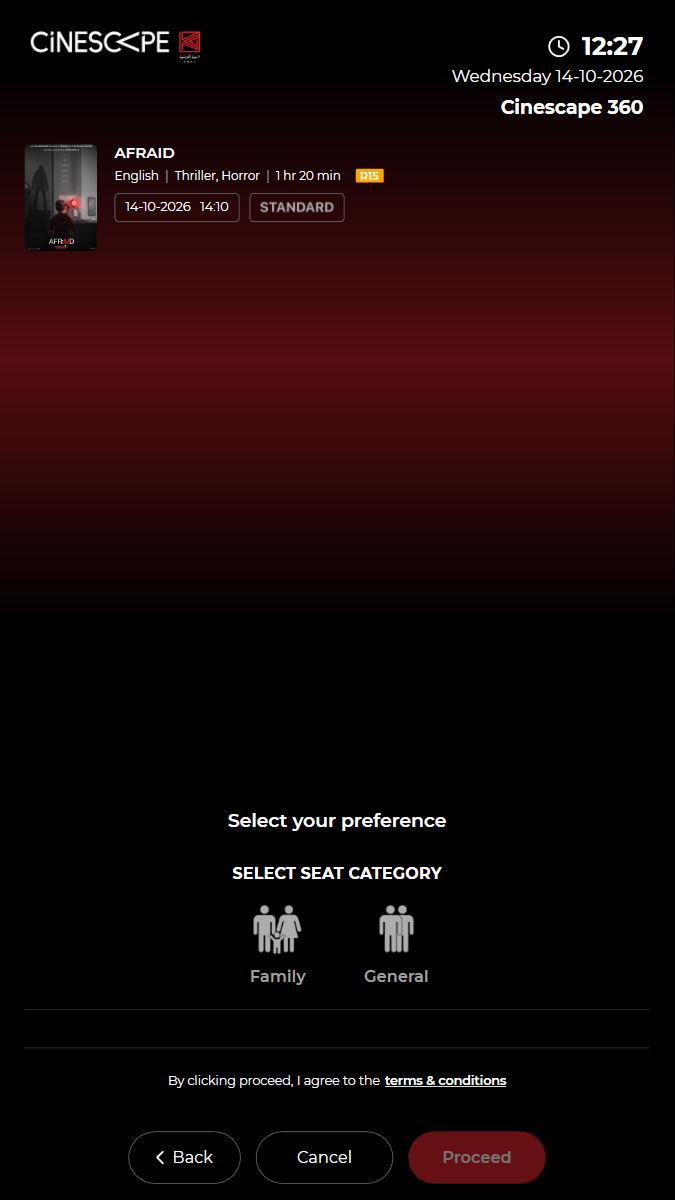
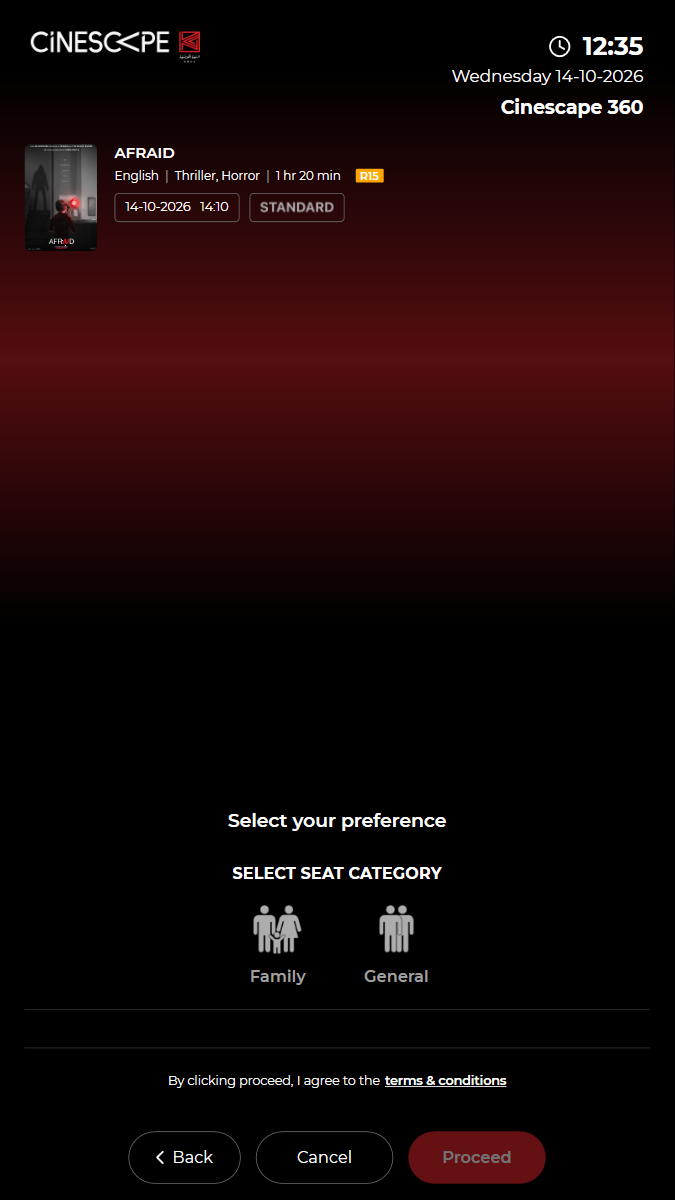
✓ "SELECT SEAT CATEGORY" lists the categories; Proceed waits for a choice 0.55s
✓ Choose General: its seat types are listed with free seats and a KWD price 2.67s
✓ Choose Standard: total = 1 x KWD 3.500 2.10s
✓ Quantity 2: total = 2 x KWD 3.500 1.65s
✓ Quantity 3: total = 3 x KWD 3.500 1.78s
✓ Quantity back to 2 with −: total = 2 x KWD 3.500 1.67s
✓ Terms: "By clicking proceed, I agree to the terms & conditions" is shown 0.42s
✓ Cancel leaves the booking and returns to the home screen 2.66s
✓ Passed
KUI-06 Seat selection: unavailable seats are blocked and Proceed needs every seat
✓ ✓ ✓ ✓ 113.52s
kui-06-seat-selection-rules.spec.ts · Kiosk app · 10 steps
kiosk: Reused the open kiosk: back on the home screen, in English, no popupWatch test video This viewer cannot play the video. 10 execution steps with screenshots
✓ Open BUY TICKETS (films showing now) 3.59s
✓ Choose "AFRAID" 3.43s
✓ Choose the 14:10 Standard show 3.15s
✓ Choose General, a seat type and 2 ticket(s), then proceed to the seat map 10.54s
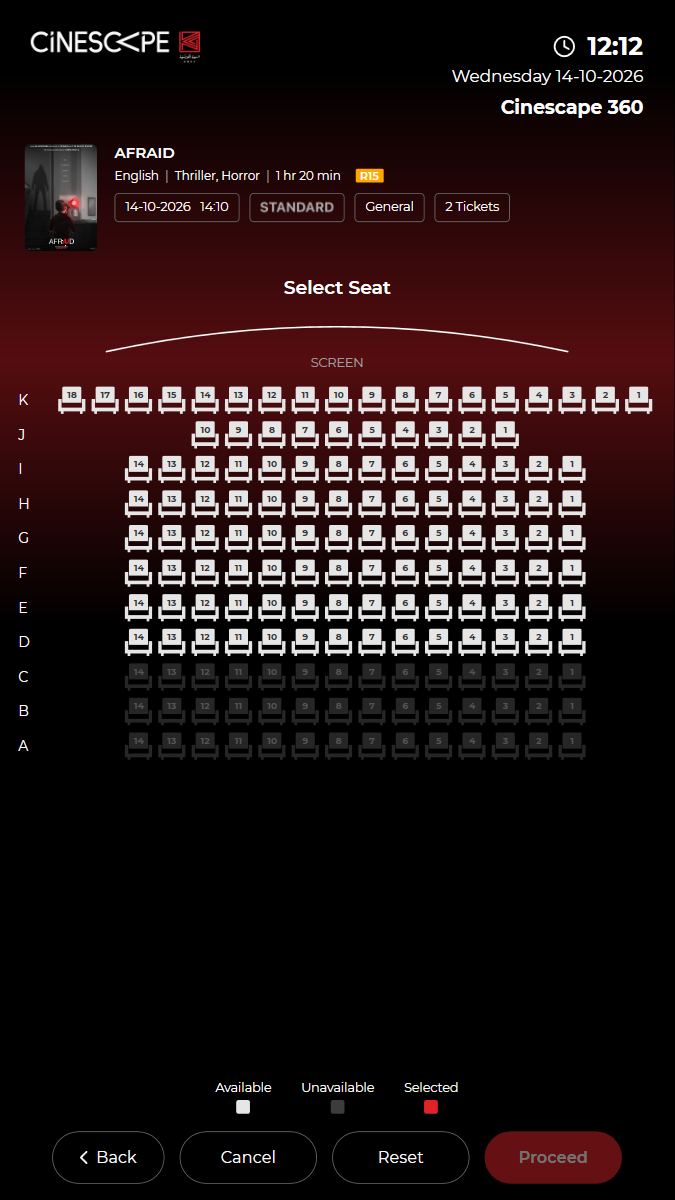
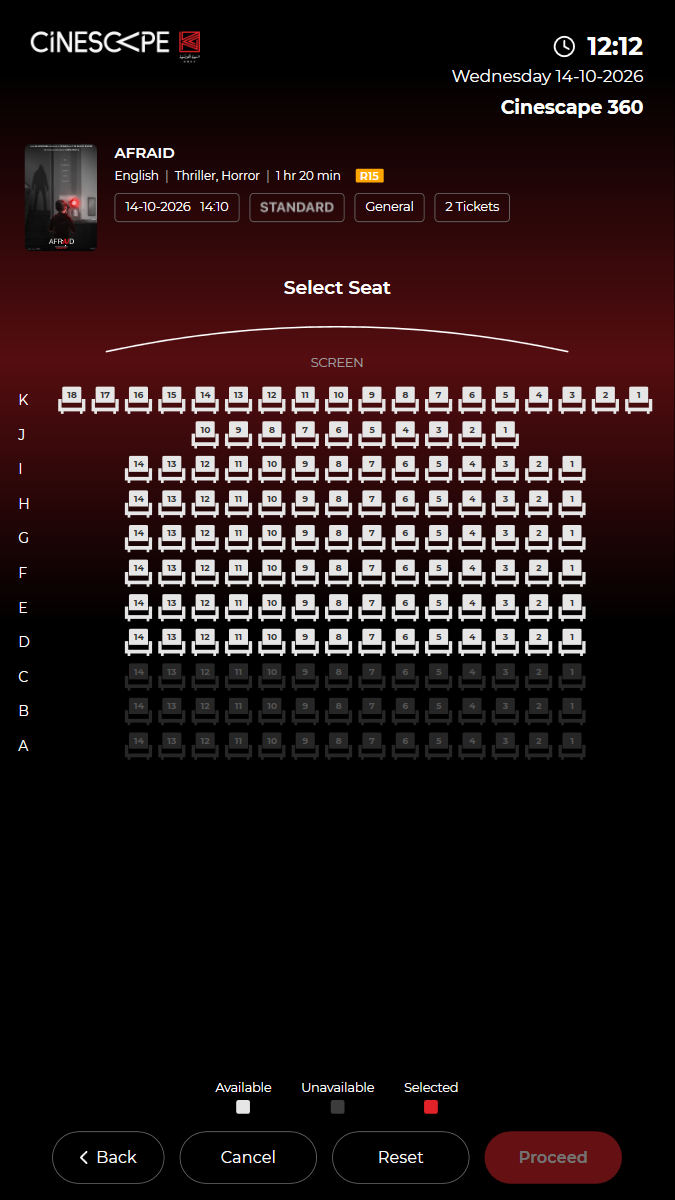
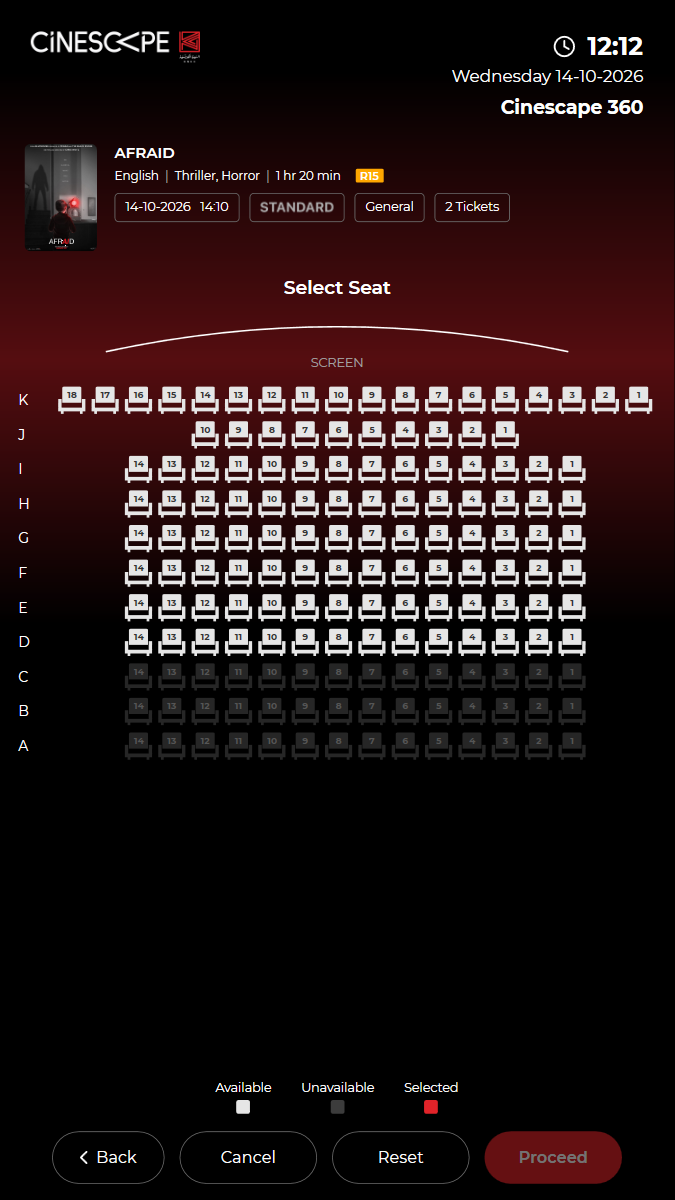
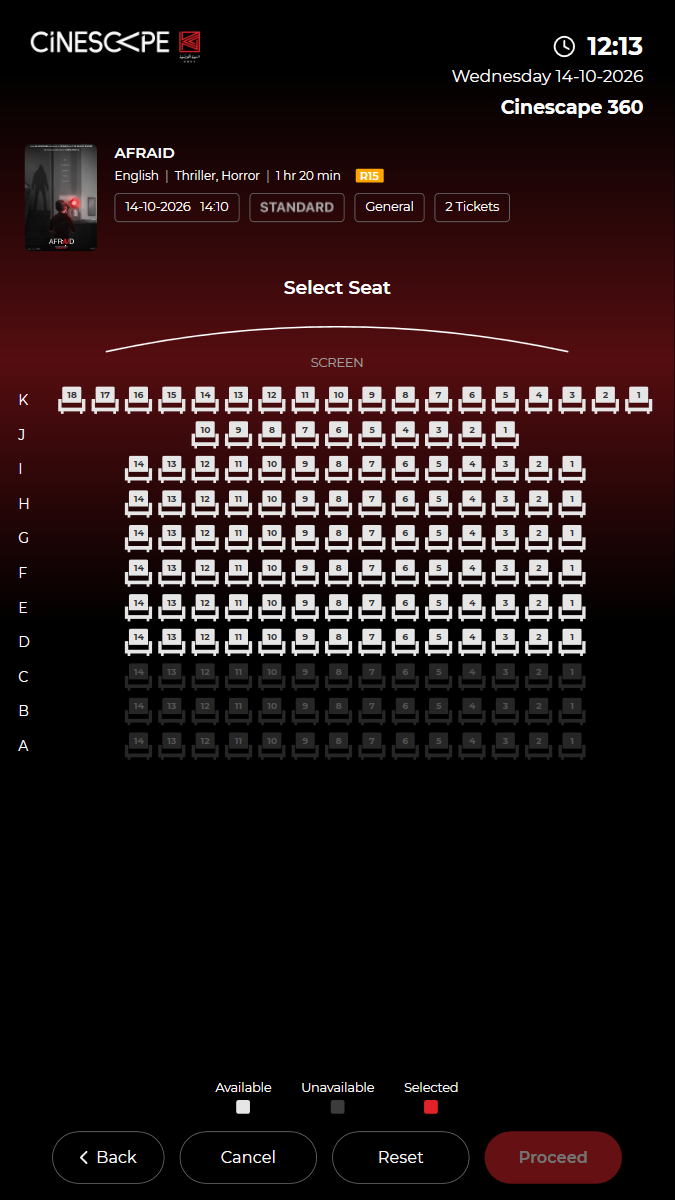
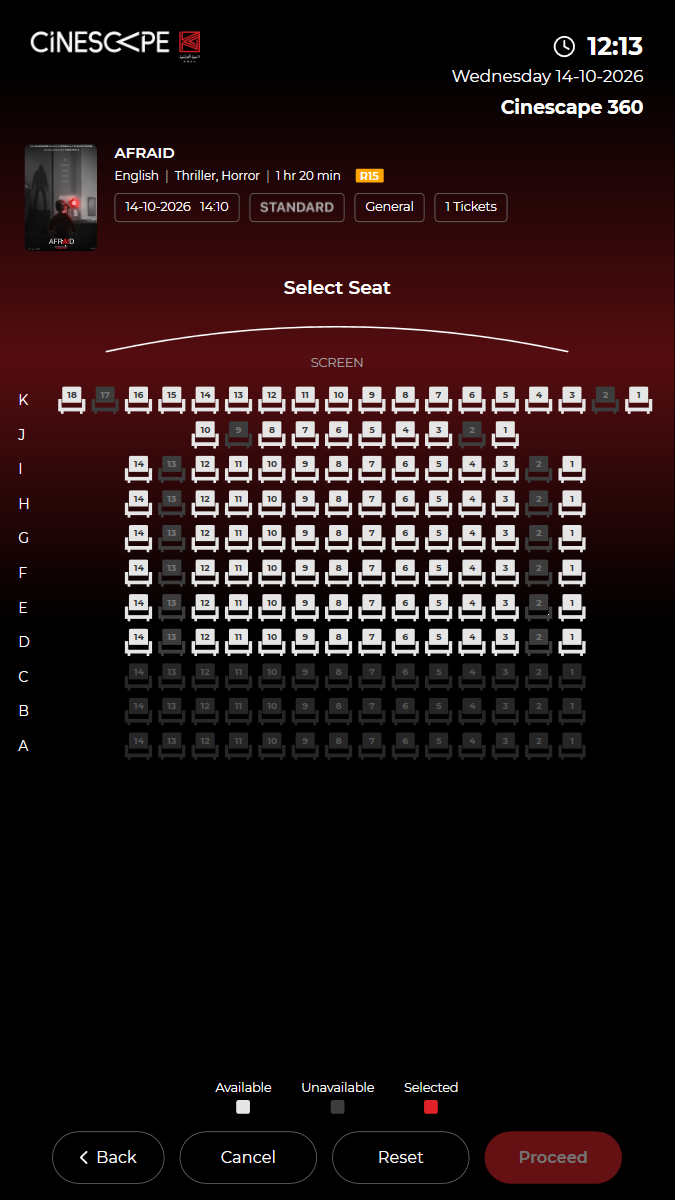
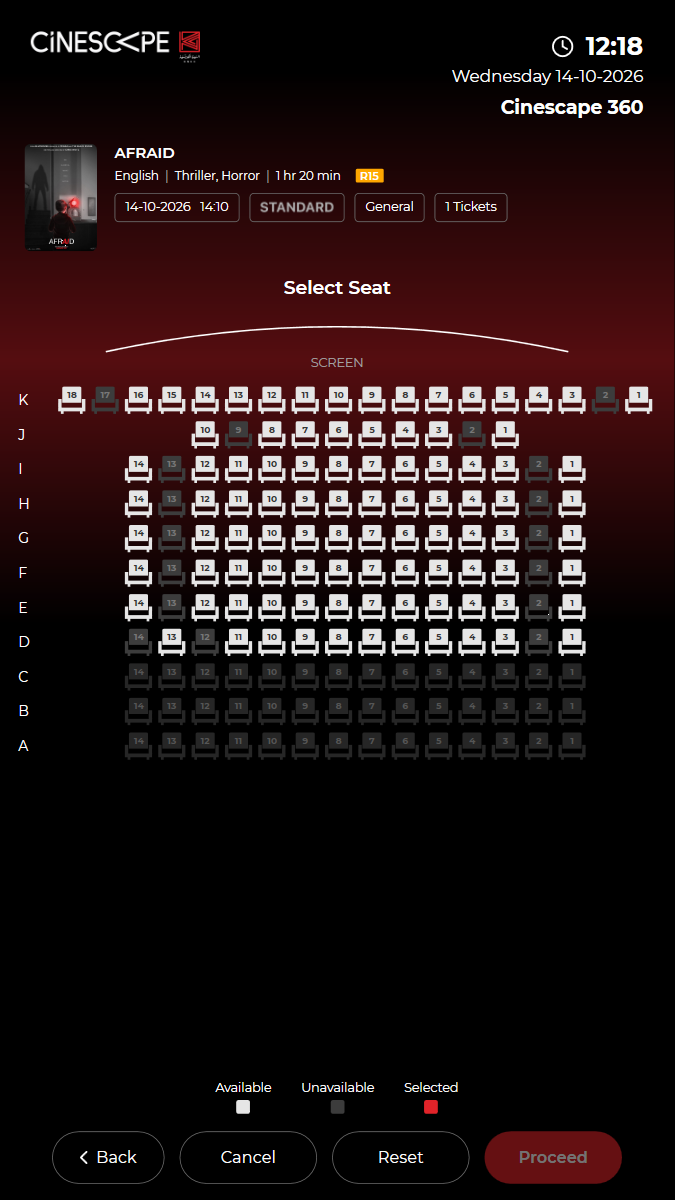
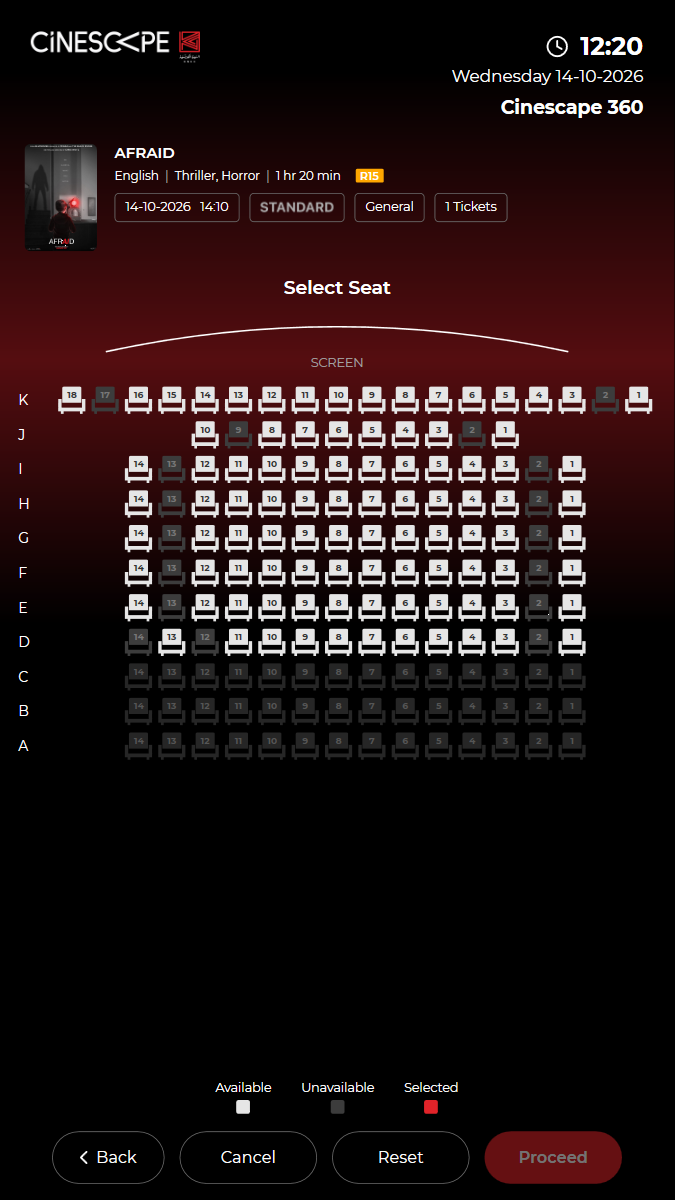
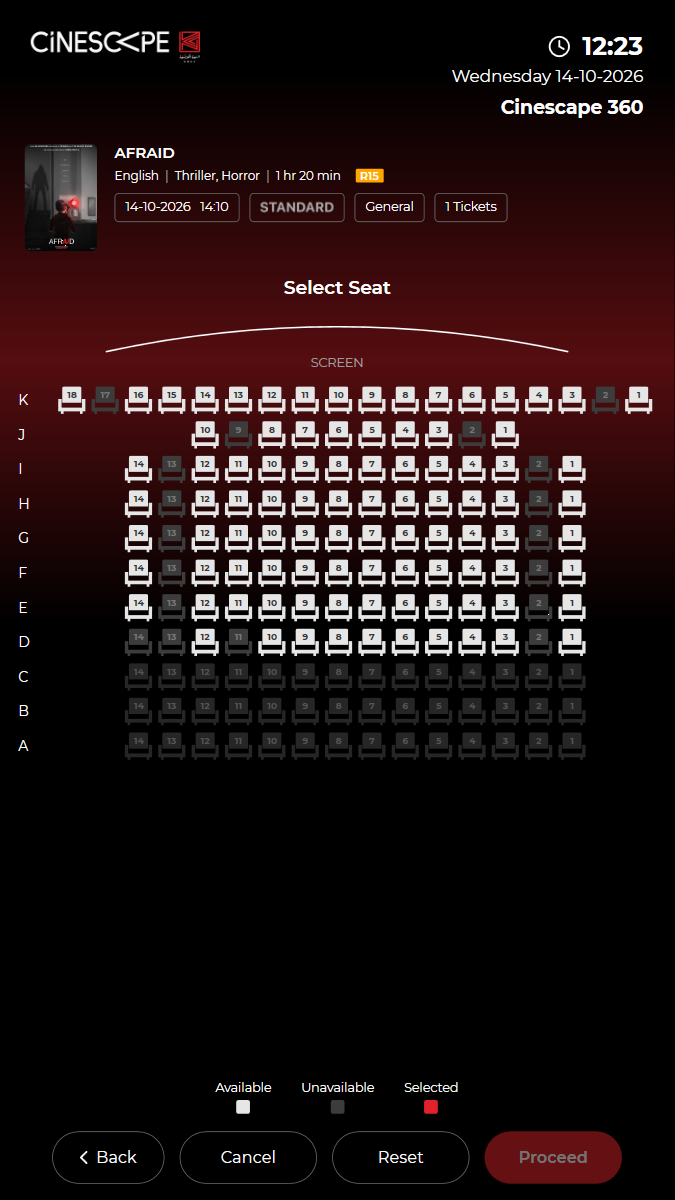
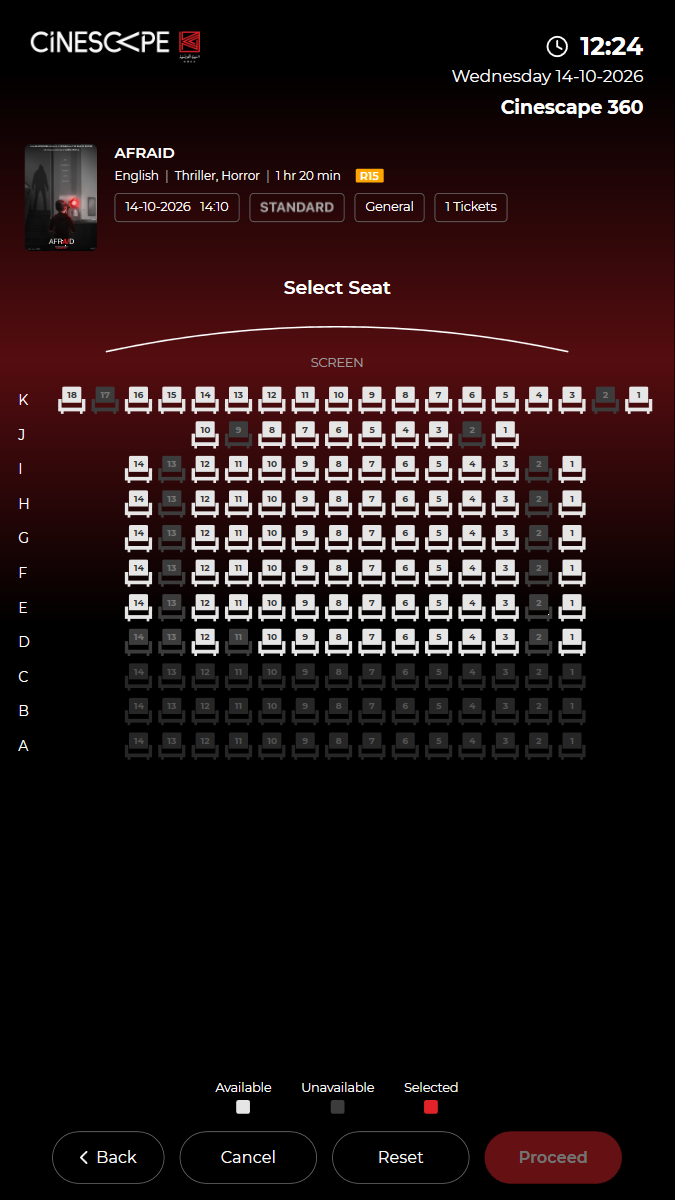
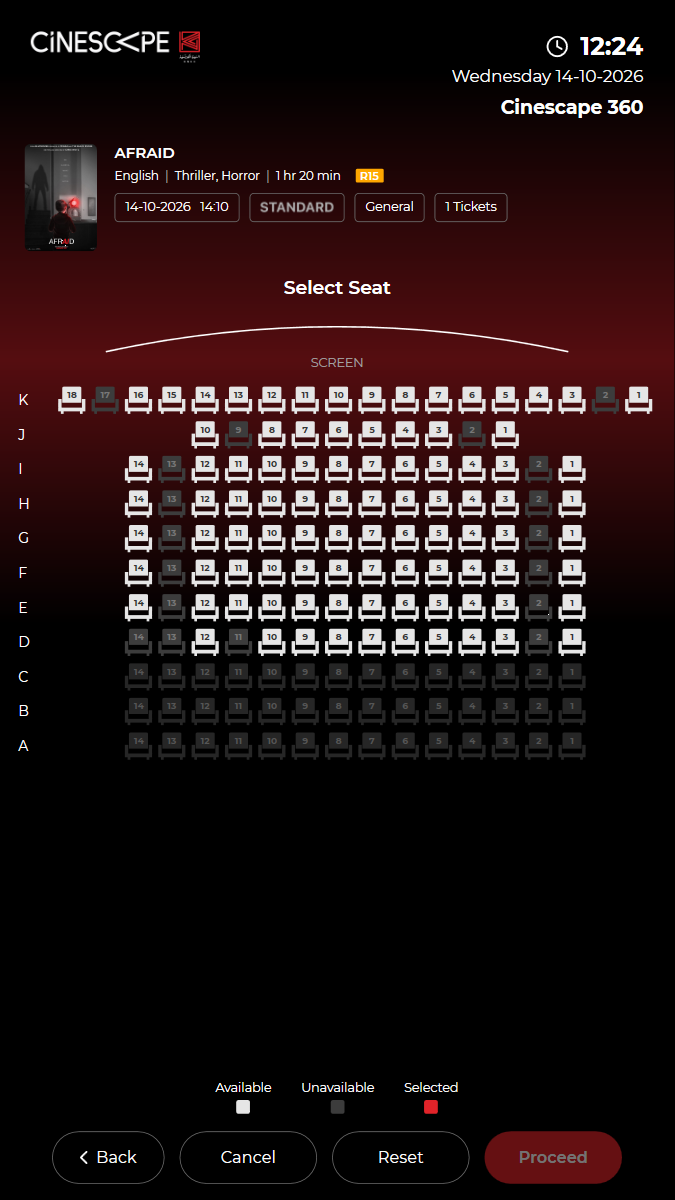
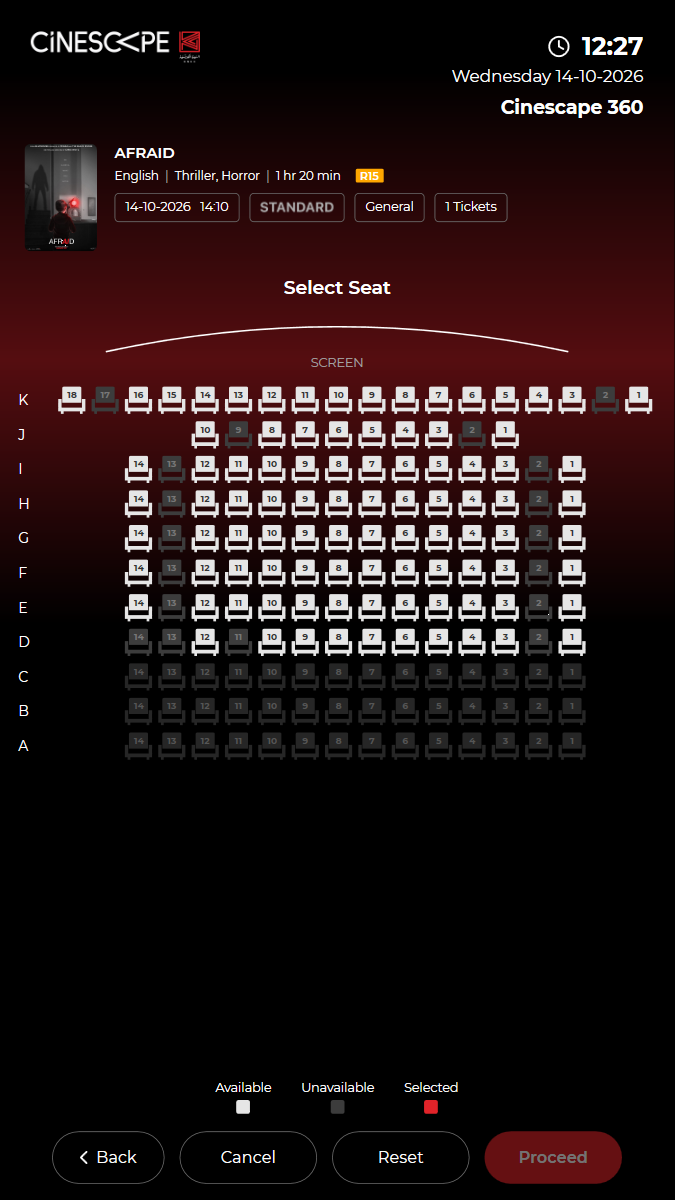
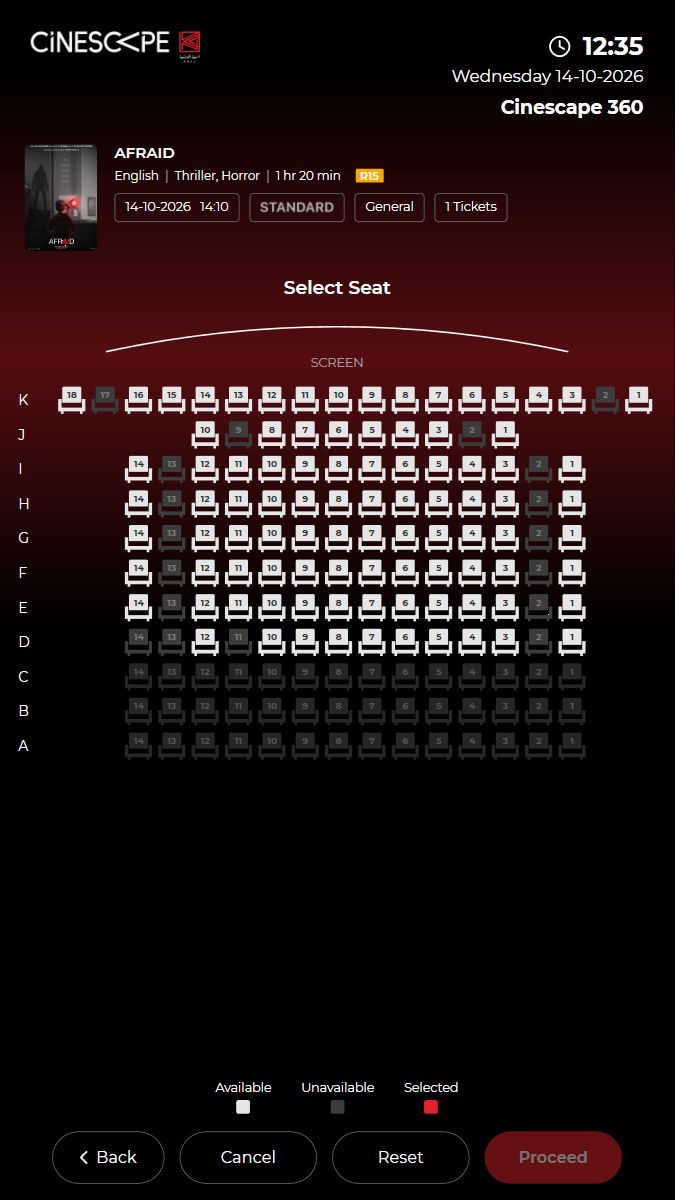
✓ Seat map shows the screen, the legend and free seats 12.70s
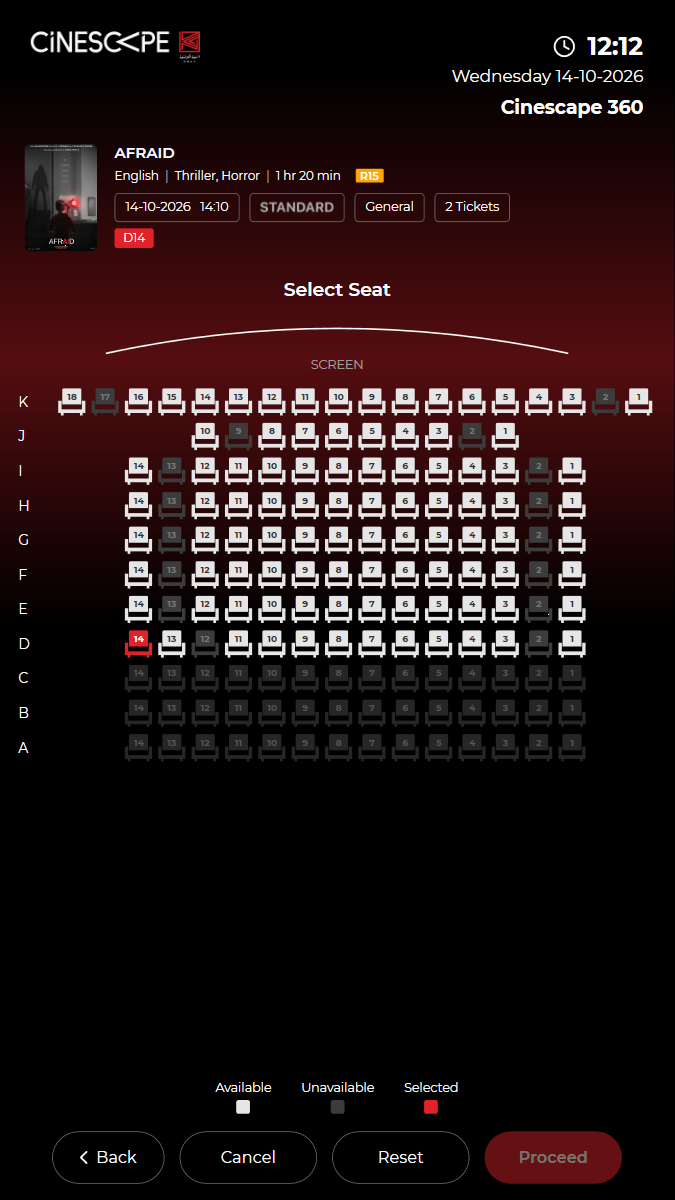
✓ An unavailable seat cannot be selected 18.00s
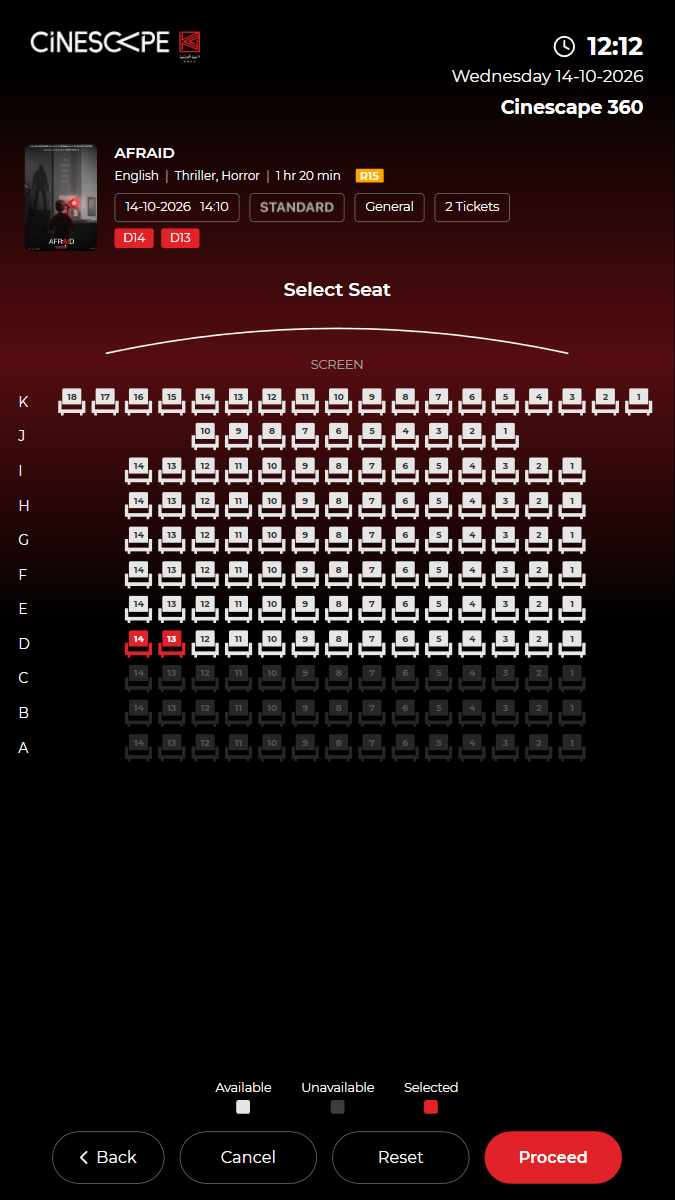
✓ Choose two neighbouring free seats 13.28s
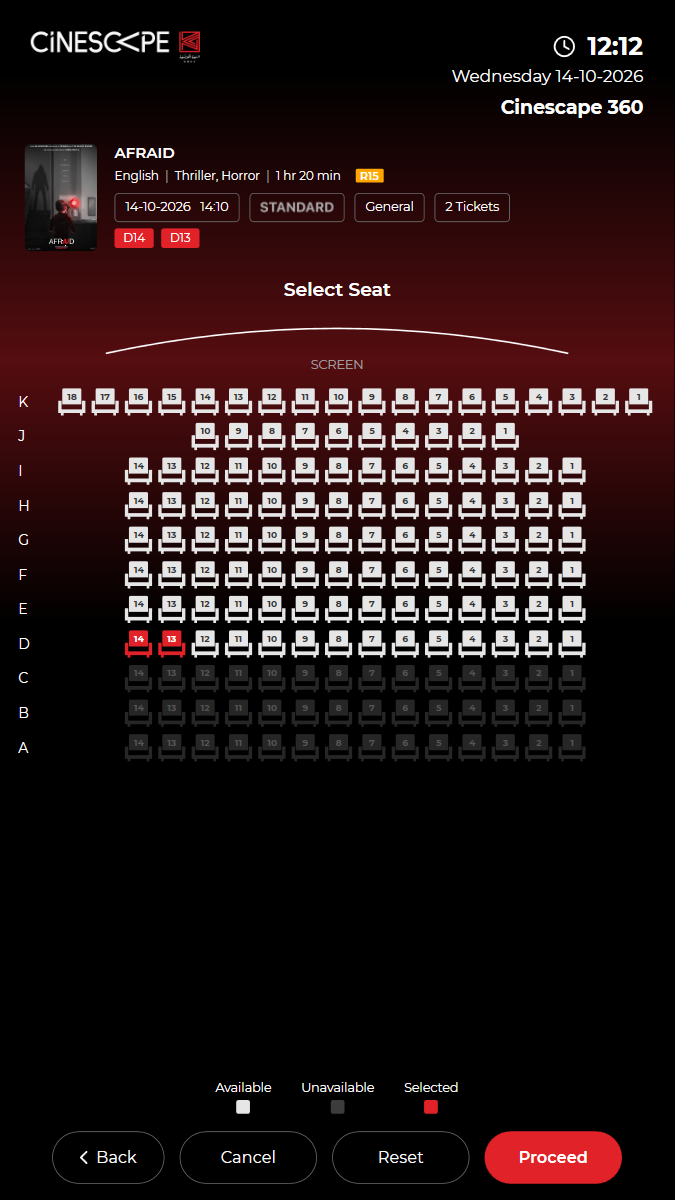
✓ Both seats (D14, D13) are selected and Proceed is enabled 5.29s
✓ Tap D13 again: it is released and Proceed is disabled 4.08s
✓ Reset clears the selection 4.22s
✓ Passed
KUI-07 Ticket purchase end to end, paid by KNET
· ✓ ✓ ✓ 139.38s
kui-07-16-ticket-purchase-and-pickup.spec.ts · Kiosk app · 12 steps
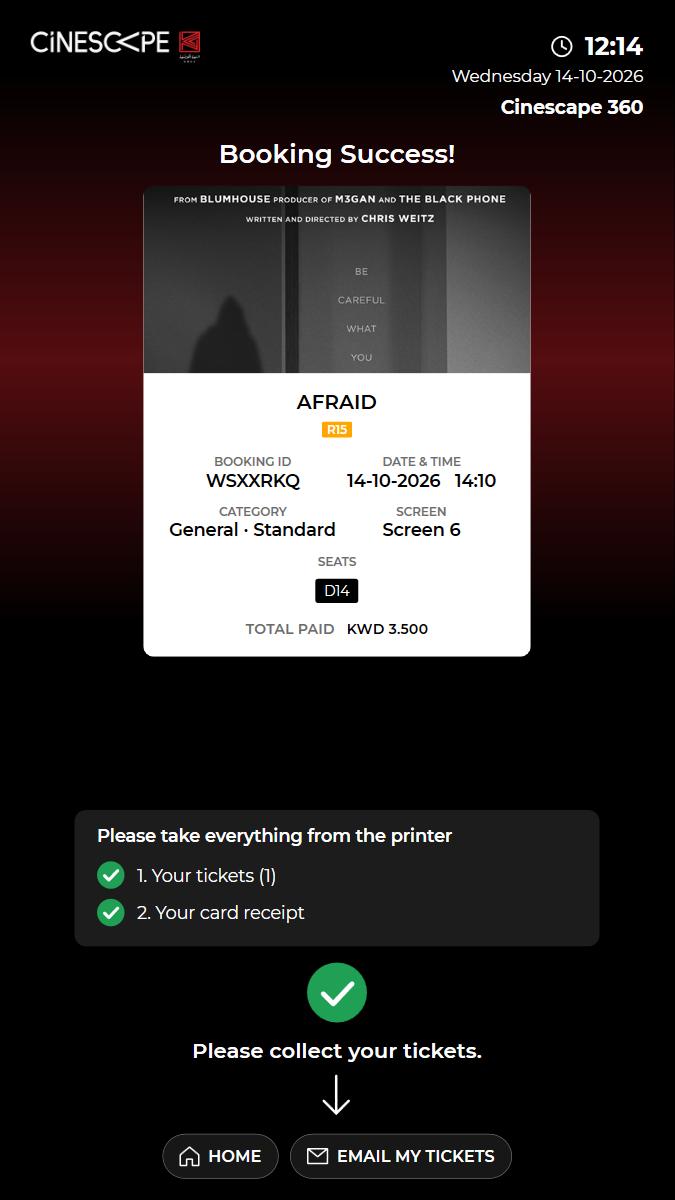
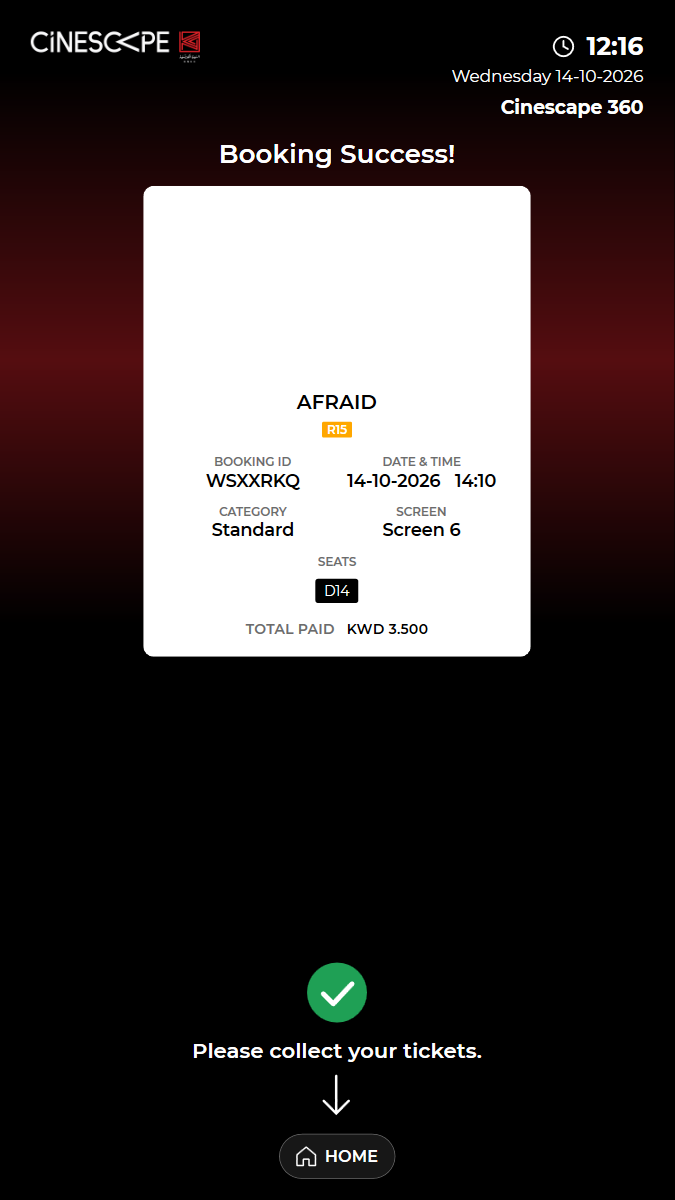
kiosk: Reused the open kiosk: back on the home screen, in English, no popuppaid booking: BOOKING ID WSXXRKQ (booking 2003767), KWD 3.500 paid by KNET (fake terminal). Not cancelled: kiosk bookings cannot be cancelled online.timing: Back on the home screen 28 s after the success screen was read.Watch test video (part 1 of 2) This viewer cannot play the video. Watch test video (part 2 of 2) This viewer cannot play the video. 12 execution steps with screenshots
✓ Open BUY TICKETS (films showing now) 3.56s
✓ Choose "AFRAID" 3.61s
✓ Choose the 14:10 Standard show 3.10s
✓ Choose General, a seat type and 1 ticket(s), then proceed to the seat map 9.02s
✓ Choose a free seat and proceed 10.64s
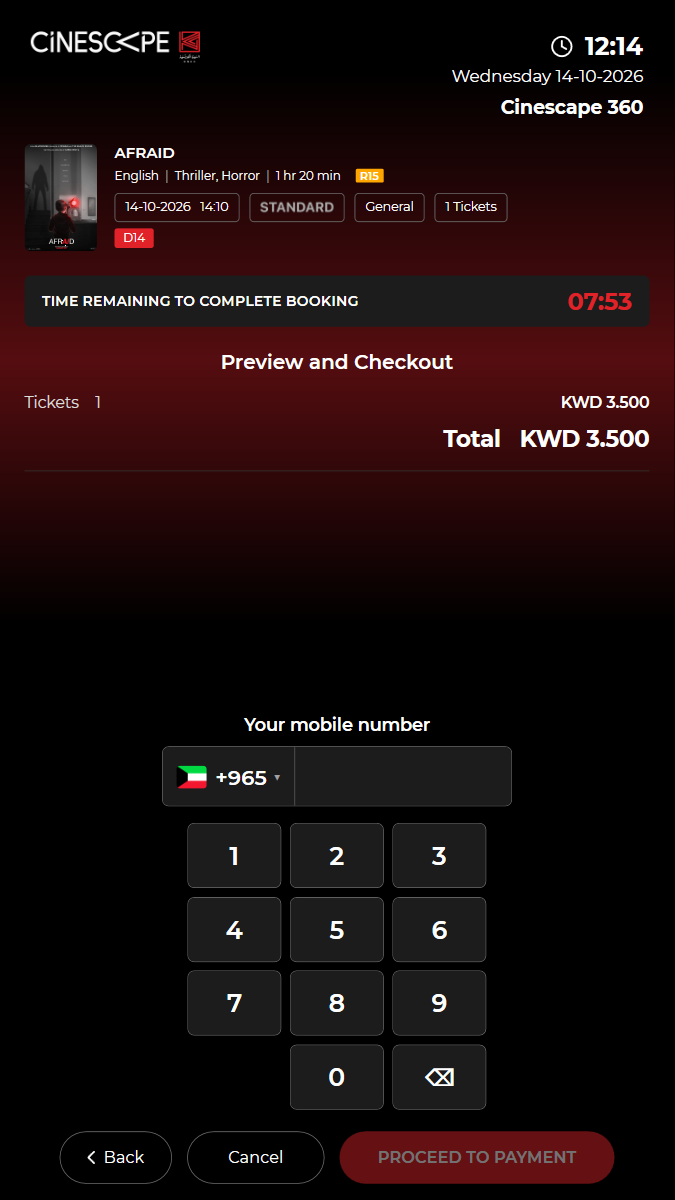
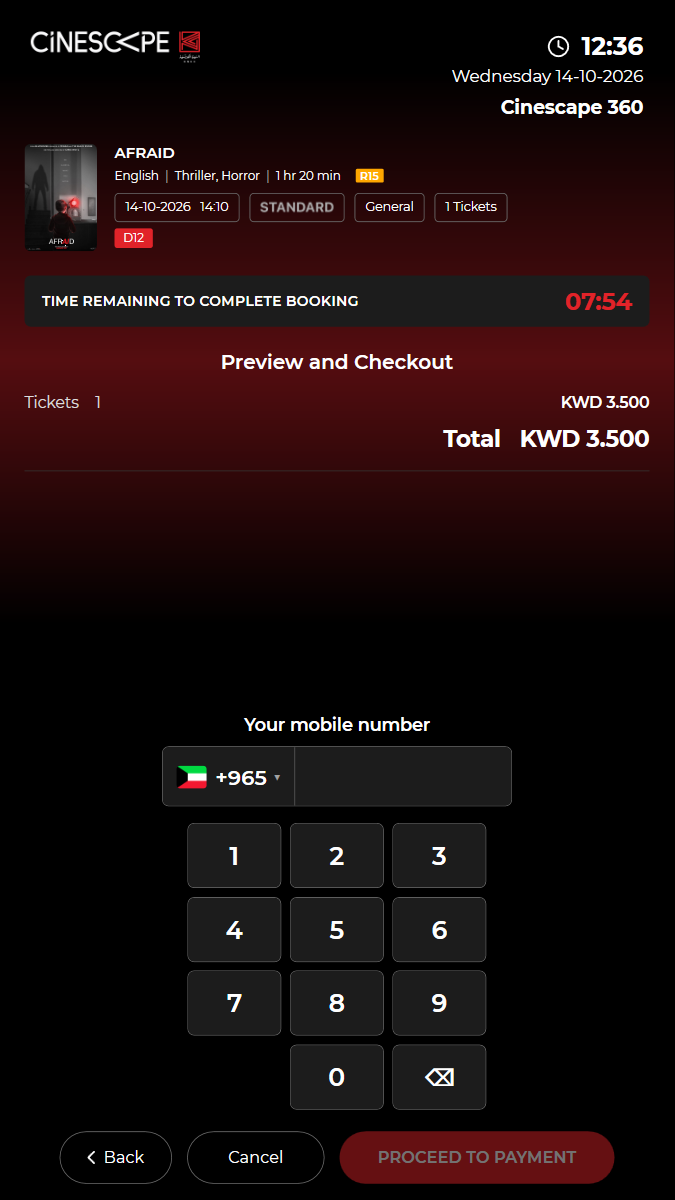
✓ SKIP food: "Preview and Checkout" shows the film, show, seat and total 5.58s
✓ Enter the mobile number (+965) and proceed to payment 25.89s
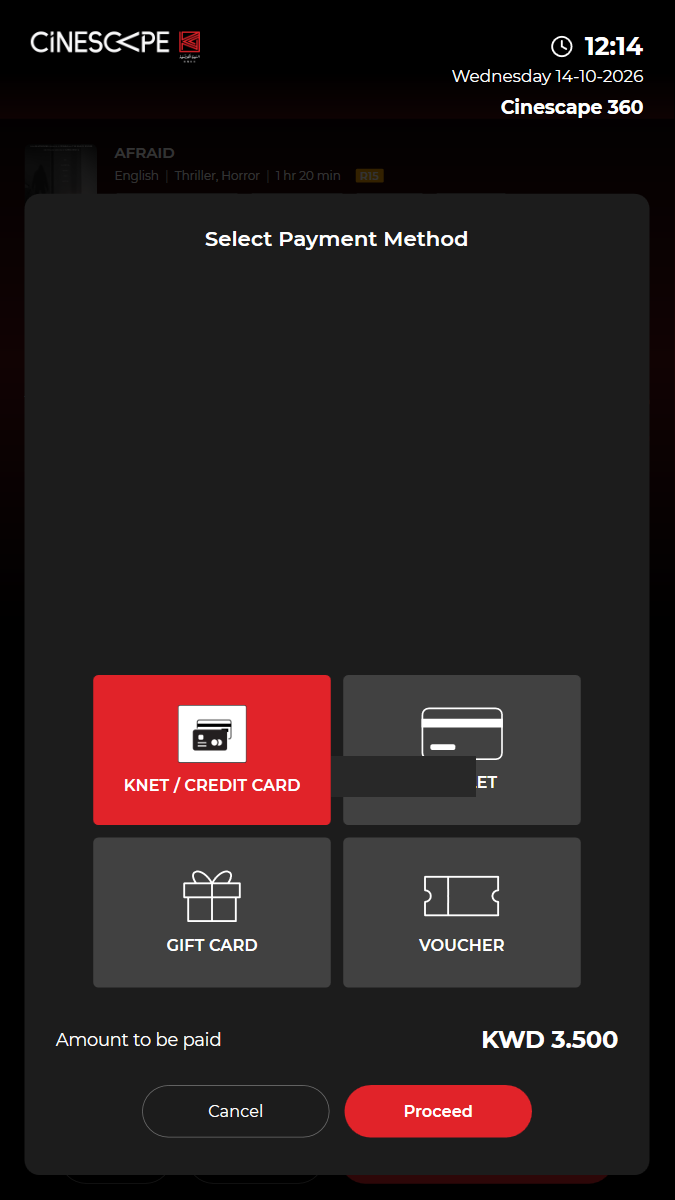
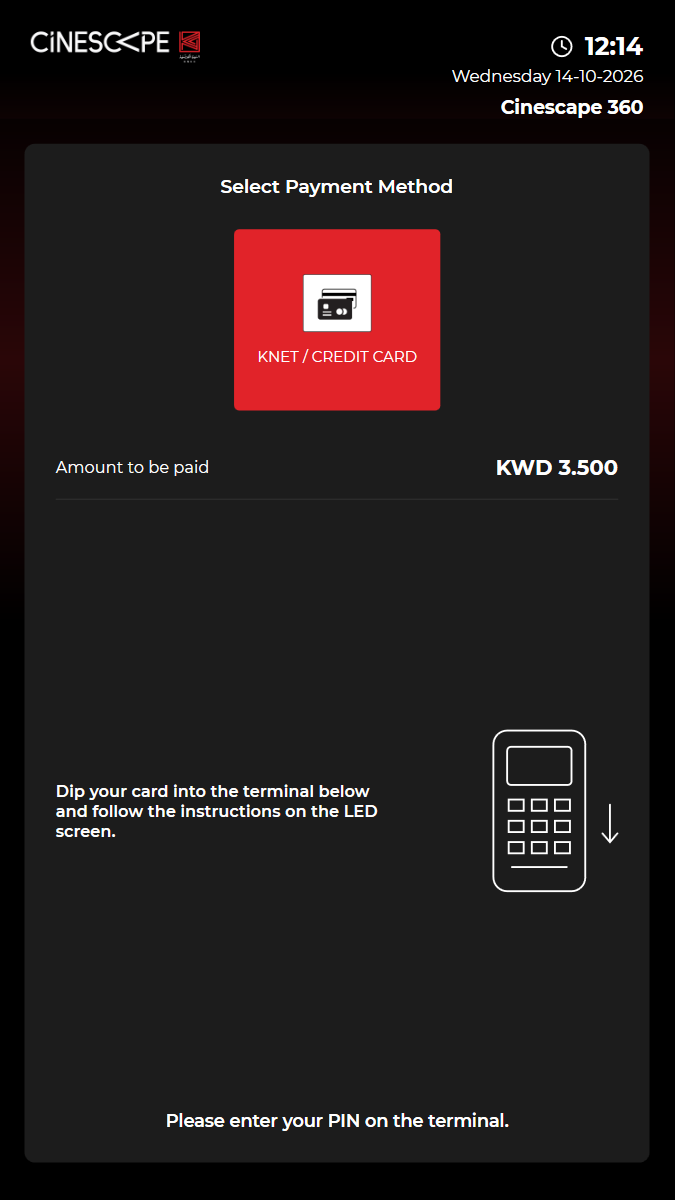
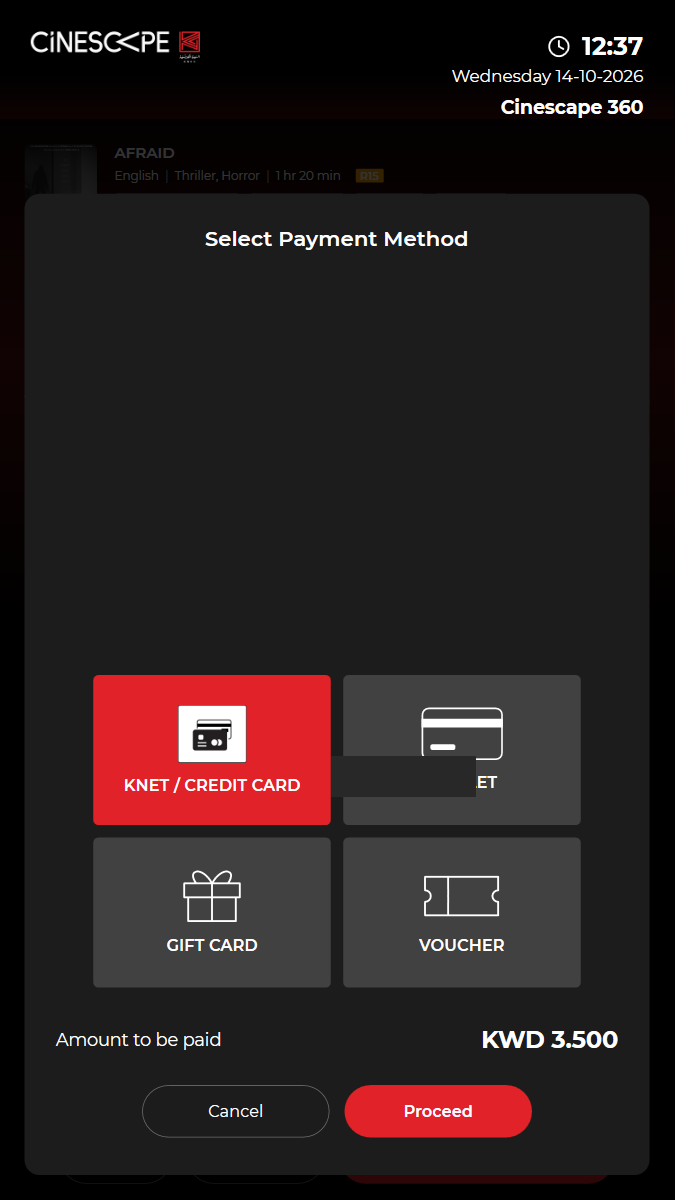
✓ Choose KNET / CREDIT CARD and Proceed (the fake terminal approves) 11.25s
✓ The KNET payment is confirmed and the booking booked (payment/knet/kiosk/confirm, content/trans/tckbooked) 3.55s
✓ "Booking Success!" shows the BOOKING ID, show, seat and amount paid 3.88s
✓ The ticket and the card receipt are printed: "Please collect your tickets." and EMAIL MY TICKETS is offered 4.43s
✓ The kiosk returns to the home screen by itself 37.18s
✓ Passed
KUI-16 Pickup tickets by BOOKING ID; a second pickup is refused
✓ ✓ ✓ ✓ 52.55s
kui-07-16-ticket-purchase-and-pickup.spec.ts · Kiosk app · 3 steps
kiosk: Reused the open kiosk: back on the home screen, in English, no popuppossible defect: Tickets printed at purchase are not marked as collected, so the first pickup prints them again.Watch test video This viewer cannot play the video. 3 execution steps with screenshots
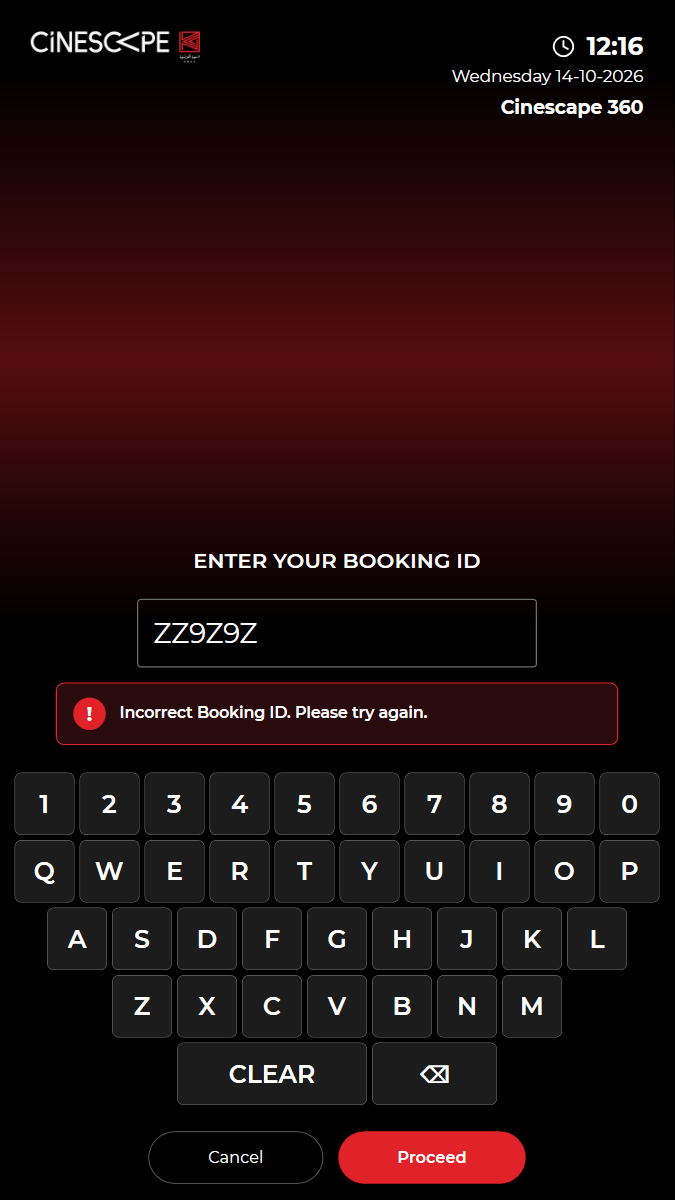
✓ Unknown BOOKING ID: "Booking not found", the kiosk stays on the pickup screen 11.91s
✓ Pick up WSXXRKQ: the booking is found and the tickets are printed 10.55s
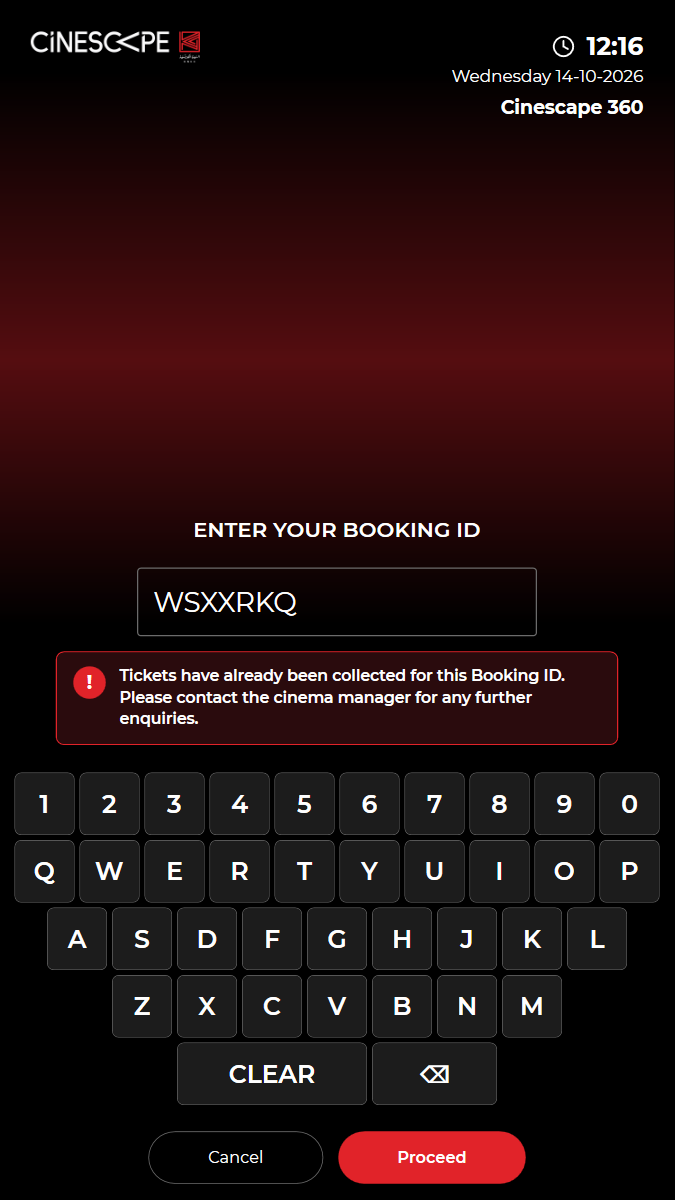
✓ Second pickup of the same BOOKING ID is refused (tickets already collected) 15.65s
✓ Passed
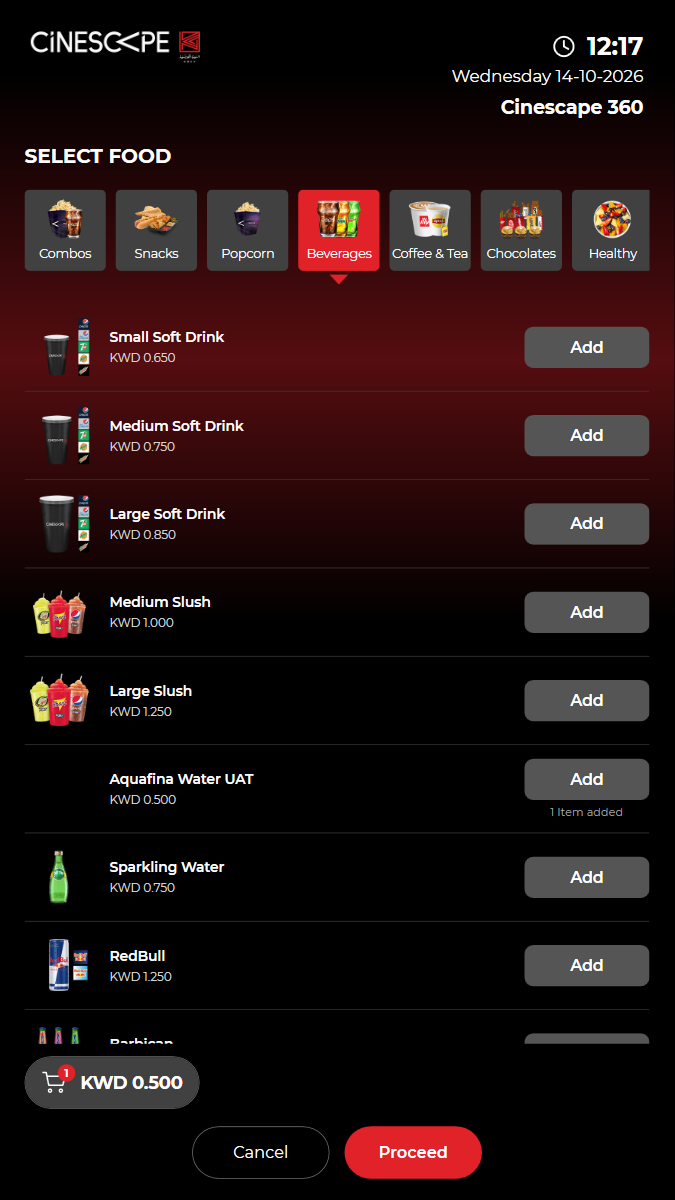
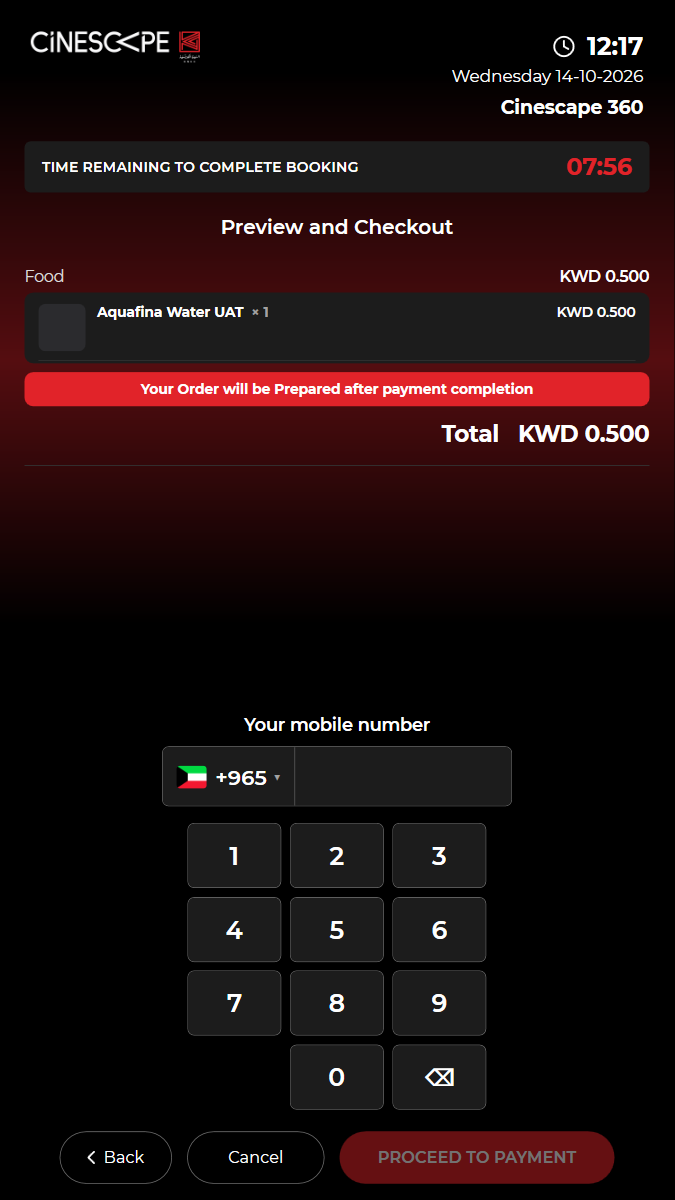
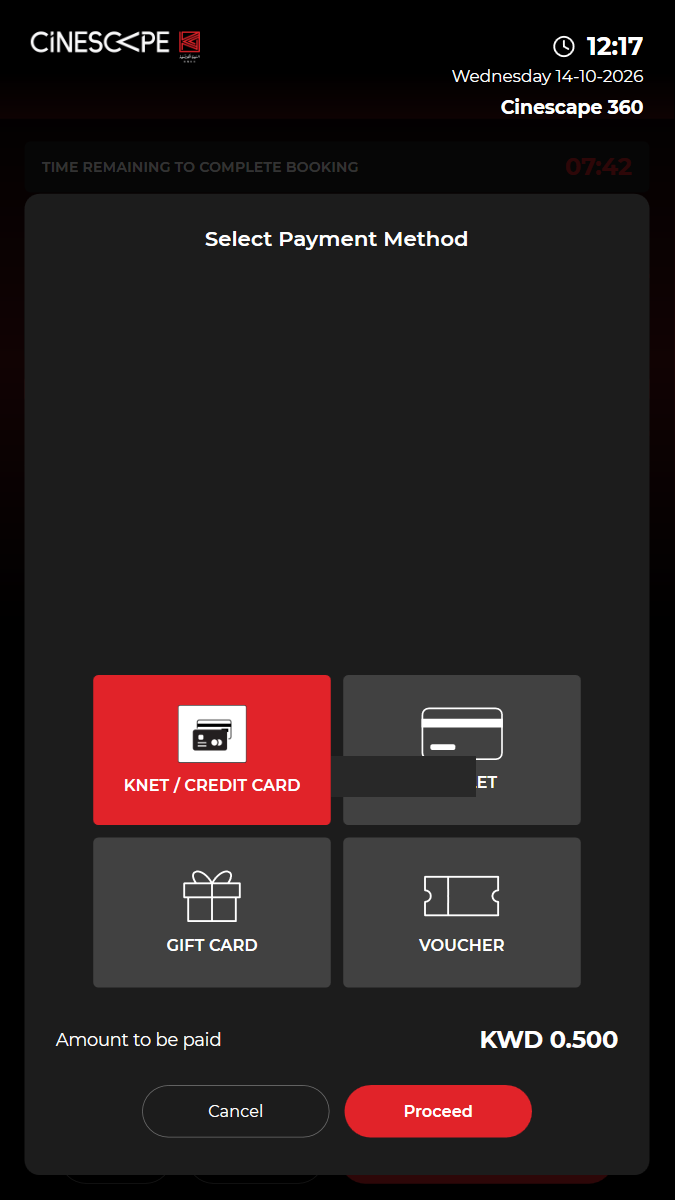
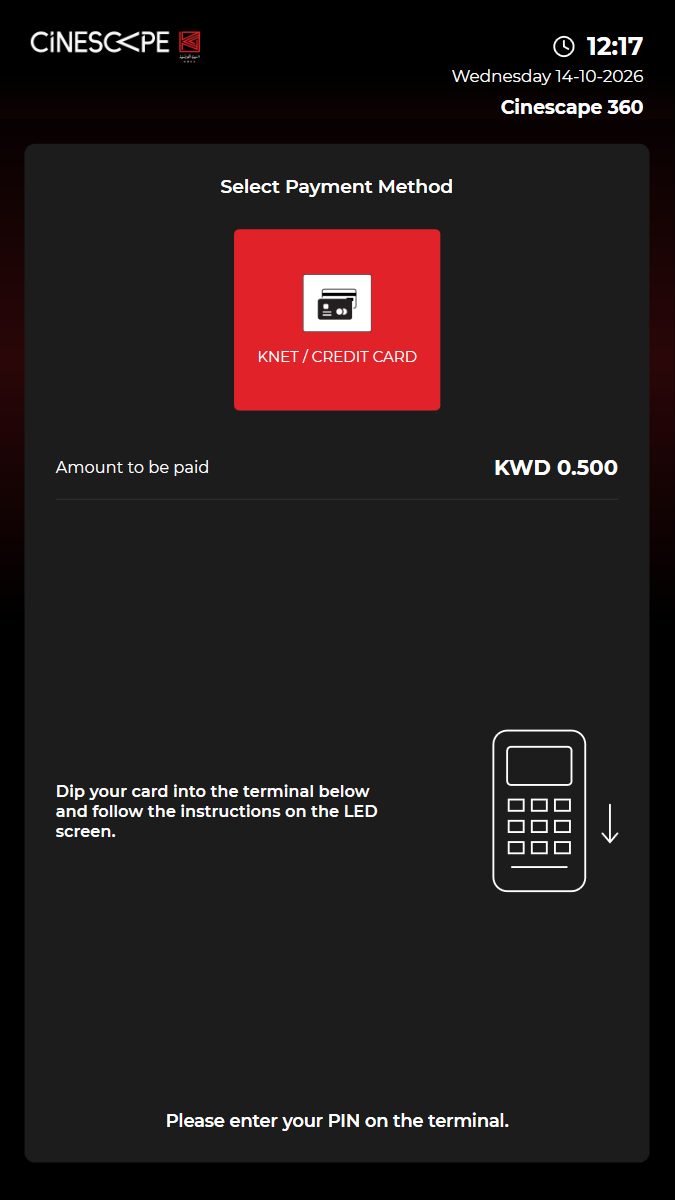
KUI-08 Food purchase end to end, paid by KNET
· ✓ ✓ ✓ 112.26s
kui-08-food-purchase.spec.ts · Kiosk app · 7 steps
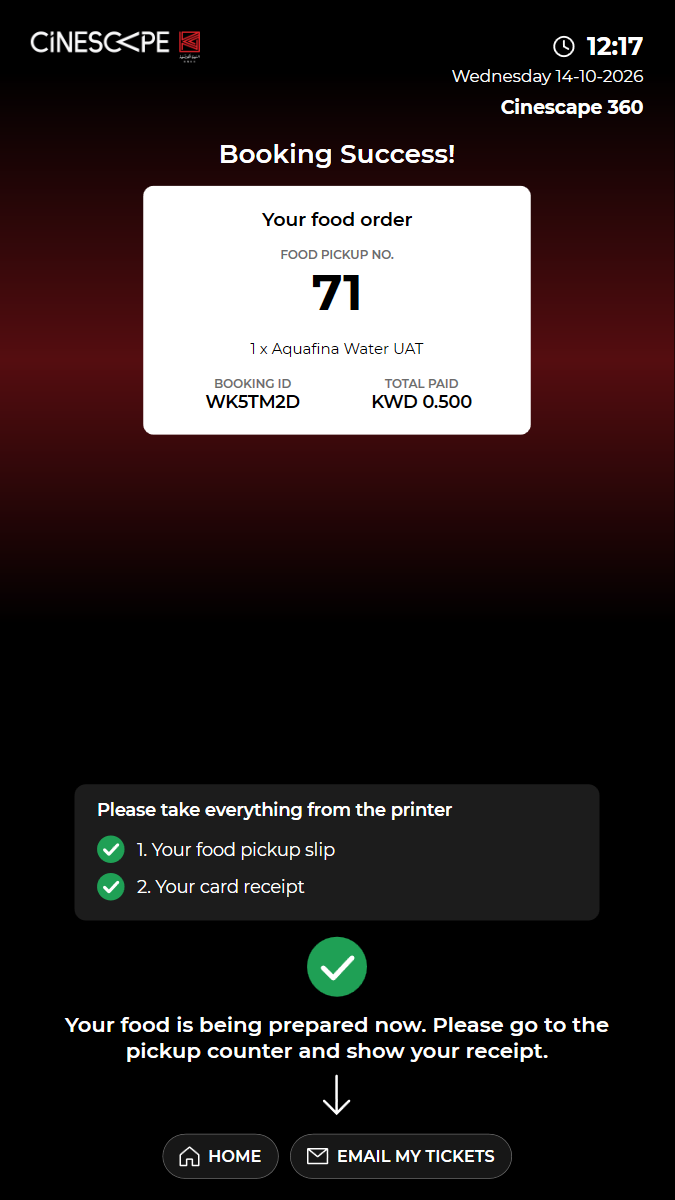
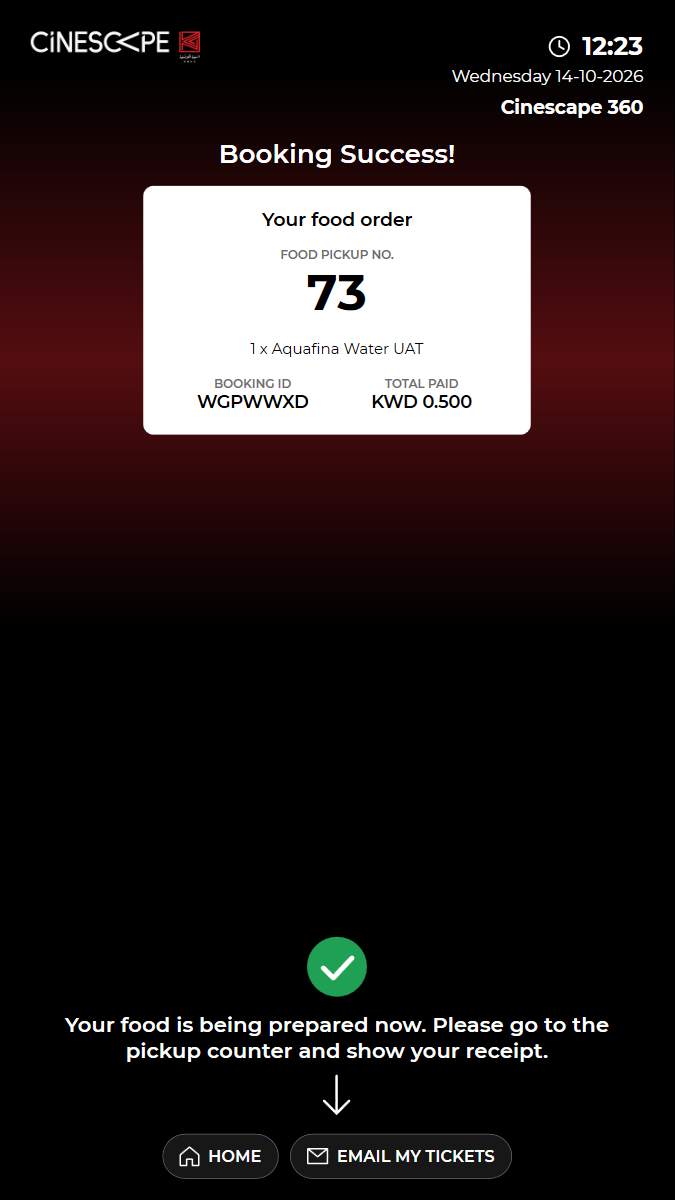
kiosk: Reused the open kiosk: back on the home screen, in English, no popuppaid booking: BOOKING ID WK5TM2D (booking 2003768), KWD 0.500 paid by KNET (fake terminal). Not cancelled: kiosk bookings cannot be cancelled online.timing: Back on the home screen 33 s after the success screen was read.Watch test video (part 1 of 2) This viewer cannot play the video. Watch test video (part 2 of 2) This viewer cannot play the video. 7 execution steps with screenshots
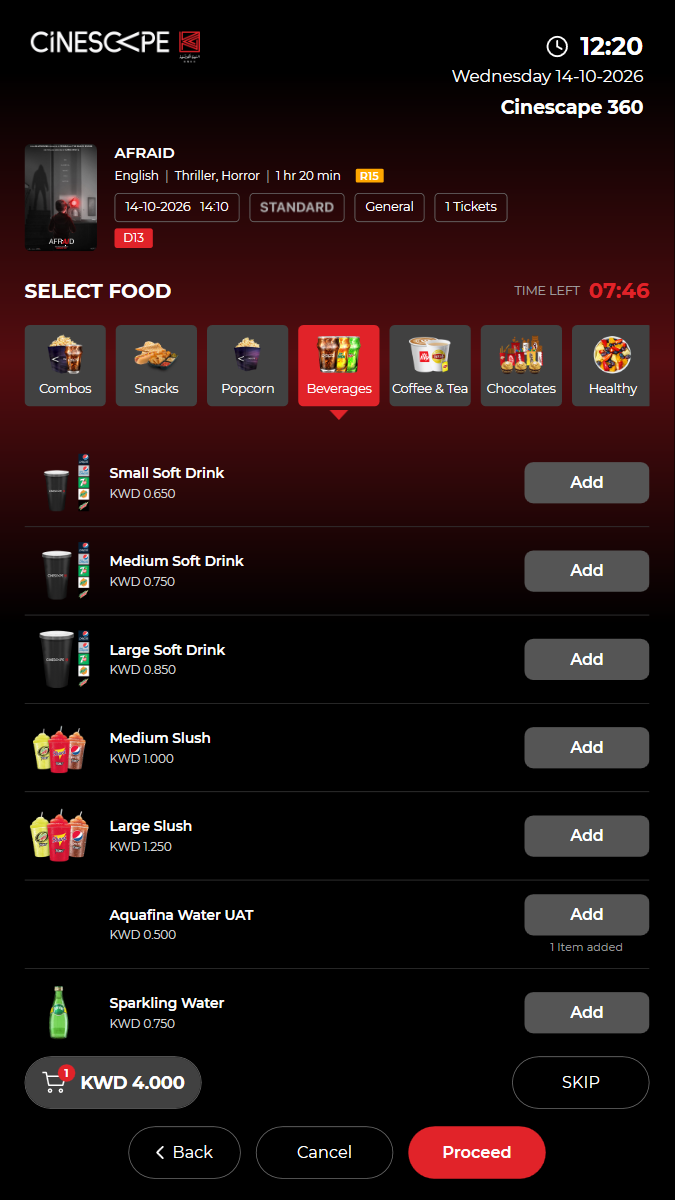
✓ ORDER F&B: add "Aquafina Water UAT" and check the total 14.29s
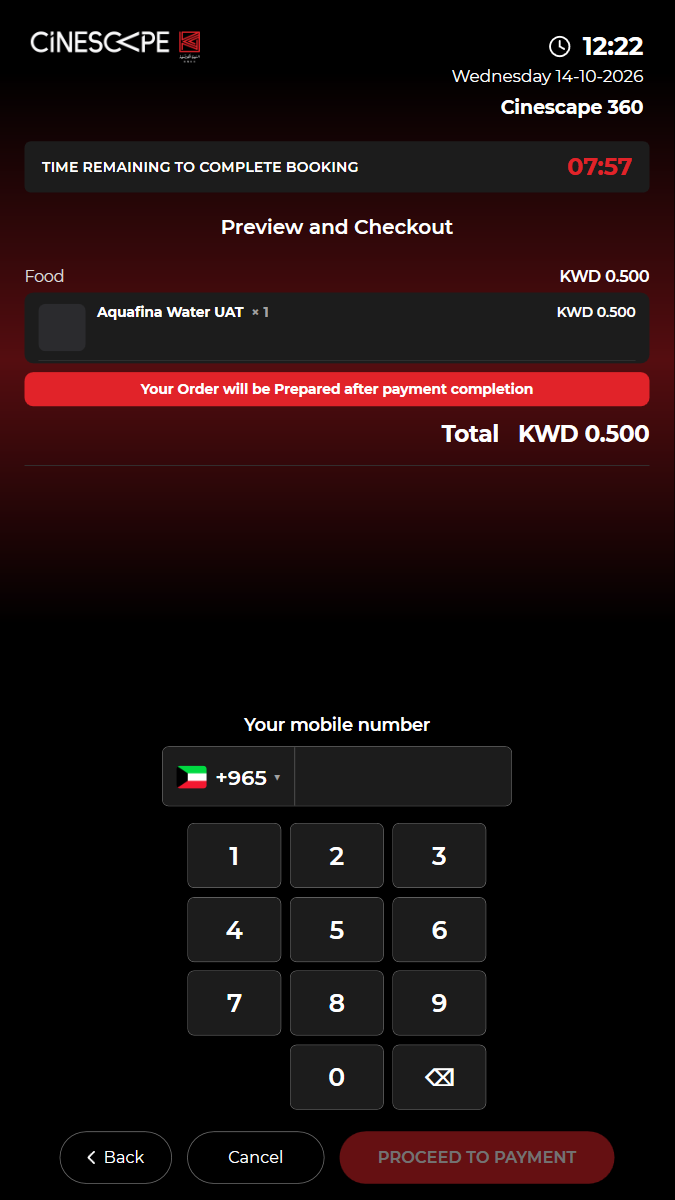
✓ "Preview and Checkout" lists the item, the total and when it is prepared 5.24s
✓ Enter the mobile number (+965) and proceed to payment 16.48s
✓ Choose KNET / CREDIT CARD and Proceed (the fake terminal approves) 10.16s
✓ The KNET payment is confirmed and the booking booked (payment/knet/kiosk/confirm, content/trans/tckbooked) 3.26s
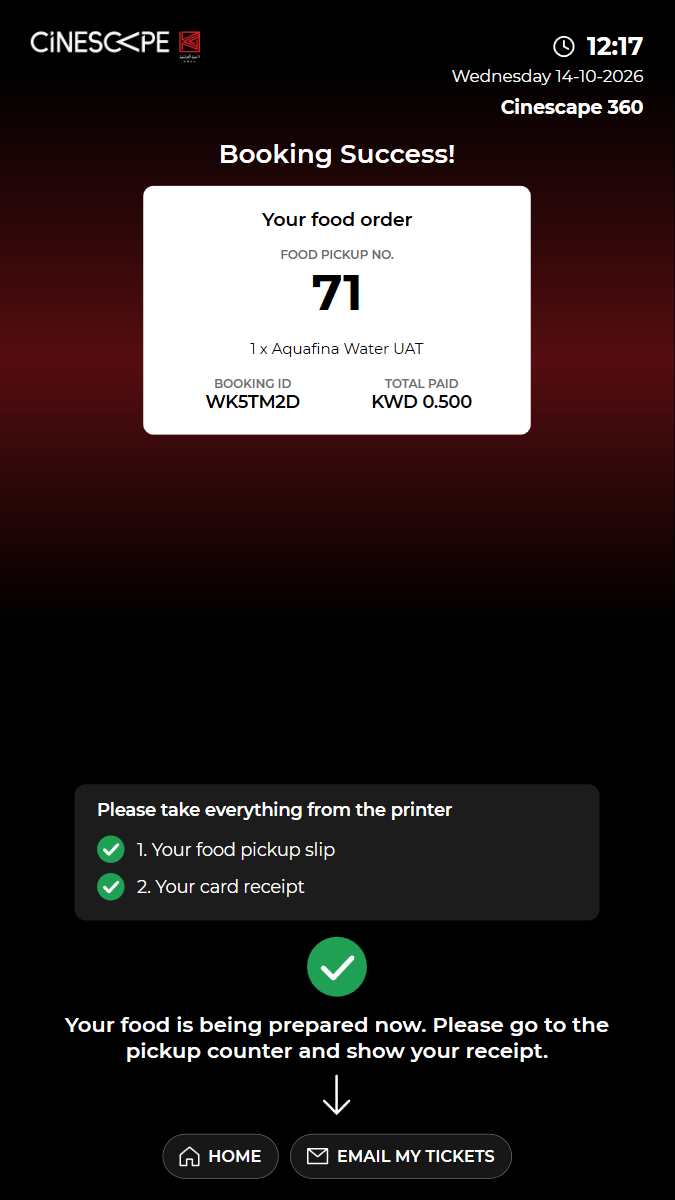
✓ "Booking Success!" shows the food pickup number, the item, the BOOKING ID and the amount 3.92s
✓ The kiosk returns to the home screen by itself 41.90s
✓ Passed
KUI-09 Food combo options carry through to checkout
✓ ✓ ✓ ✓ 68.17s
kui-09-food-combo-options.spec.ts · Kiosk app · 11 steps
kiosk: Reused the open kiosk: back on the home screen, in English, no popupWatch test video This viewer cannot play the video. 11 execution steps with screenshots
✓ Open BUY TICKETS (films showing now) 3.44s
✓ Choose "AFRAID" 3.48s
✓ Choose the 14:10 Standard show 3.17s
✓ Choose General, a seat type and 1 ticket(s), then proceed to the seat map 9.07s
✓ Choose a free seat and proceed (the kiosk reserves it) 10.64s
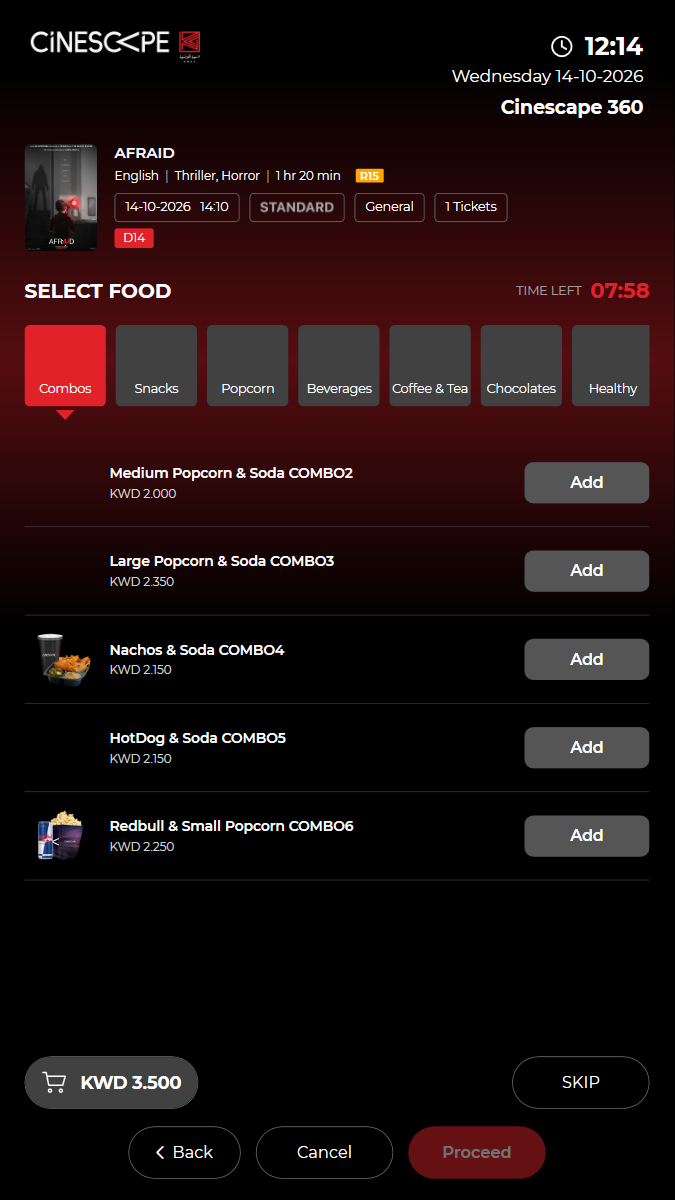
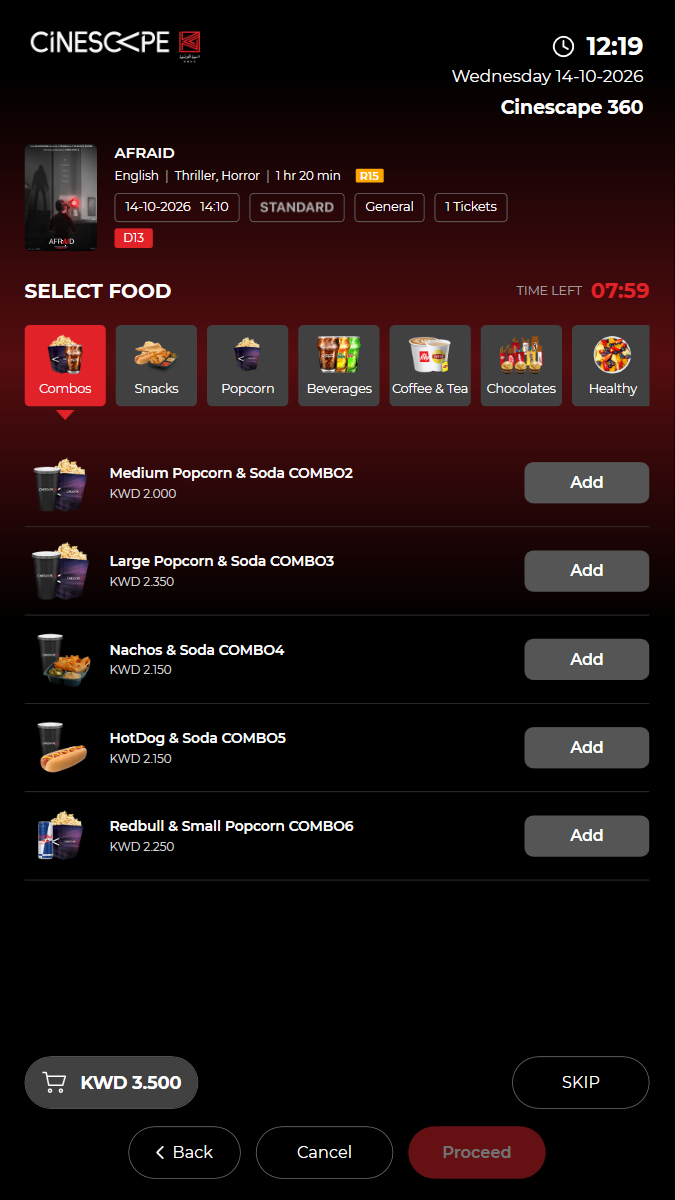
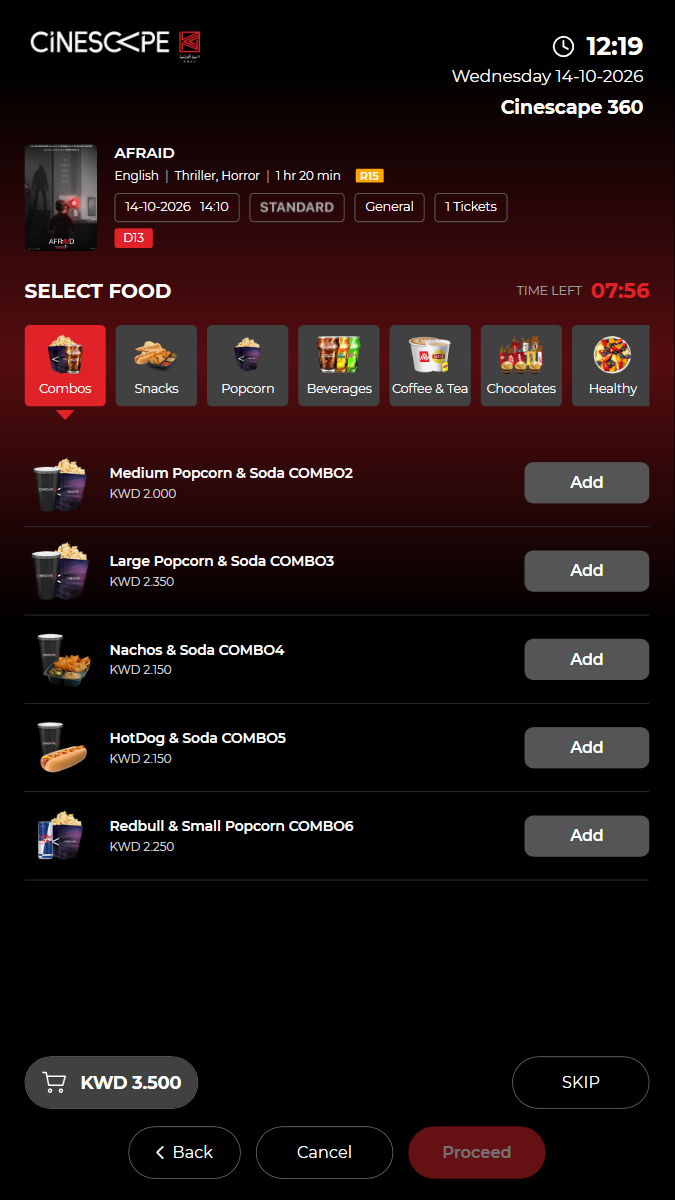
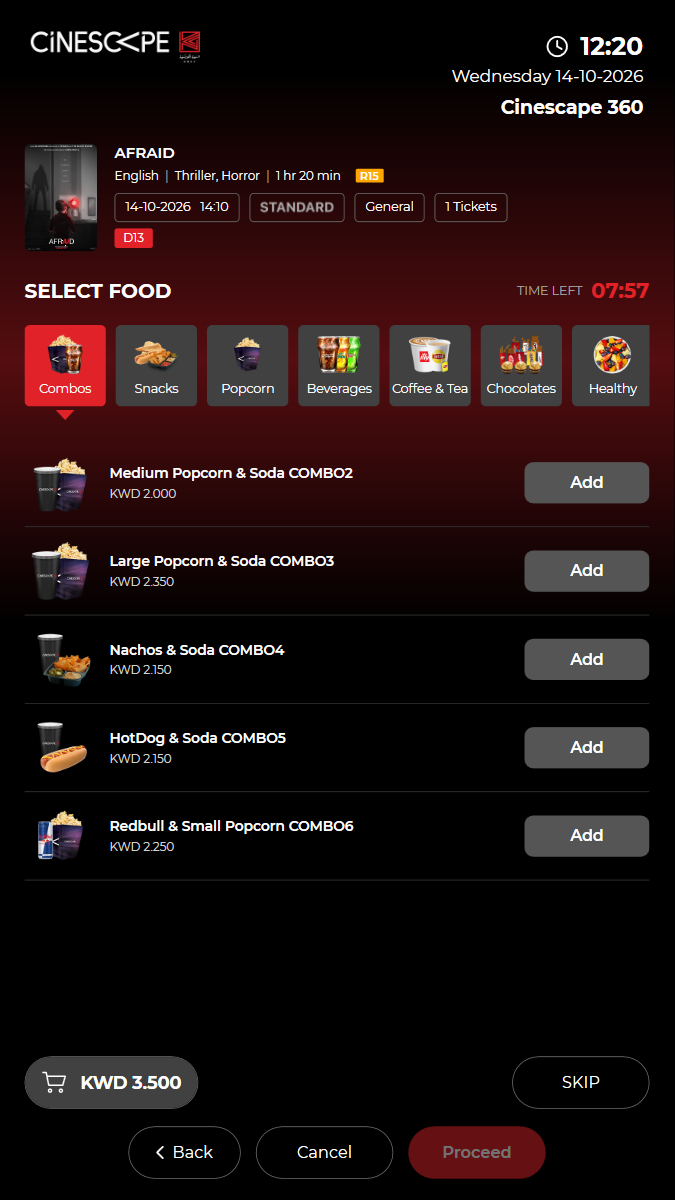
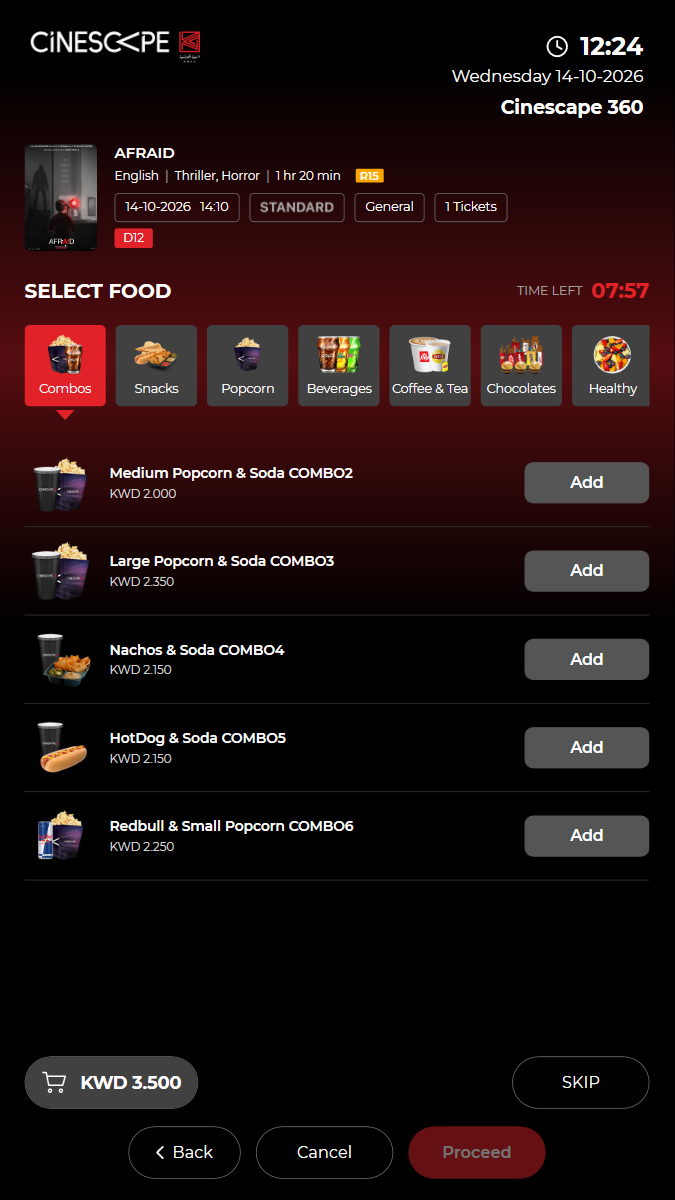
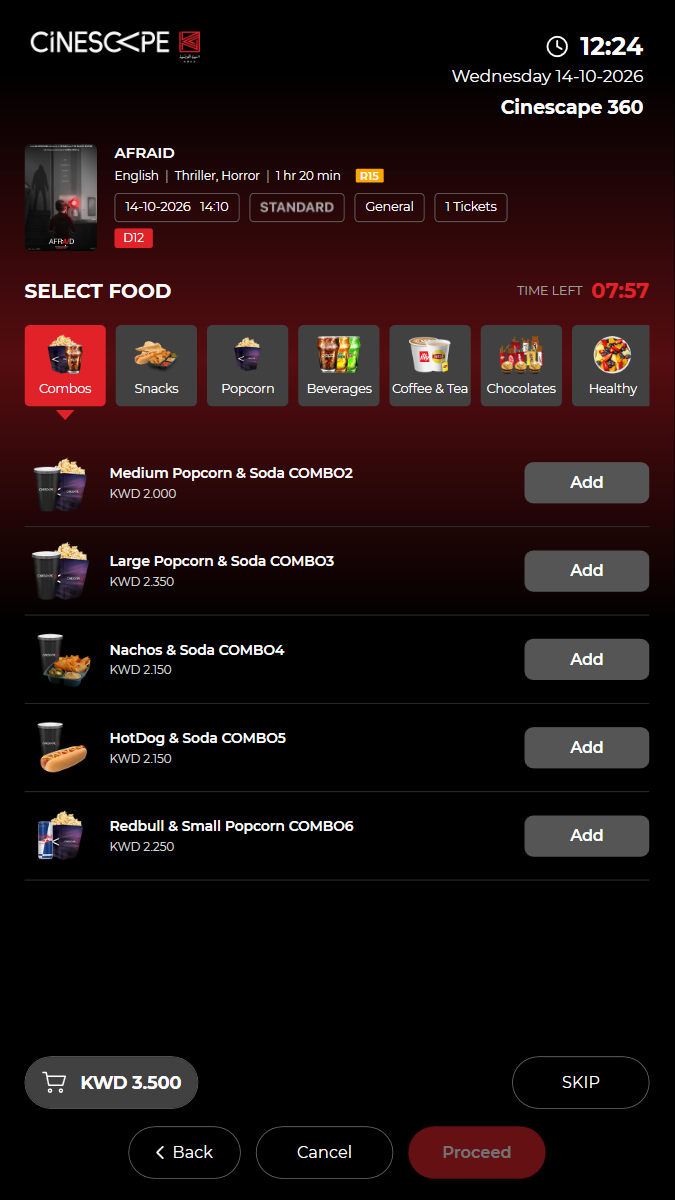
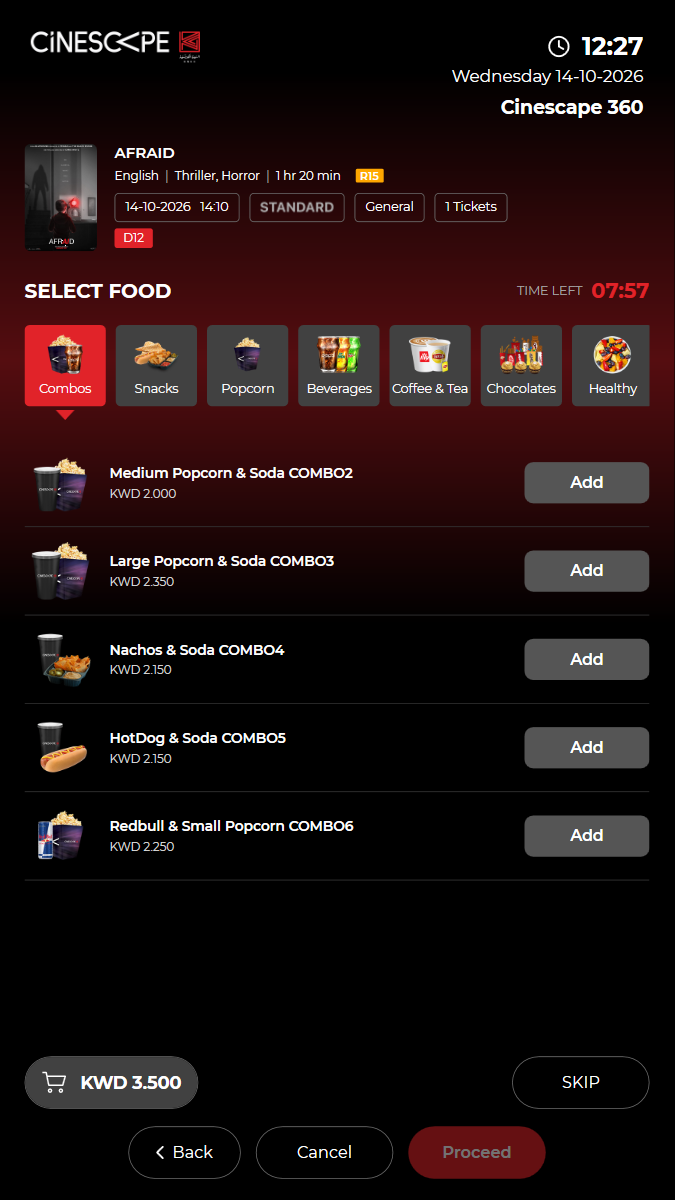
✓ Food screen shows the menu tabs and the tickets total 2.87s
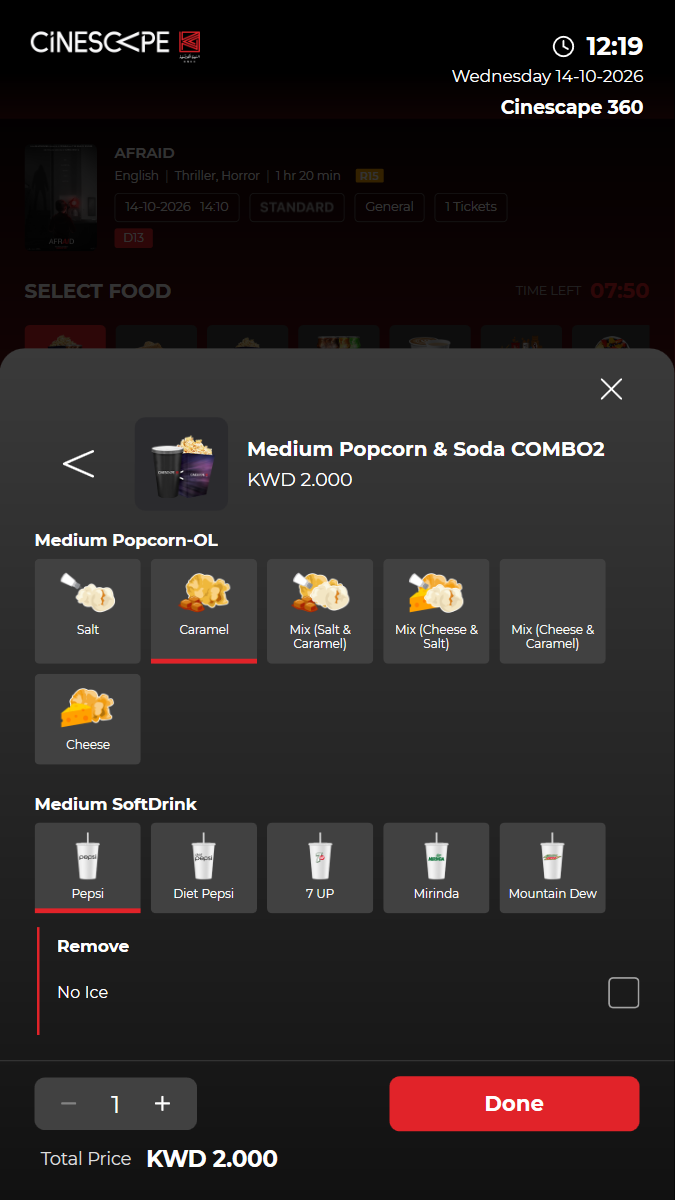
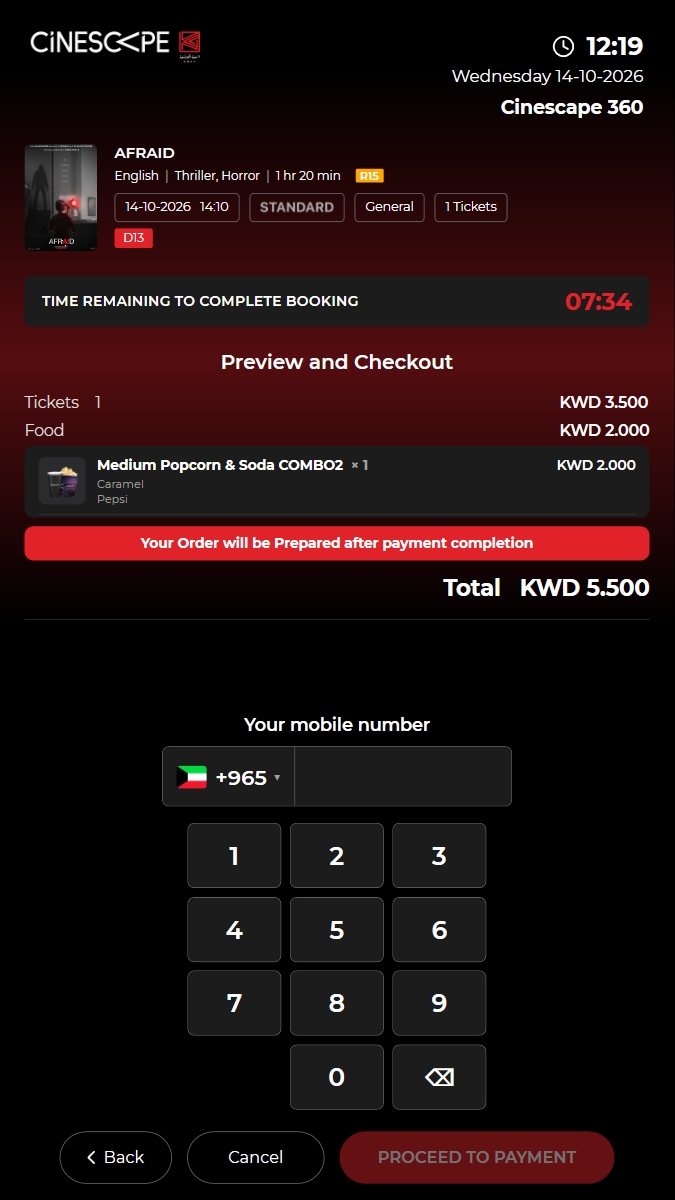
✓ Add "Medium Popcorn & Soda COMBO2" and choose its options 6.27s
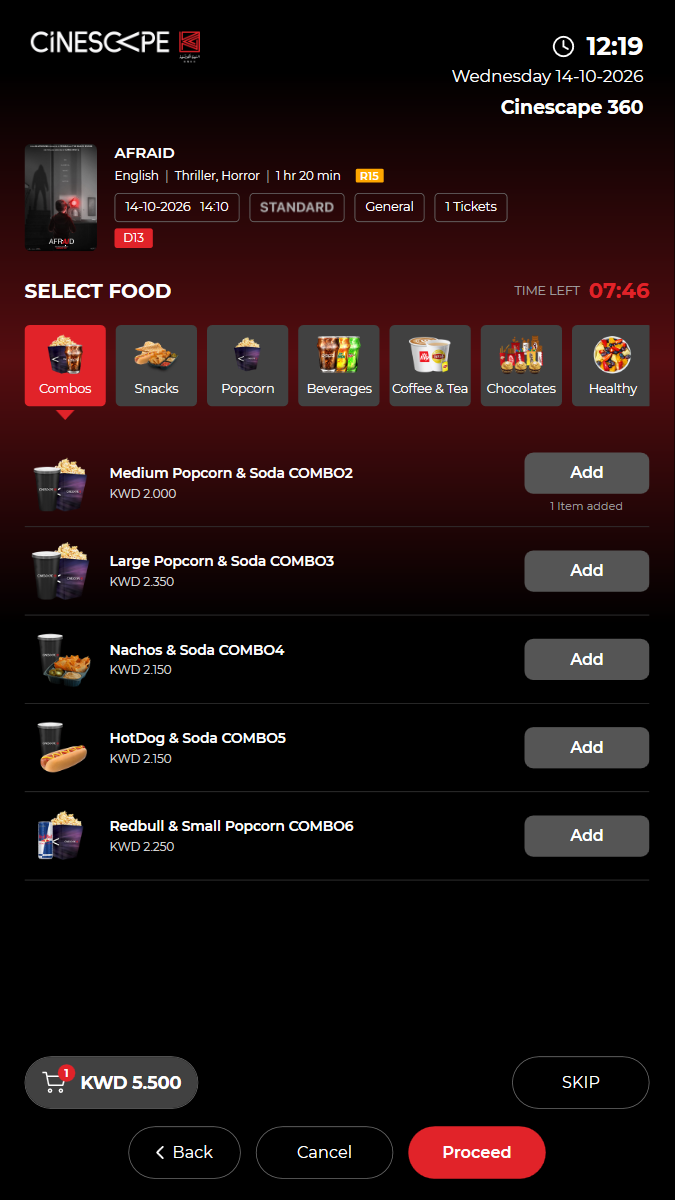
✓ Done on the sheet: the cart button total rises by the combo price 3.24s
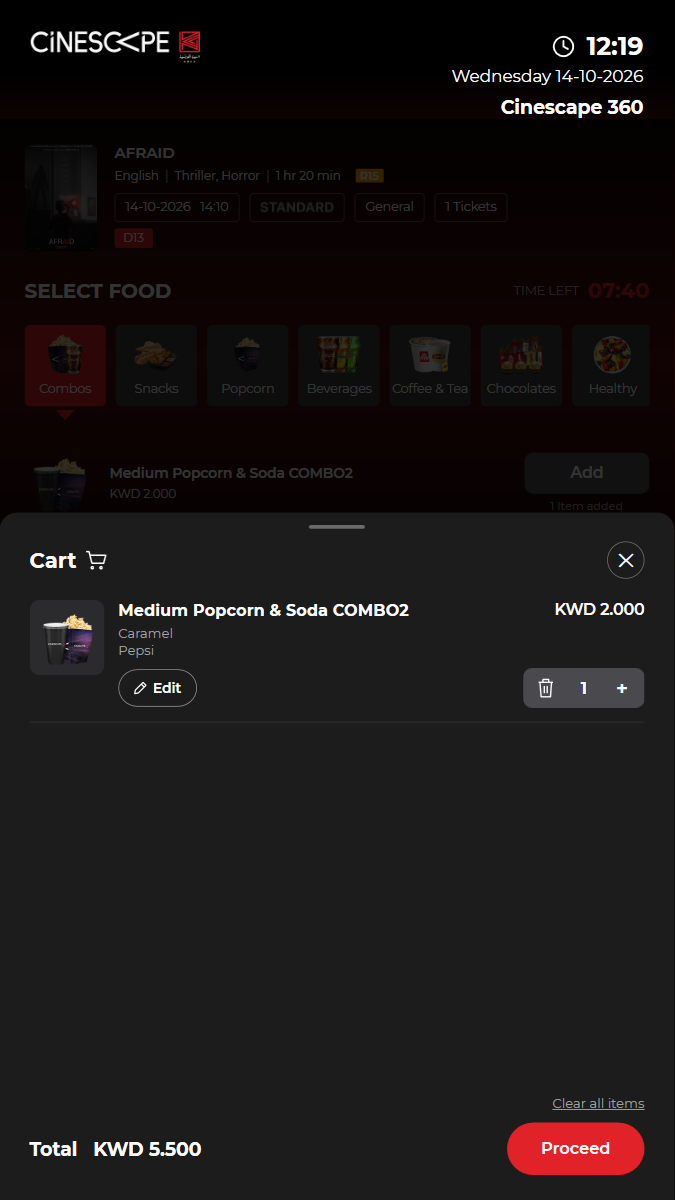
✓ The cart ("Cart") lists the combo with its options and the total 6.76s
✓ Preview and Checkout lists tickets, food and the grand total 5.54s
✓ Cancel out of checkout: the kiosk cancels the reservation 6.14s
✓ Passed
KUI-10 Tickets and food in one order, paid once by KNET
· ✓ ✓ ✓ 142.56s
kui-10-tickets-and-food.spec.ts · Kiosk app · 13 steps
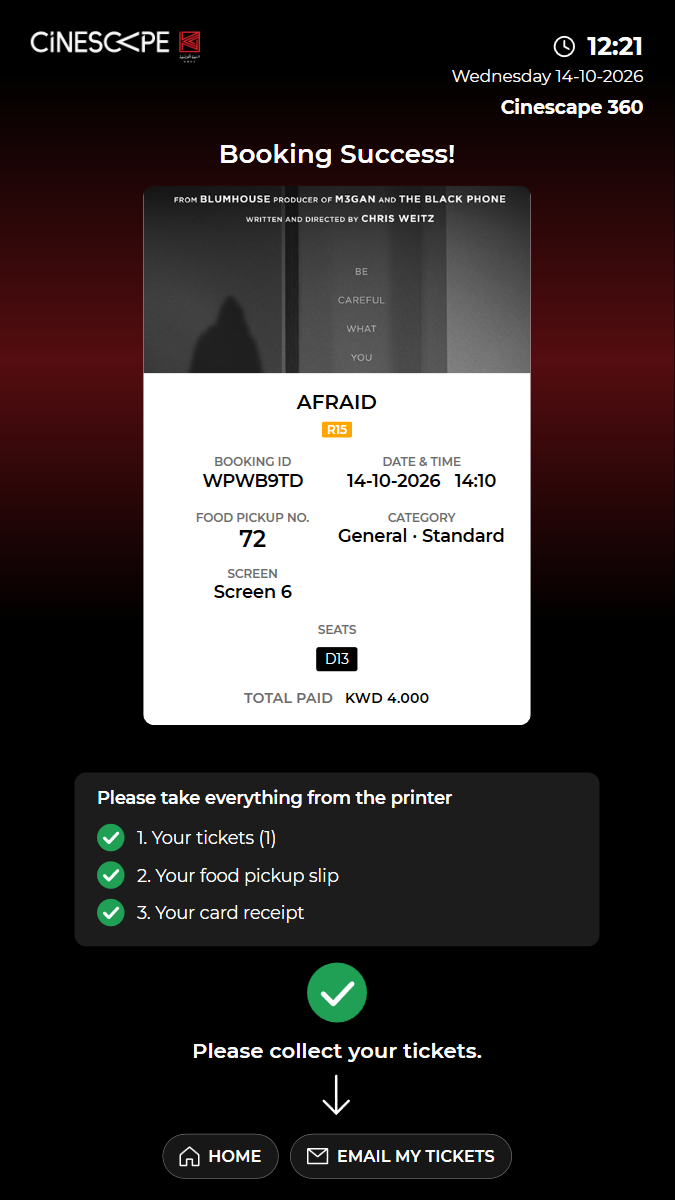
kiosk: Reused the open kiosk: back on the home screen, in English, no popuppaid booking: BOOKING ID WPWB9TD (booking 2003769), KWD 4.000 paid by KNET (fake terminal). Not cancelled: kiosk bookings cannot be cancelled online.timing: Back on the home screen 26 s after the success screen was read.Watch test video (part 1 of 2) This viewer cannot play the video. Watch test video (part 2 of 2) This viewer cannot play the video. 13 execution steps with screenshots
✓ Open BUY TICKETS (films showing now) 3.70s
✓ Choose "AFRAID" 3.48s
✓ Choose the 14:10 Standard show 3.09s
✓ Choose General, a seat type and 1 ticket(s), then proceed to the seat map 9.08s
✓ Choose a free seat and proceed to "Select Food" 9.55s
✓ Add "Aquafina Water UAT": the total rises by its price 10.96s
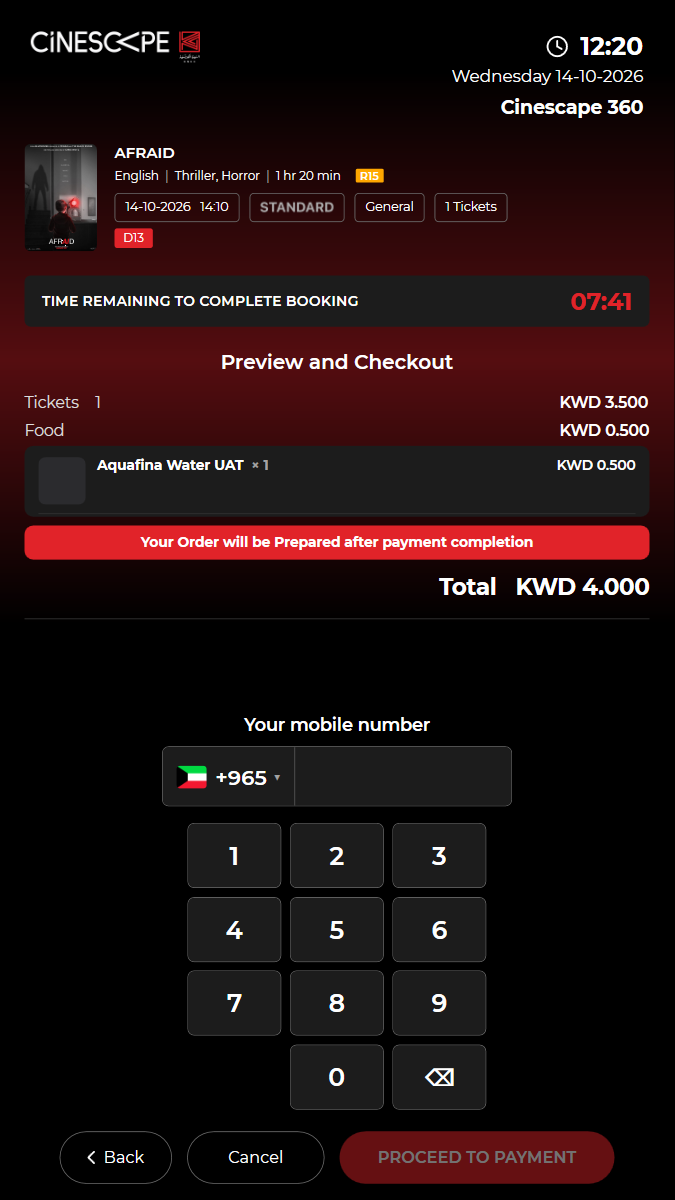
✓ "Preview and Checkout": tickets + food = total 5.00s
✓ Enter the mobile number (+965) and proceed to payment 18.88s
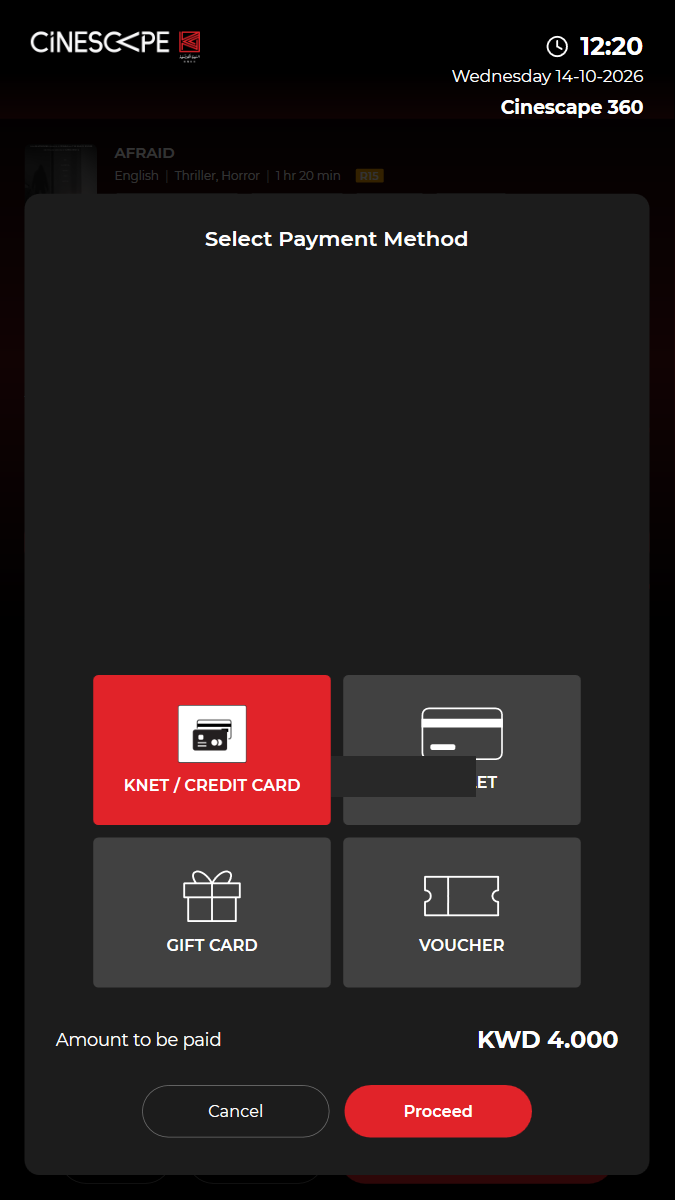
✓ Choose KNET / CREDIT CARD and Proceed (the fake terminal approves) 12.95s
✓ The KNET payment is confirmed and the booking booked (payment/knet/kiosk/confirm, content/trans/tckbooked) 4.67s
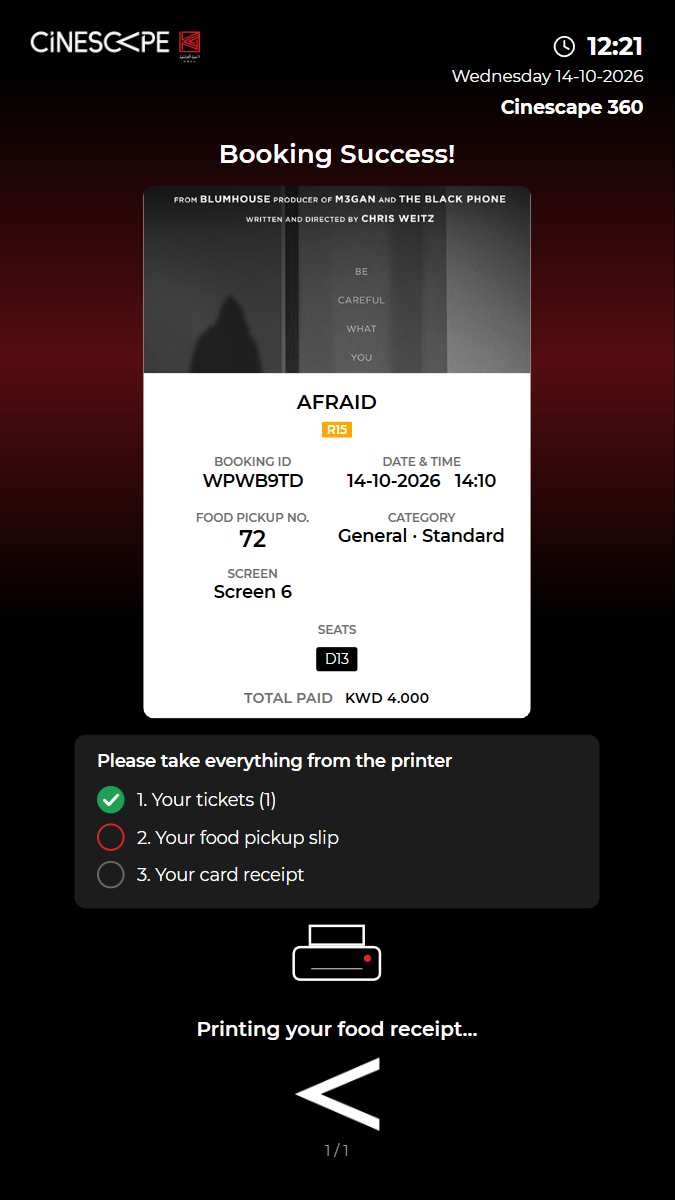
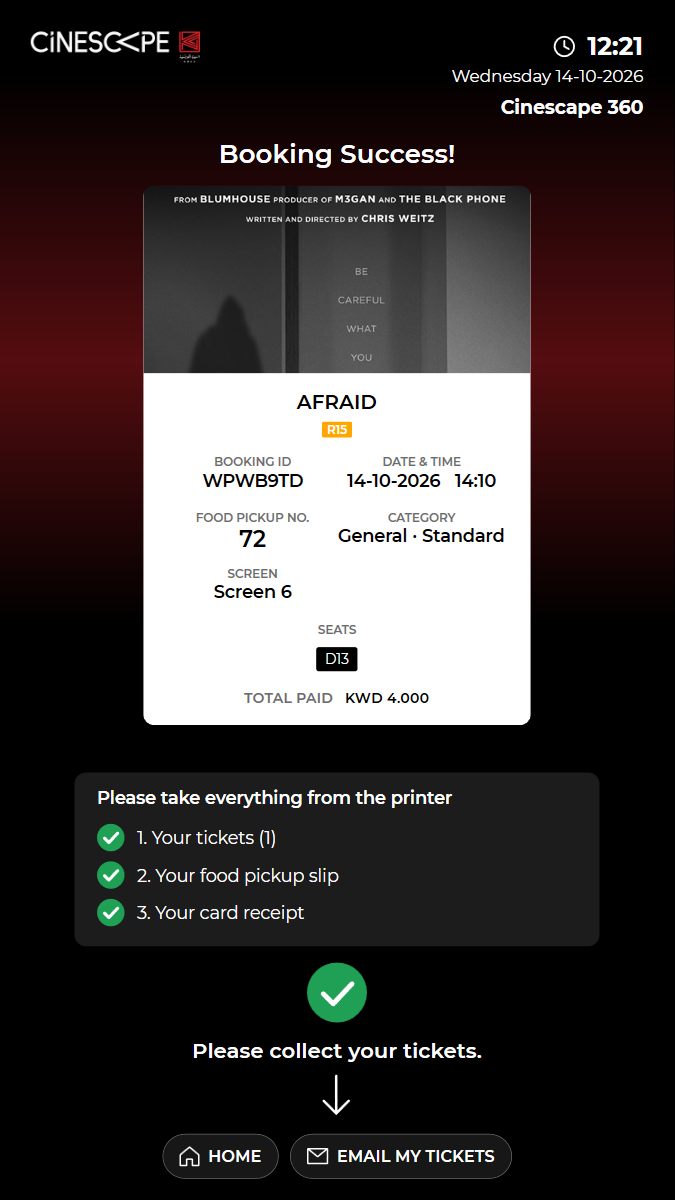
✓ "Booking Success!" shows both references (BOOKING ID and FOOD PICKUP NO.), the seat and one total 4.26s
✓ One KNET payment and one booking for tickets and food 4.05s
✓ The kiosk returns to the home screen by itself 35.56s
✓ Passed
KUI-11 Wallet payment: balance, order total and balance after; paid from the club card
· ✓ ✓ ✓ 81.08s
kui-11-club-card-payment.spec.ts · Kiosk app · 7 steps
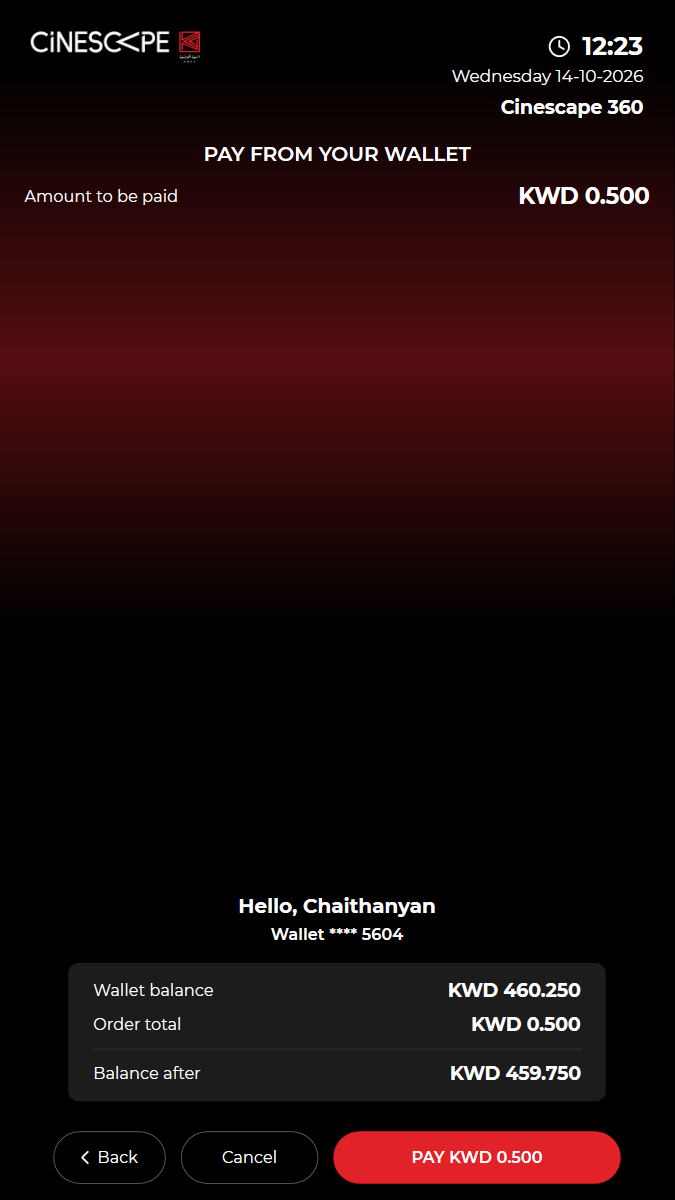
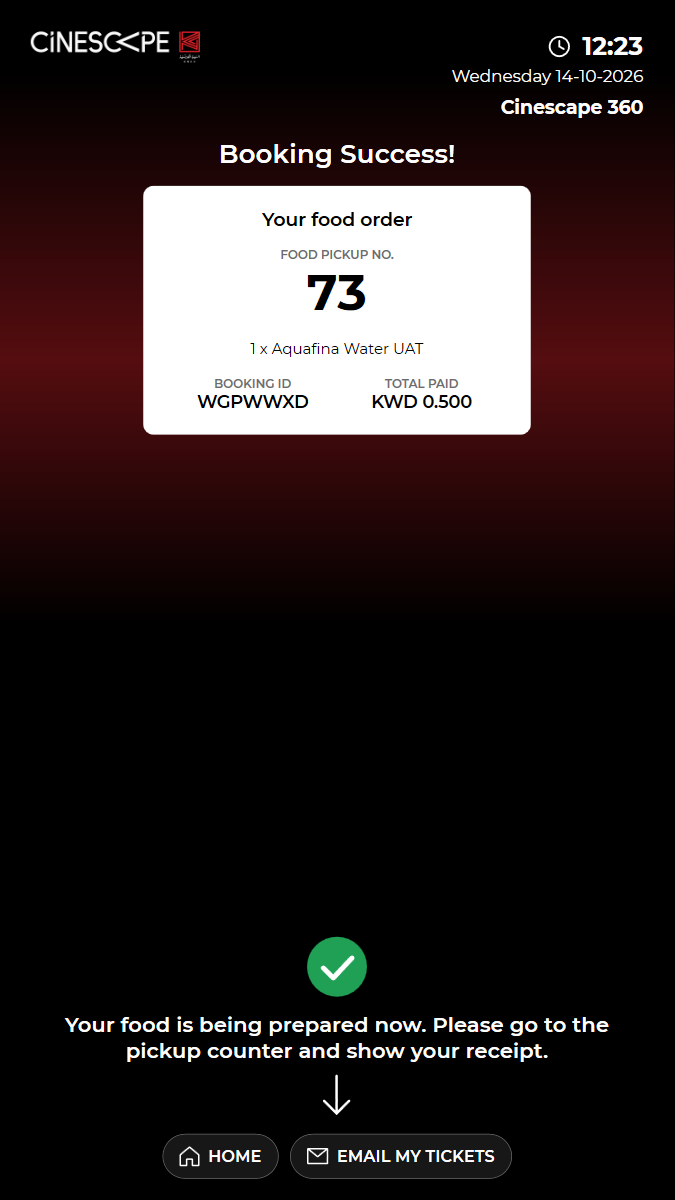
kiosk: Reused the open kiosk: back on the home screen, in English, no popuppaid booking: BOOKING ID WGPWWXD (booking 2003770), KWD 0.500 paid by the wallet (club card). Not cancelled: kiosk bookings cannot be cancelled online.balance before: KWD 460.250balance after: KWD 459.750 (shown before paying)Watch test video (part 1 of 2) This viewer cannot play the video. Watch test video (part 2 of 2) This viewer cannot play the video. 7 execution steps with screenshots
✓ ORDER F&B: order "Aquafina Water UAT" and go to checkout 15.13s
✓ Enter the mobile number (+965) and proceed to payment 16.78s
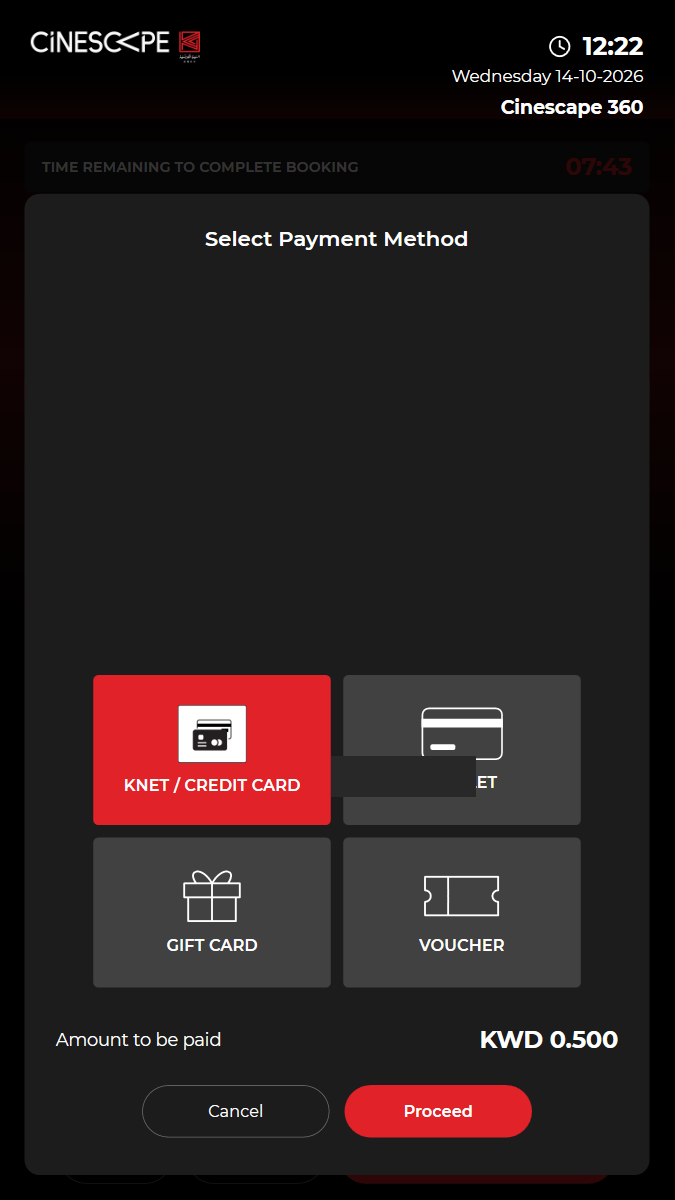
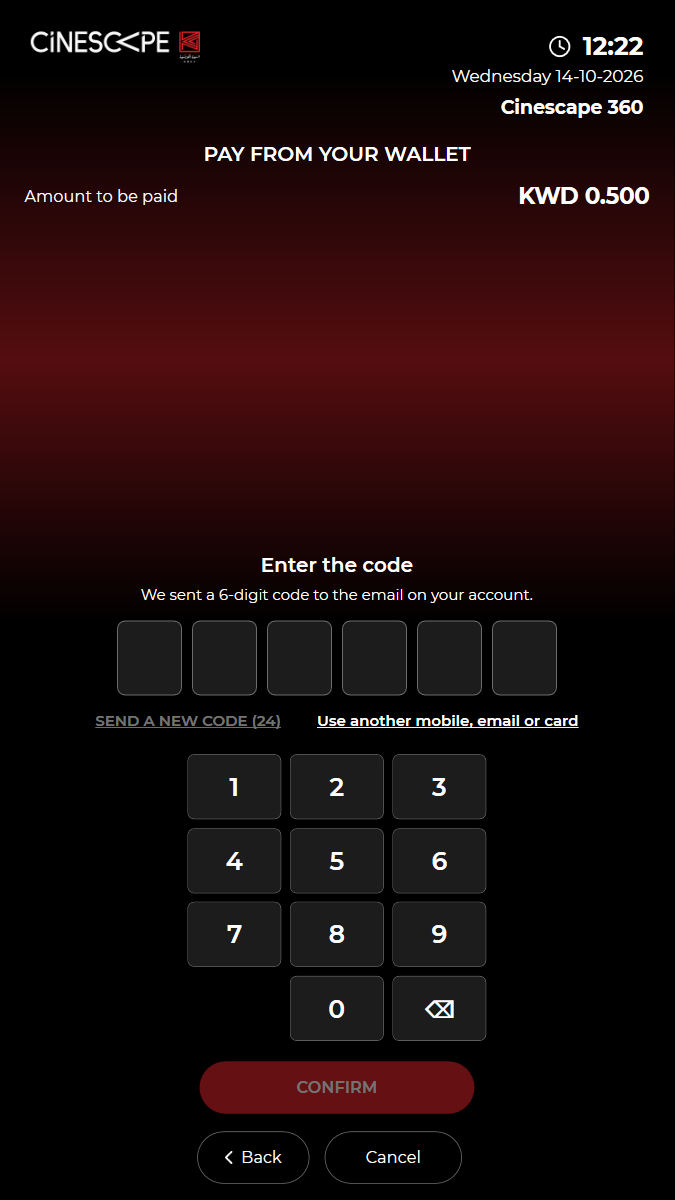
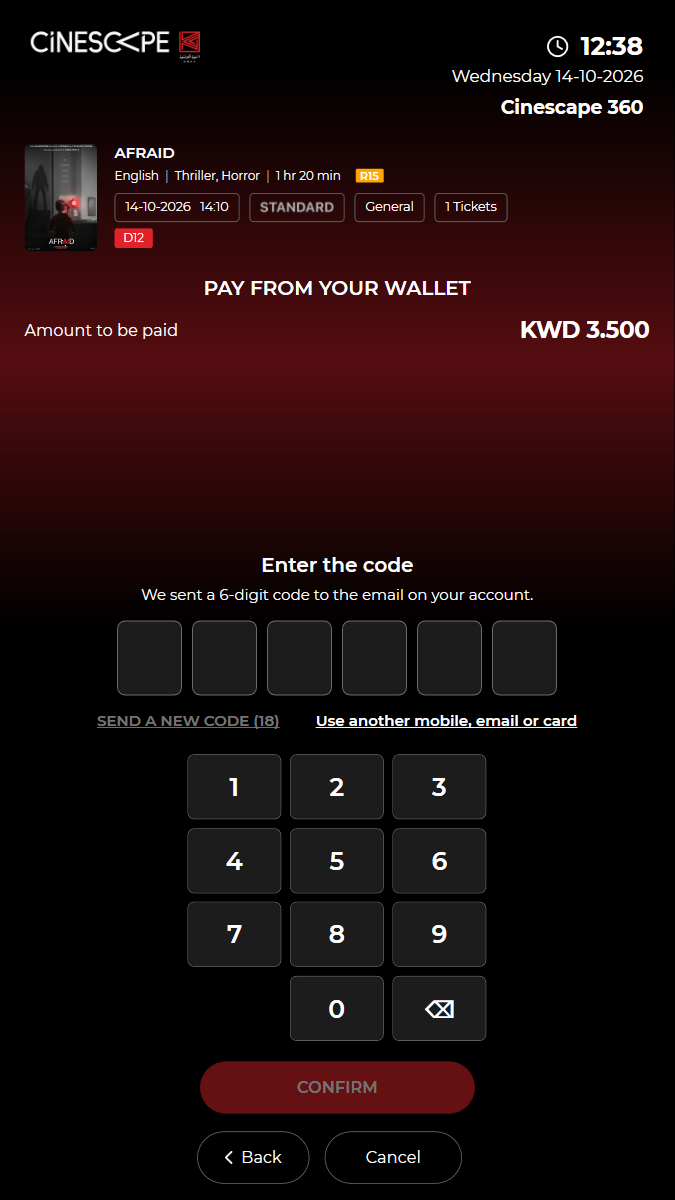
✓ Choose WALLET: "PAY FROM YOUR WALLET" emails a code to the account of the checkout mobile 11.85s
✓ Enter the code and CONFIRM (kiosk/identity/verify): the customer is known 11.21s
✓ Wallet balance KWD 460.250, order total and balance after are shown: PAY KWD 0.500 8.08s
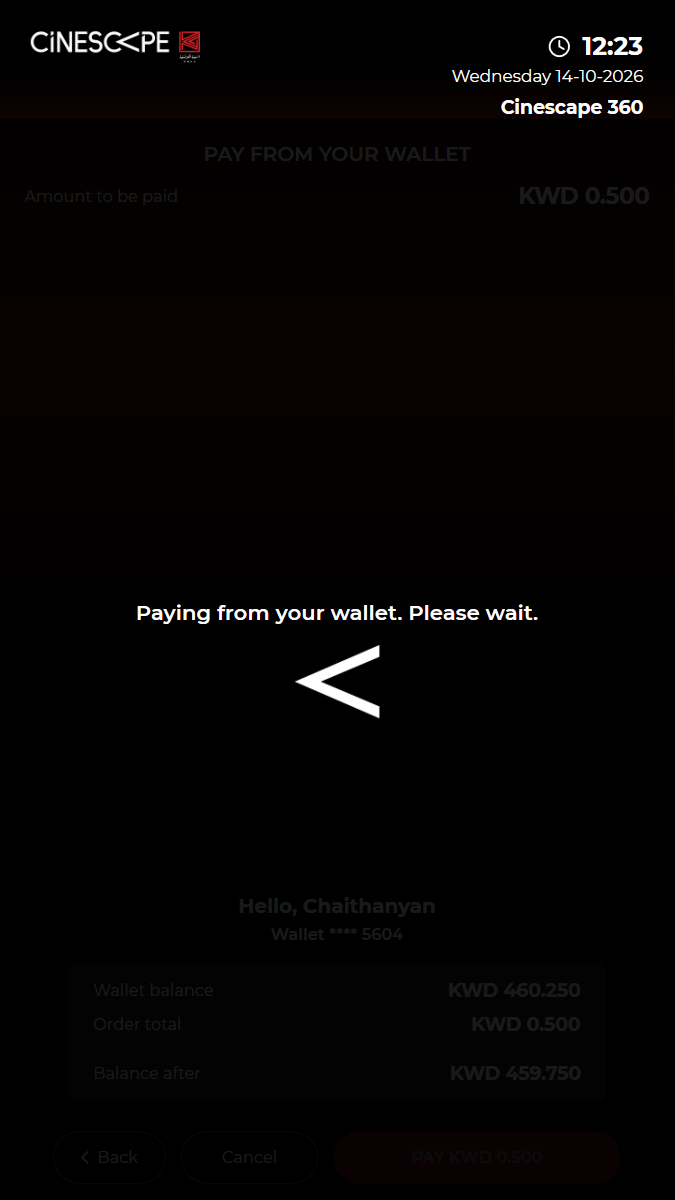
✓ The wallet payment is approved and the booking confirmed (clubcard/kiosk/pay, content/trans/tckbooked) 2.42s
✓ "Booking Success!" shows the amount paid 2.83s
✓ Passed
KUI-14 Cancel during booking releases the reserved seats
✓ ✓ ✓ ✓ 117.10s
kui-14-cancel-releases-seats.spec.ts · Kiosk app · 11 steps
kiosk: Reused the open kiosk: back on the home screen, in English, no popupWatch test video This viewer cannot play the video. 11 execution steps with screenshots
✓ Open BUY TICKETS (films showing now) 3.66s
✓ Choose "AFRAID" 3.58s
✓ Choose the 14:10 Standard show 3.11s
✓ Choose General, a seat type and 1 ticket(s), then proceed to the seat map 9.27s
✓ Choose a free seat and proceed (the kiosk reserves it) 9.64s
✓ The backend reserved D12 0.23s
✓ Cancel on the food screen: the kiosk cancels the reservation 2.97s
✓ The kiosk returns to the home screen 0.52s
✓ Open the same show again: D12 is free on the seat map 8.81s
✓ Choose General, a seat type and 1 ticket(s), then proceed to the seat map 8.89s
✓ D12 is available again 3.87s
✓ Passed
KUI-15 Idle timeout: the kiosk returns home and releases held seats
✓ ✓ ✓ ✓ 191.70s
kui-15-idle-timeout.spec.ts · Kiosk app · 11 steps
kiosk: Reused the open kiosk: back on the home screen, in English, no popupidle timeout: Film list → "Are you still there?" after about 31 sidle timeout: "Are you still there?" → home after about 20 sidle timeout: Food screen with a held seat → home after about 49 sWatch test video This viewer cannot play the video. 11 execution steps with screenshots
✓ Open BUY TICKETS, then leave the kiosk untouched 3.02s
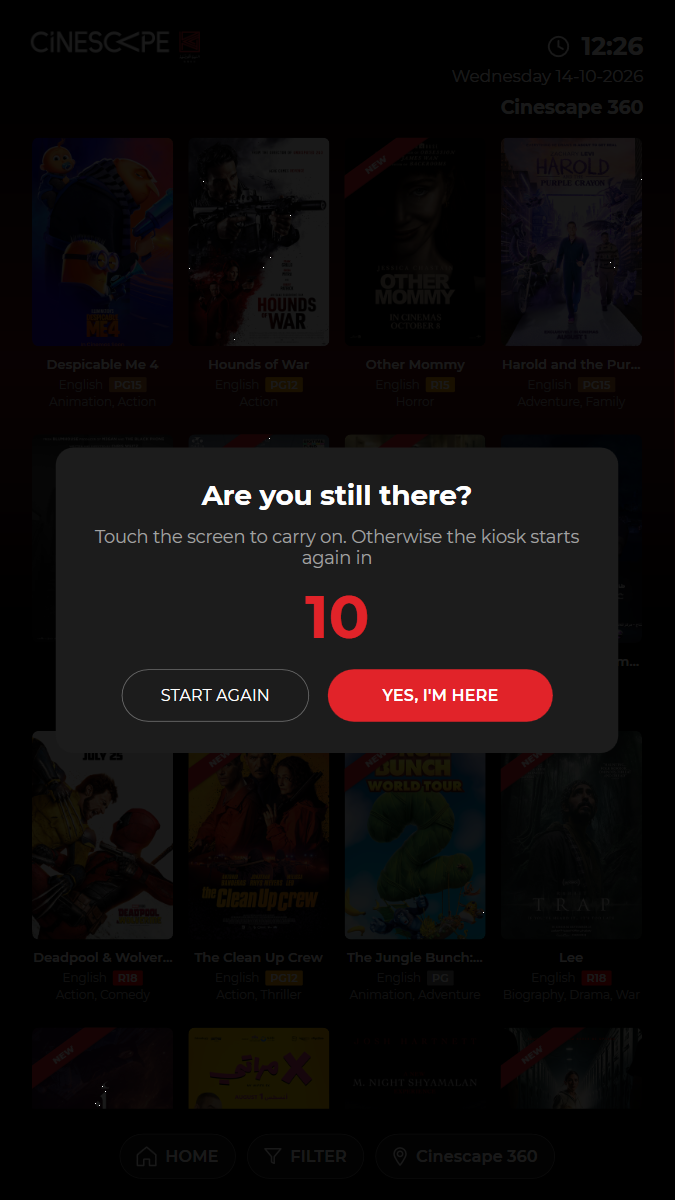
✓ "Are you still there?" appears with a countdown and YES, I'M HERE 38.50s
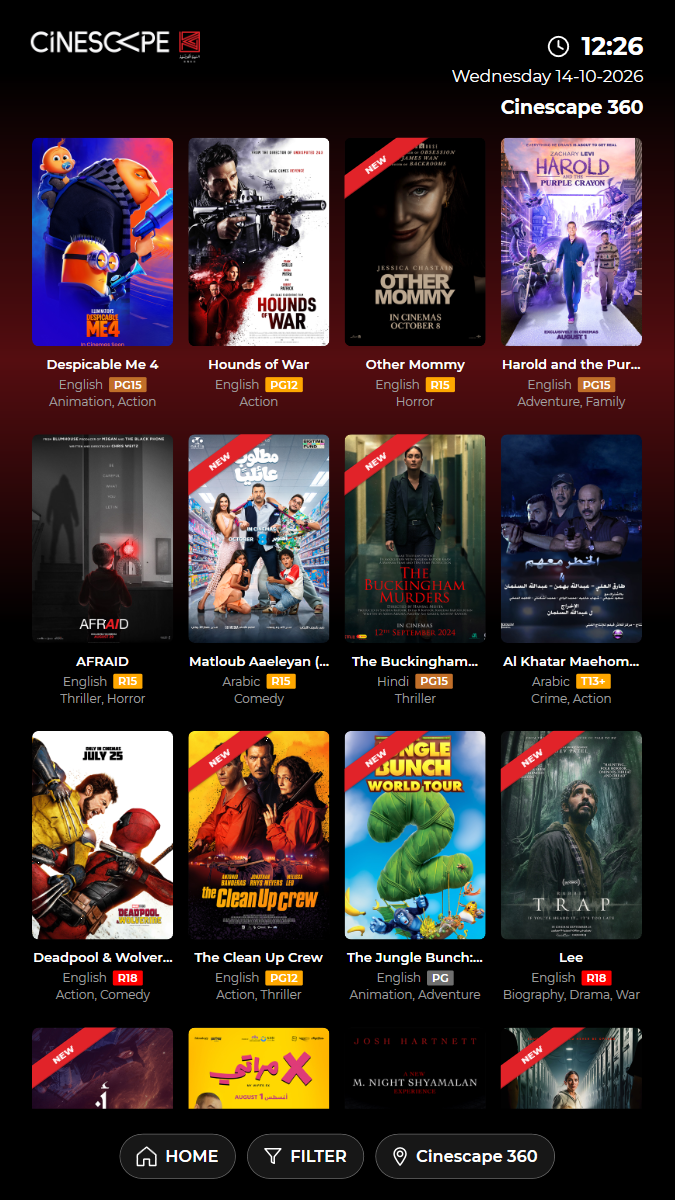
✓ YES, I'M HERE keeps the customer on the film list 5.58s
✓ Left untouched again: the prompt comes back and the kiosk returns home by itself 48.72s
✓ Open BUY TICKETS (films showing now) 5.08s
✓ Choose "AFRAID" 4.78s
✓ Choose the 14:10 Standard show 3.67s
✓ Choose General, a seat type and 1 ticket(s), then proceed to the seat map 11.56s
✓ Choose a free seat and proceed (the kiosk reserves it), then leave the kiosk 11.51s
✓ Abandoned booking: the kiosk returns home by itself 49.77s
✓ The held seat D12 was released (content/trans/cancel) 0.65s
– Skipped
KUI-17 Email my tickets after a purchase
✗ – – – 0.00s
kui-17-email-my-tickets.spec.ts · Kiosk app · 0 steps
skip: On hold on request (4 Oct 2026): email my tickets is parked for now.0 execution steps with screenshots
✓ Passed
KUI-20 Top up the club card with KWD 10 by KNET
· ✓ ✓ ✓ 98.96s
kui-20-top-up-wallet.spec.ts · Kiosk app · 6 steps
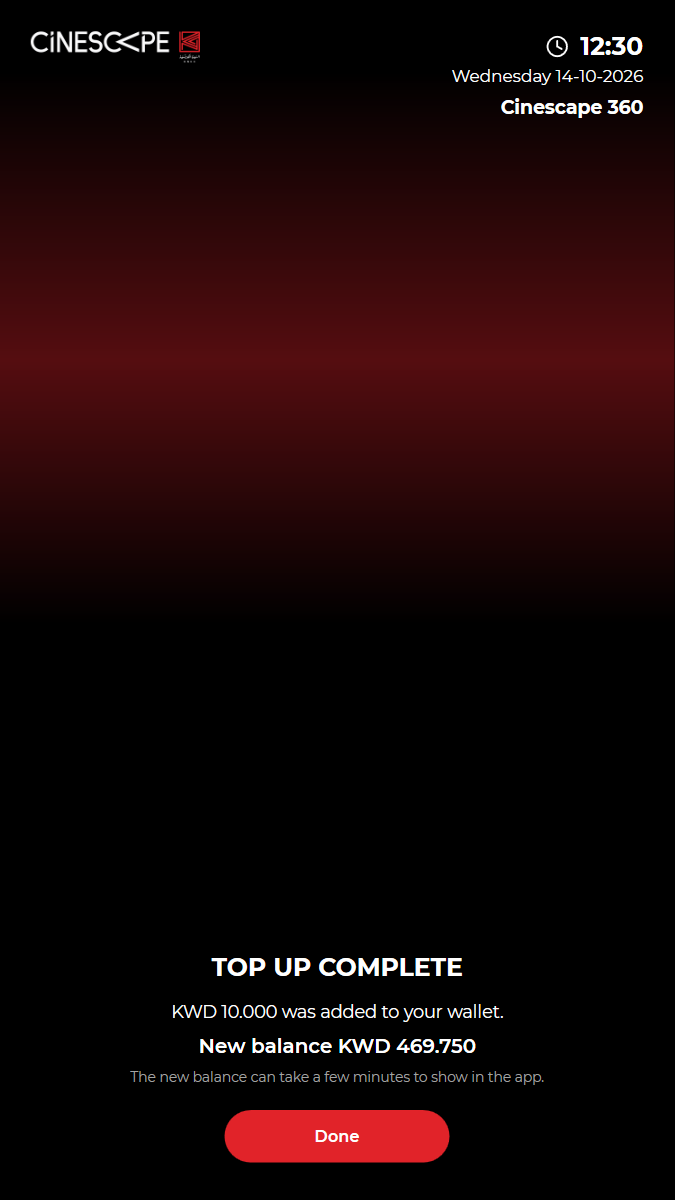
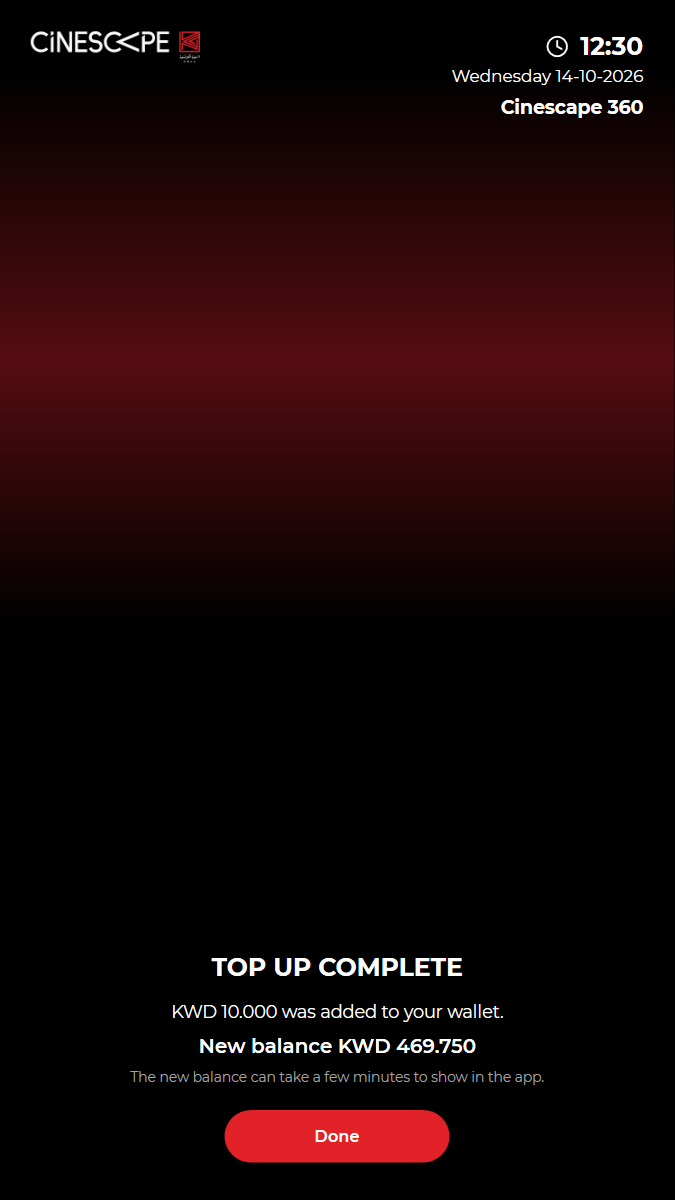
kiosk: Reused the open kiosk: back on the home screen, in English, no popupbalance before: KWD 459.750top-up calls: kiosk/identity/topup/start 10001, payment/knet/kiosk/hmac 10001, payment/knet/kiosk/confirm 10001, content/trans/tckbooked 10001top-up: KWD 10.000 added to the test club card by KNET (fake terminal), balance before KWD 459.750.balance after: New balance KWD 469.750Watch test video (part 1 of 2) This viewer cannot play the video. Watch test video (part 2 of 2) This viewer cannot play the video. 6 execution steps with screenshots
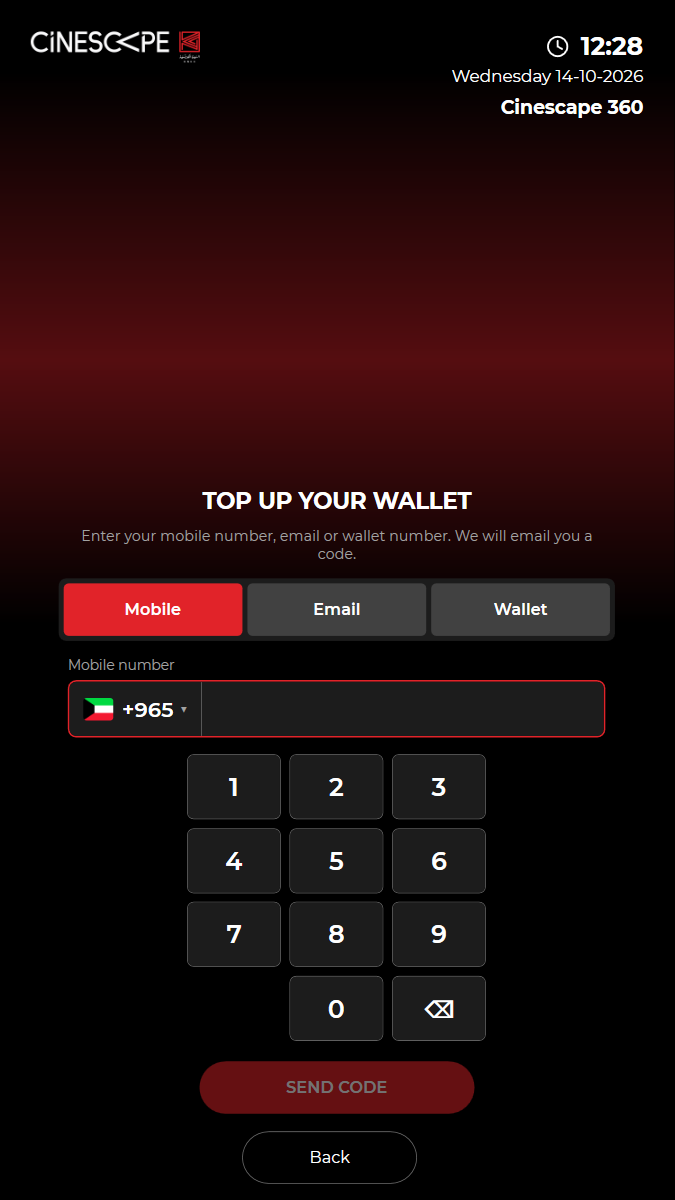
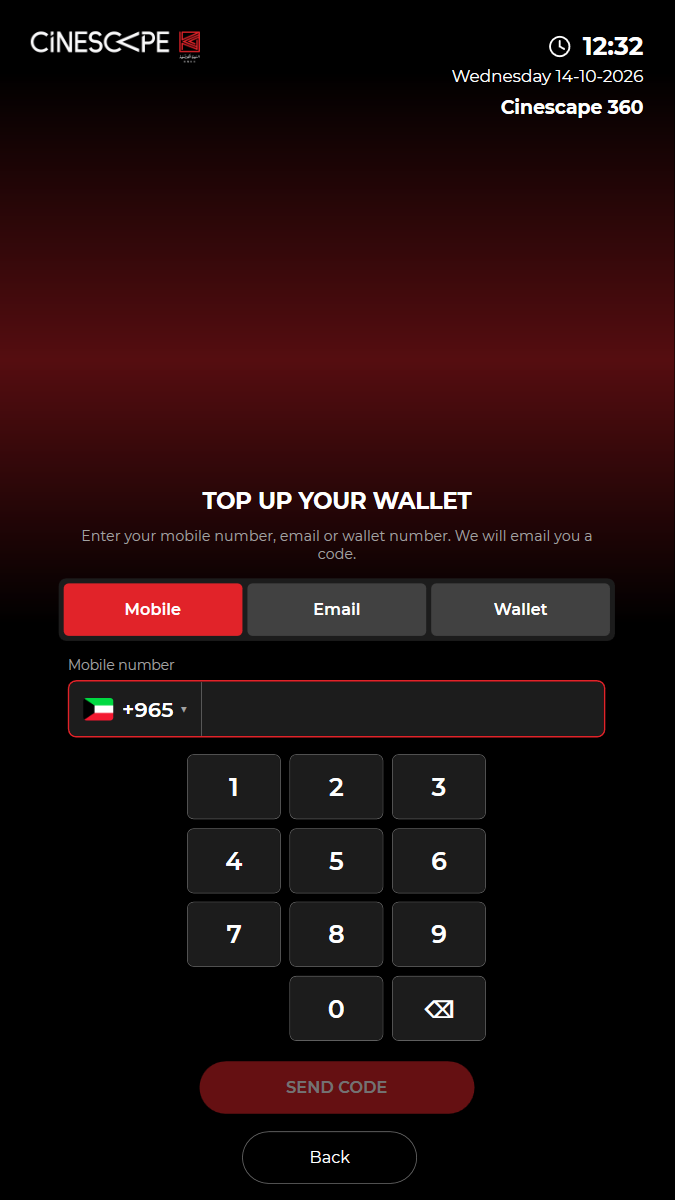
✓ TOP UP: "TOP UP YOUR WALLET" asks who the customer is 5.01s
✓ Wallet: type the card number and SEND CODE (kiosk/identity/start) 24.63s
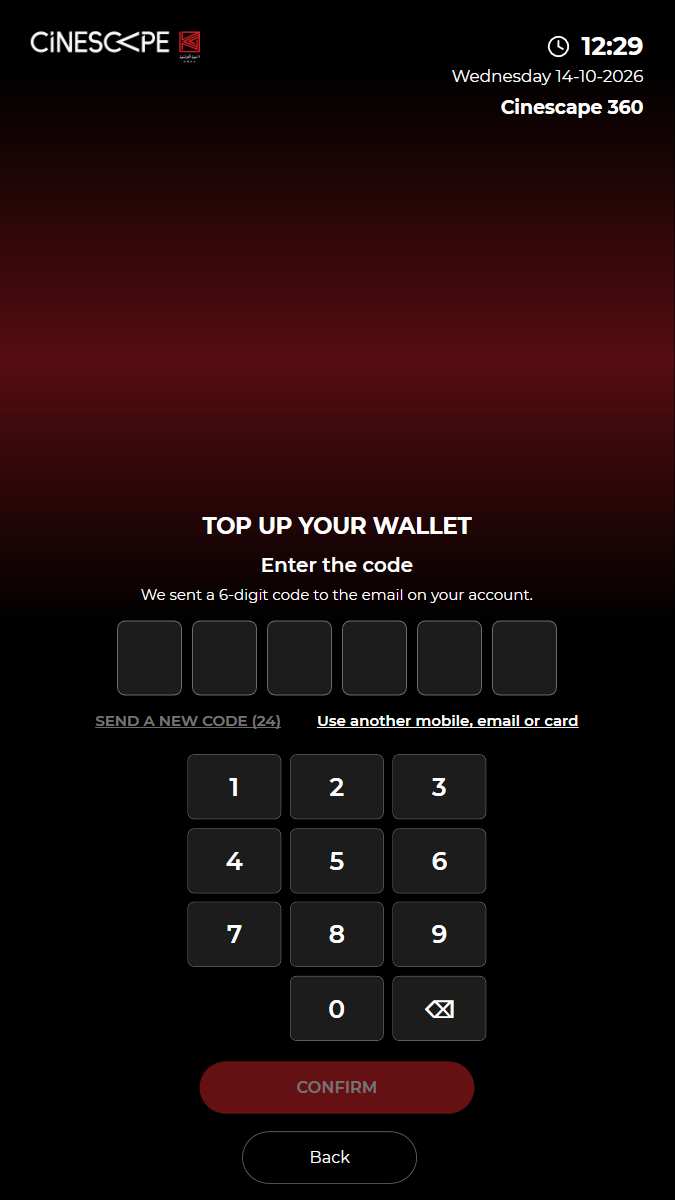
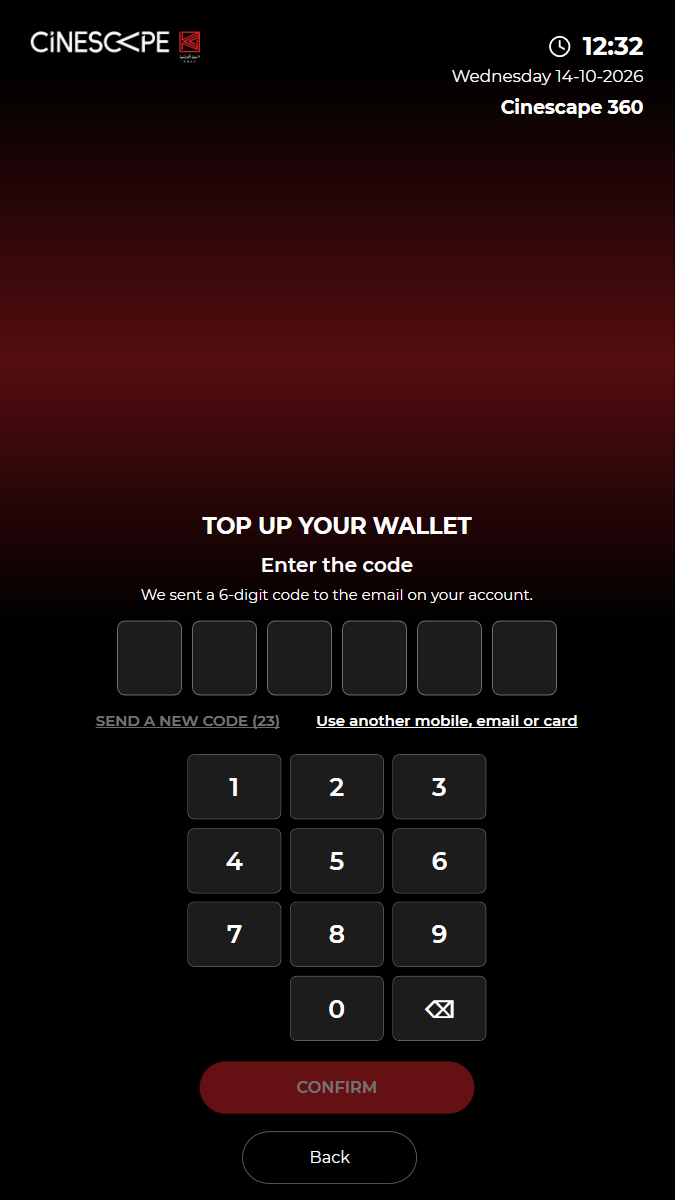
✓ Enter the code and CONFIRM (kiosk/identity/verify): the customer is known 19.32s
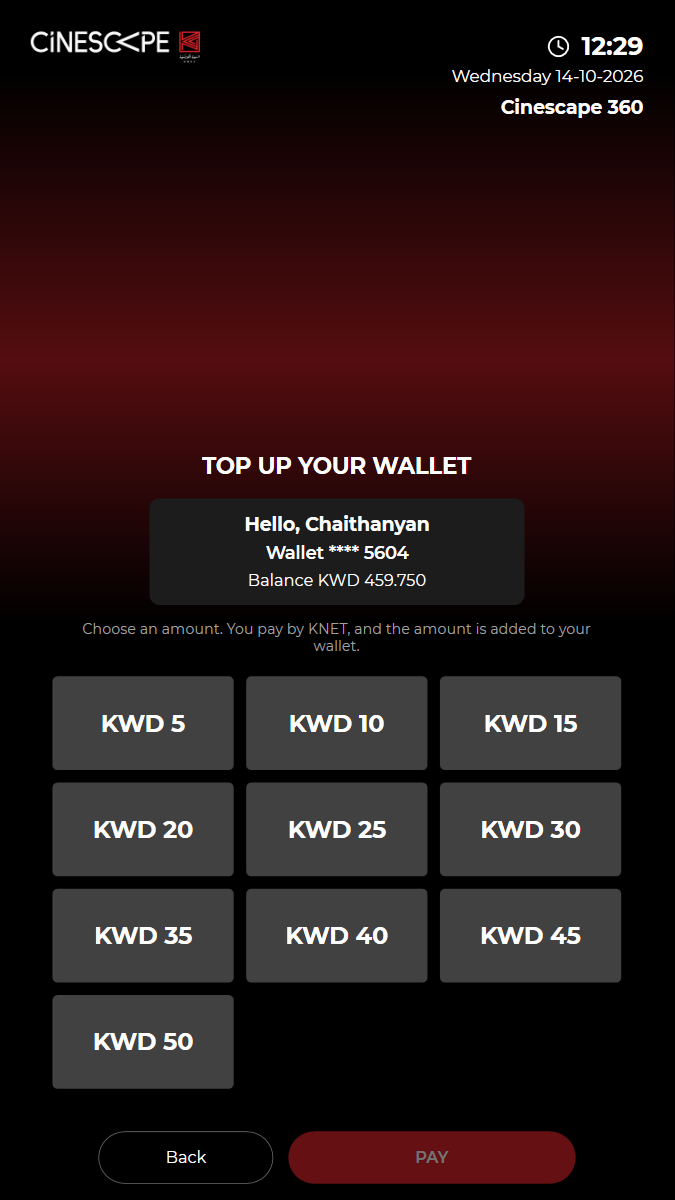
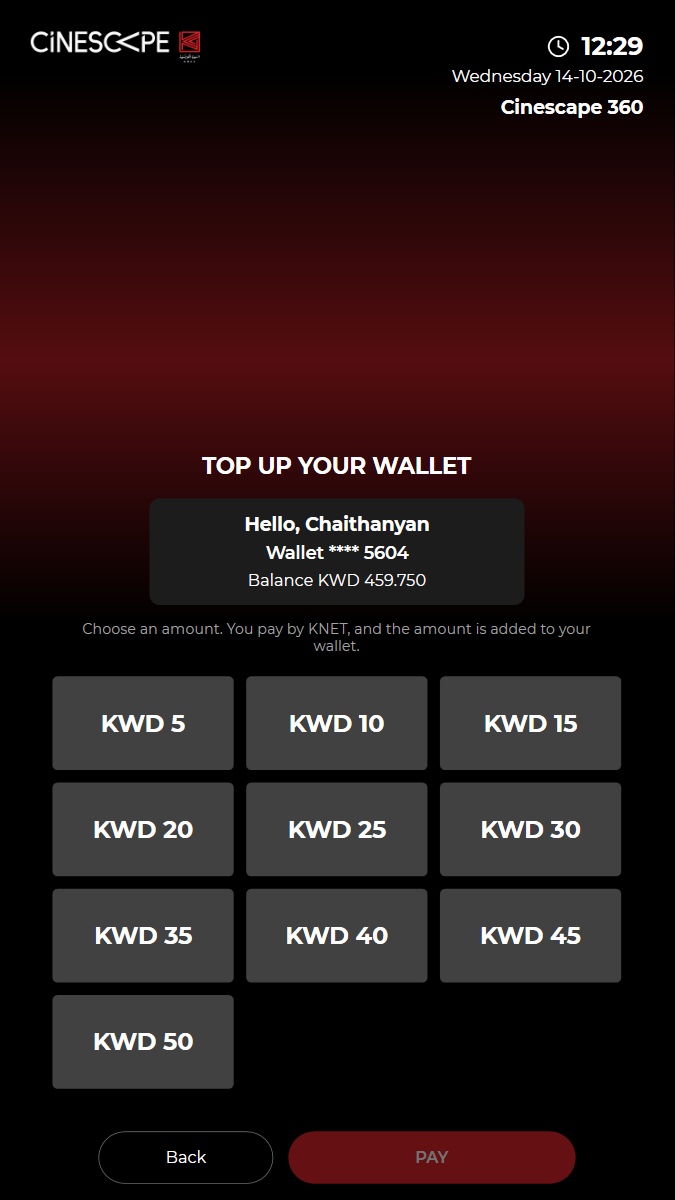
✓ The card and its balance are shown, with the amounts to choose (clubcard/getamounts) 18.12s
✓ Choose KWD 10 and PAY by KNET (the fake terminal approves) 12.06s
✓ "KWD 10 was added to your club card." 5.78s
– Skipped
KUI-21 Printer out of paper: clear message, nothing printed
– – – – 0.00s
kui-21-printer-not-ready.spec.ts · Kiosk app · 0 steps
0 execution steps with screenshots
✓ Passed
KUI-23 API unavailable: friendly messages, no crash, recovers when the API is back
✓ ✓ ✓ ✓ 63.94s
kui-23-api-unavailable.spec.ts · Kiosk app · 6 steps
fresh start: Cleared before start: state/payment-journal.json, state/payment-journal.json.bak, state/print-archive.json, state/print-archive.json.bak, state/remote-settings.json, state/remote-settings.json.bak, state/staff-pins.json, cache/images, saver/saver-11-d7882bceb289f944.mp4, saver/saver.jsonkiosk: Started fresh: first test of the runWatch test video This viewer cannot play the video. 6 execution steps with screenshots
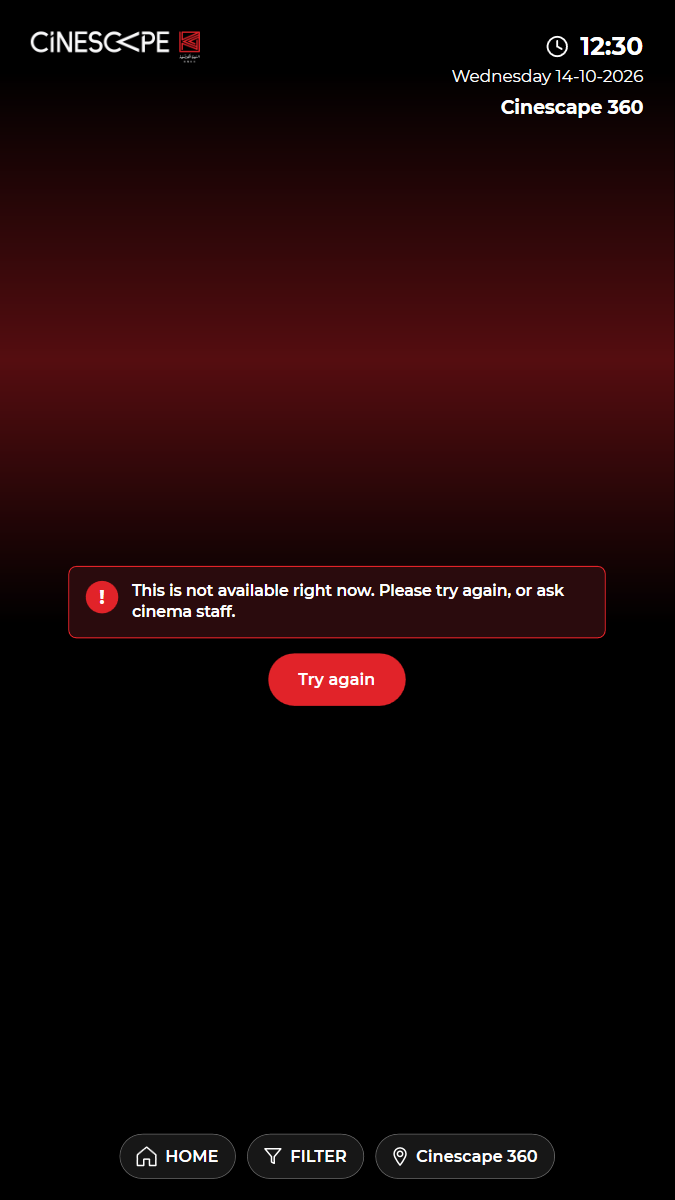
✓ Simulate the API being down (every API call answers HTTP 503) 0.39s
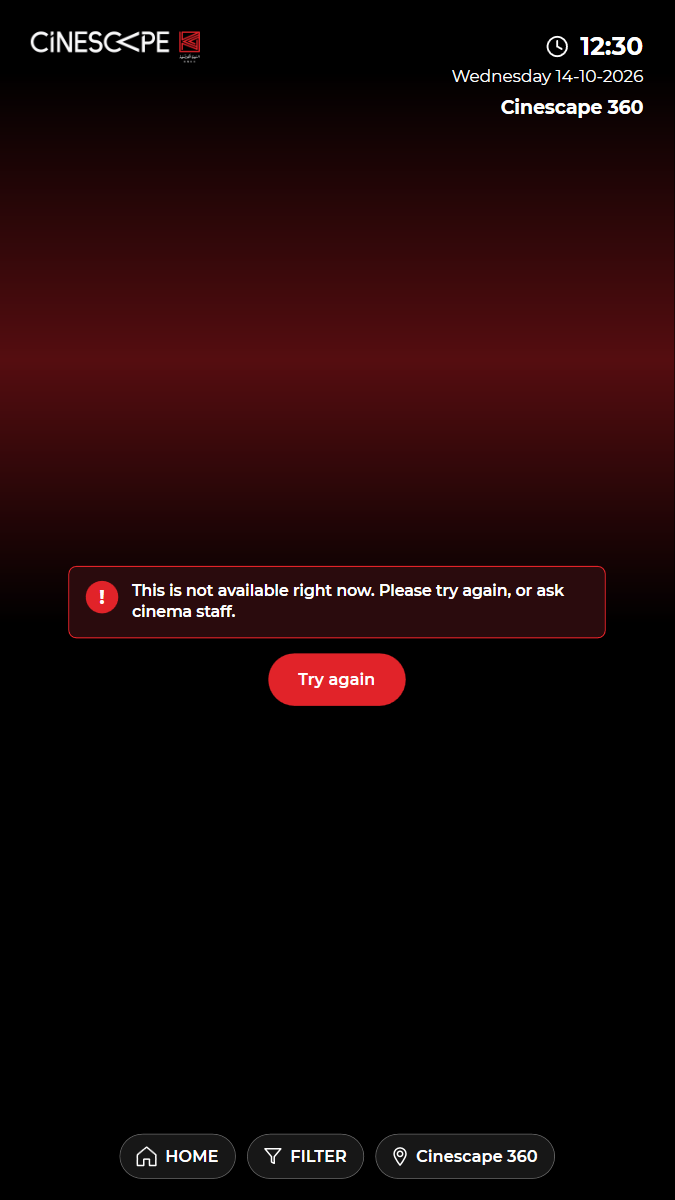
✓ BUY TICKETS: "This is not available right now" with a Try again button 5.94s
✓ The kiosk's calls really failed with 503 (simulated outage) 0.47s
✓ API back: Try again loads the film list 12.90s
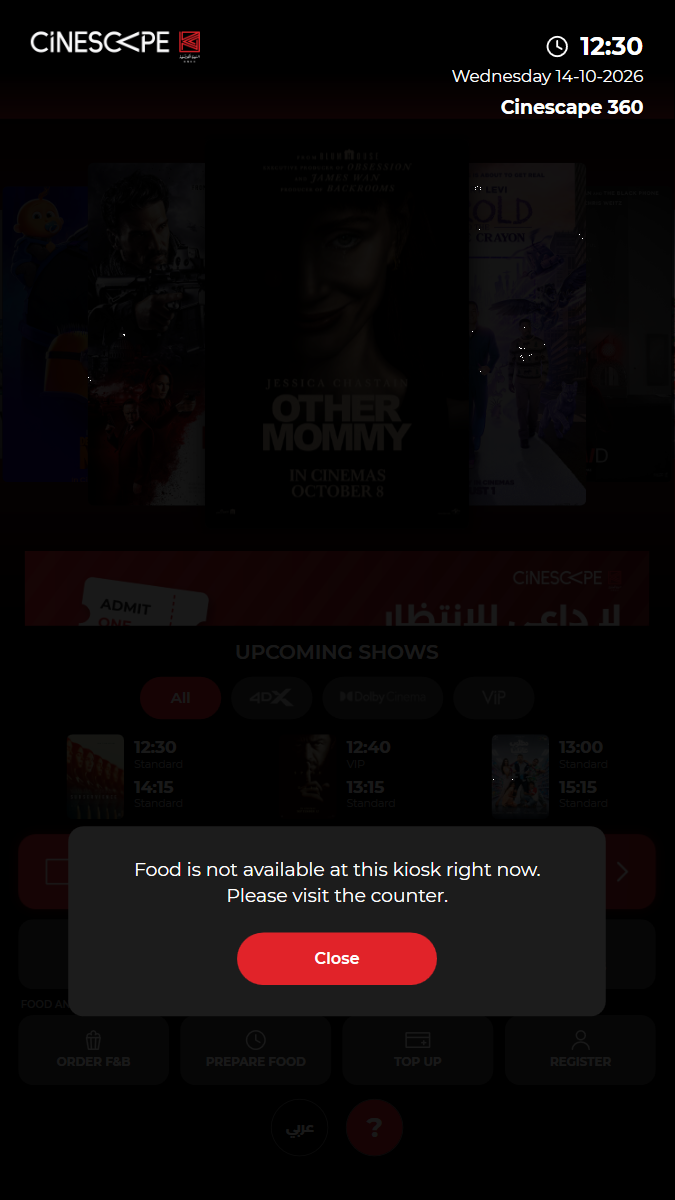
✓ API down again: ORDER F&B shows "Food is not available at this kiosk right now" 12.53s
✓ API back: the kiosk is still running and the home screen works 10.47s
✓ Passed
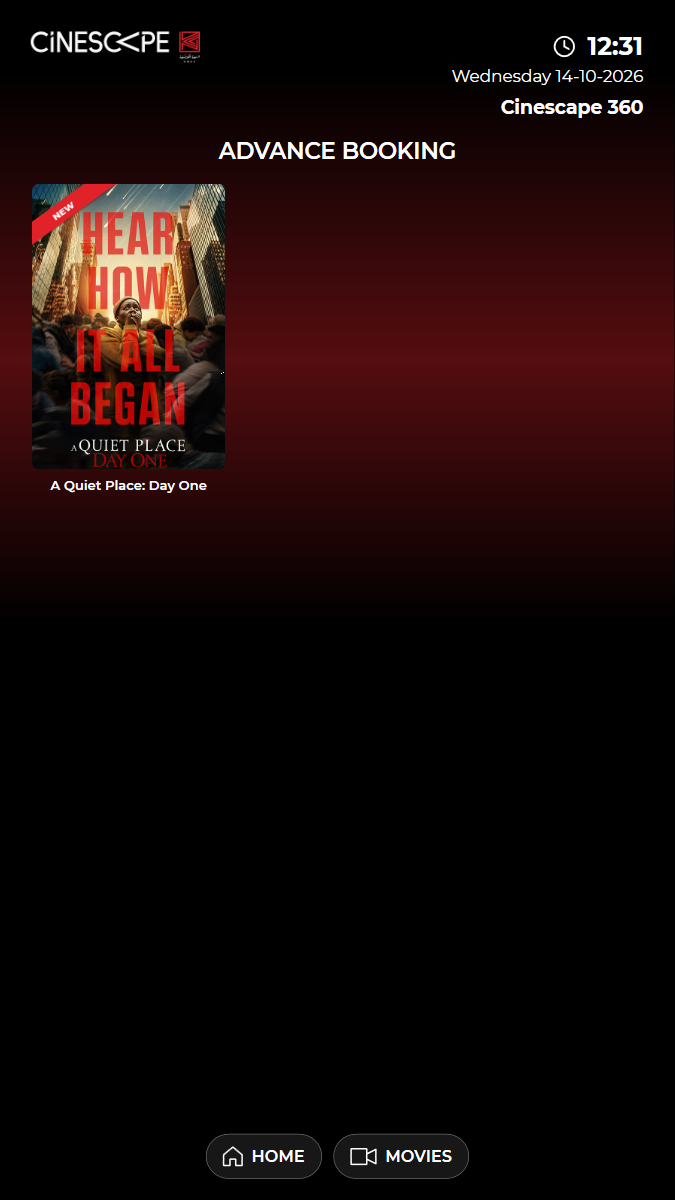
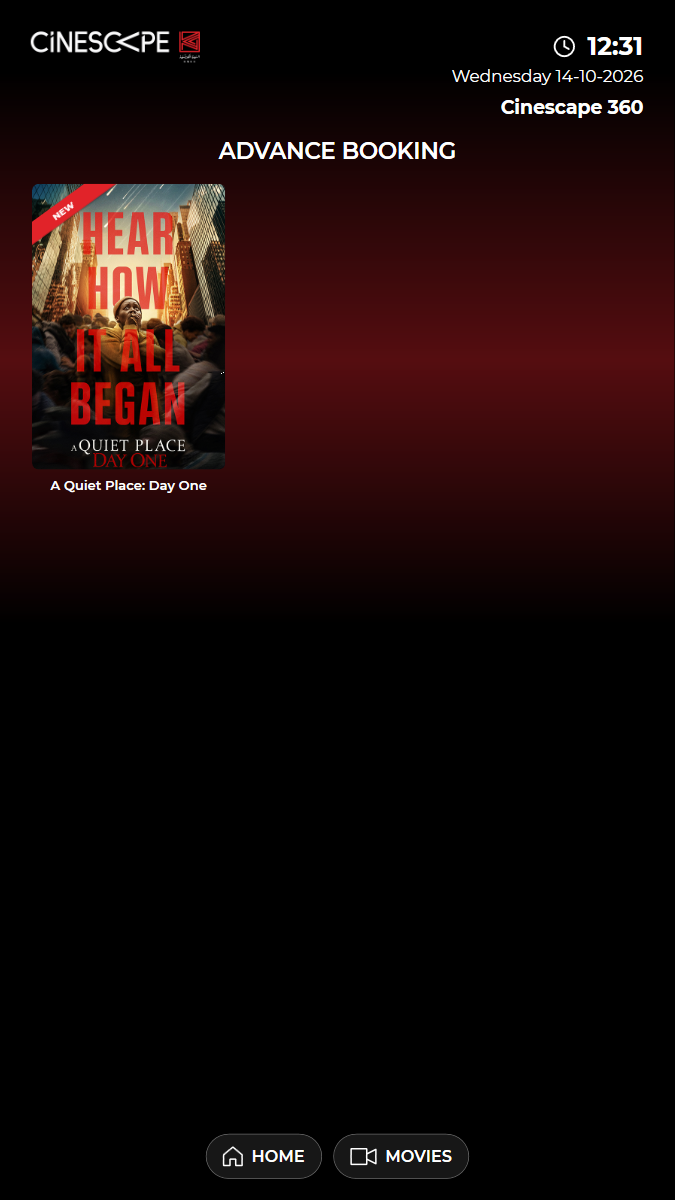
KUI-24 Advance booking: films, details and show times; a show opens the seat category screen
· ✓ ✓ ✓ 36.23s
kui-24-advance-booking.spec.ts · Kiosk app · 5 steps
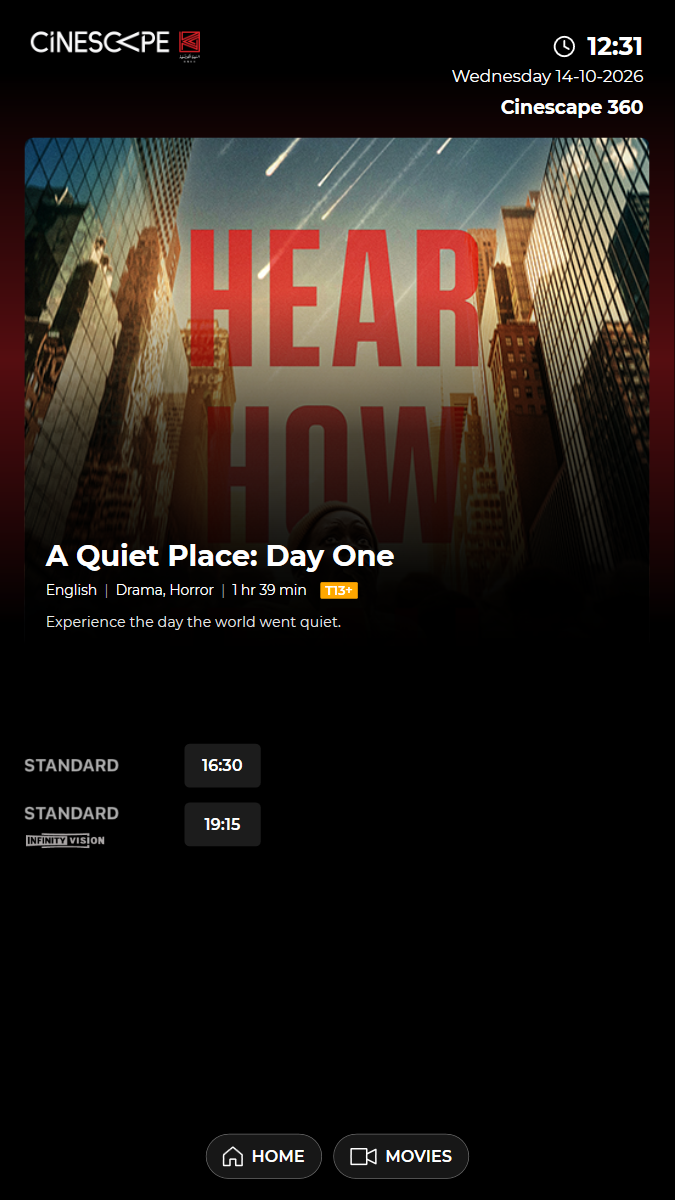
kiosk: Reused the open kiosk: back on the home screen, in English, no popupadvance booking: A Quiet Place: Day Oneshow times: A Quiet Place: Day One: 16:30, 19:15Watch test video This viewer cannot play the video. 5 execution steps with screenshots
✓ Open ADVANCE BOOKING: the films on advance booking are listed 5.37s
✓ Open "A Quiet Place: Day One": the kiosk warns it is an advance date; "Cancel & go back" returns to the films 6.28s
✓ Open "A Quiet Place: Day One" again and tap OK: details and its show times by experience 7.19s
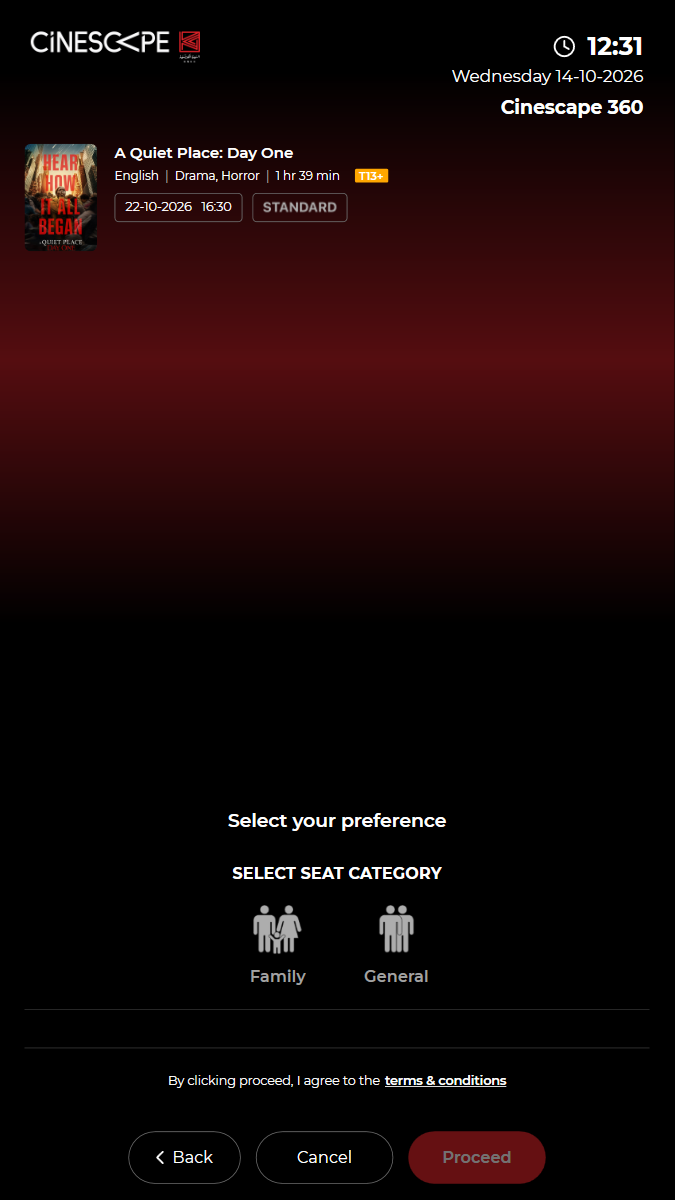
✓ Choose the 16:30 show: "SELECT SEAT CATEGORY" for that film, date and time 4.82s
✓ Cancel returns to the home screen (nothing was reserved) 3.07s
✓ Passed
KUI-25 Upcoming shows: the experience filter shows only that experience
· ✓ ✓ ✓ 29.13s
kui-25-upcoming-shows-filter.spec.ts · Kiosk app · 5 steps
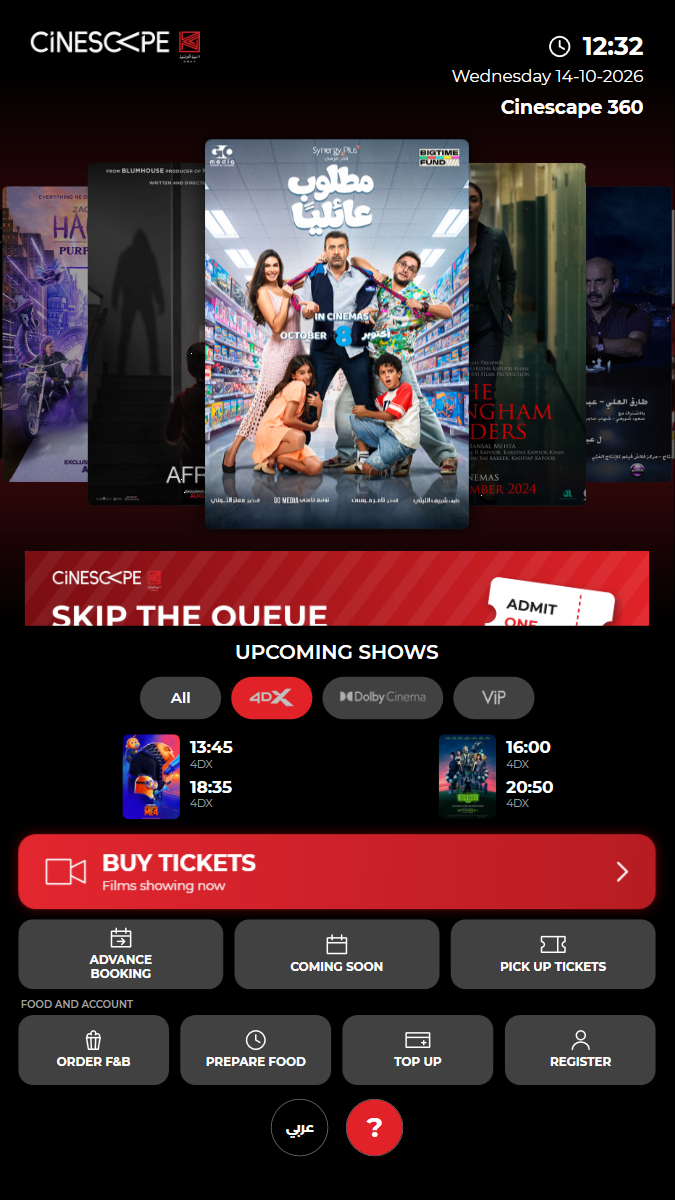
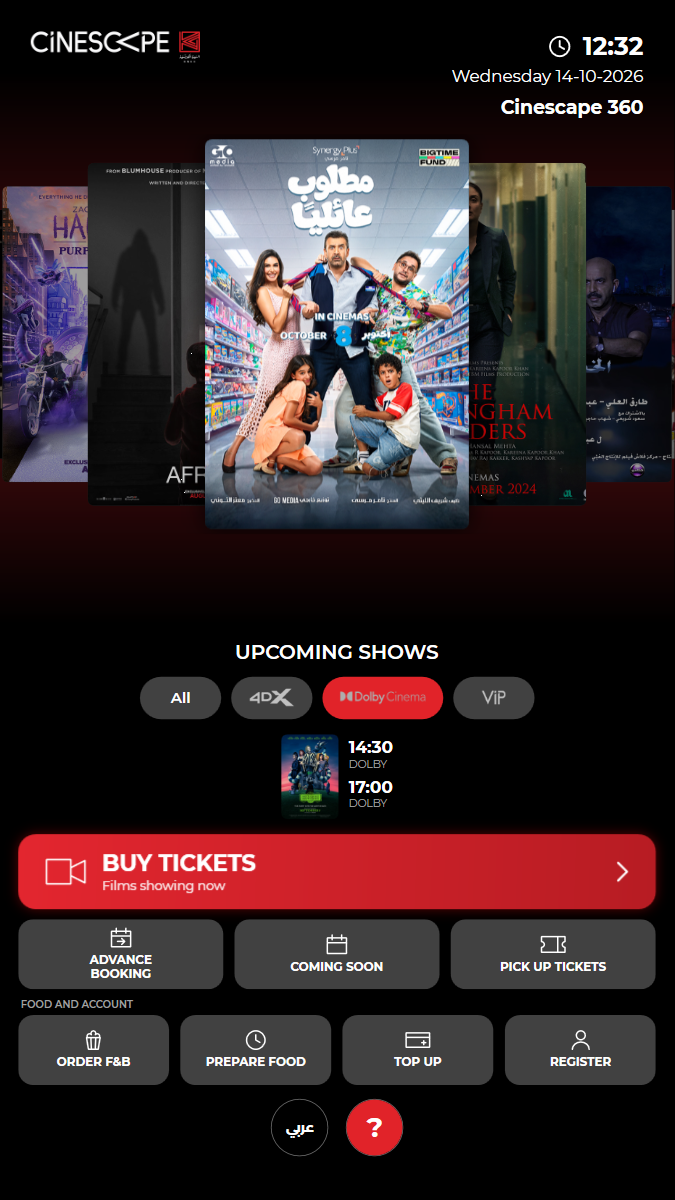
kiosk: Reused the open kiosk: back on the home screen, in English, no popupexperience chips: All, 4DX, DOLBY, VIPWatch test video This viewer cannot play the video. 5 execution steps with screenshots
✓ UPCOMING SHOWS: "All" is chosen and the experience chips are shown 4.68s
✓ Chip 2: only one experience is listed 4.05s
✓ Chip 3: only one experience is listed 3.50s
✓ Chip 4: only one experience is listed 3.33s
✓ "All" shows every experience again 4.29s
✓ Passed
KUI-26 Wallet code: SEND CODE emails a code, a wrong code is refused
· ✓ ✓ ✓ 124.38s
kui-26-wallet-code-sign-in.spec.ts · Kiosk app · 5 steps
kiosk: Reused the open kiosk: back on the home screen, in English, no popupWatch test video (part 1 of 2) This viewer cannot play the video. Watch test video (part 2 of 2) This viewer cannot play the video. 5 execution steps with screenshots
✓ TOP UP: "TOP UP YOUR WALLET" asks for the mobile, email or wallet number 7.79s
✓ Wallet: type the card number and SEND CODE 24.80s
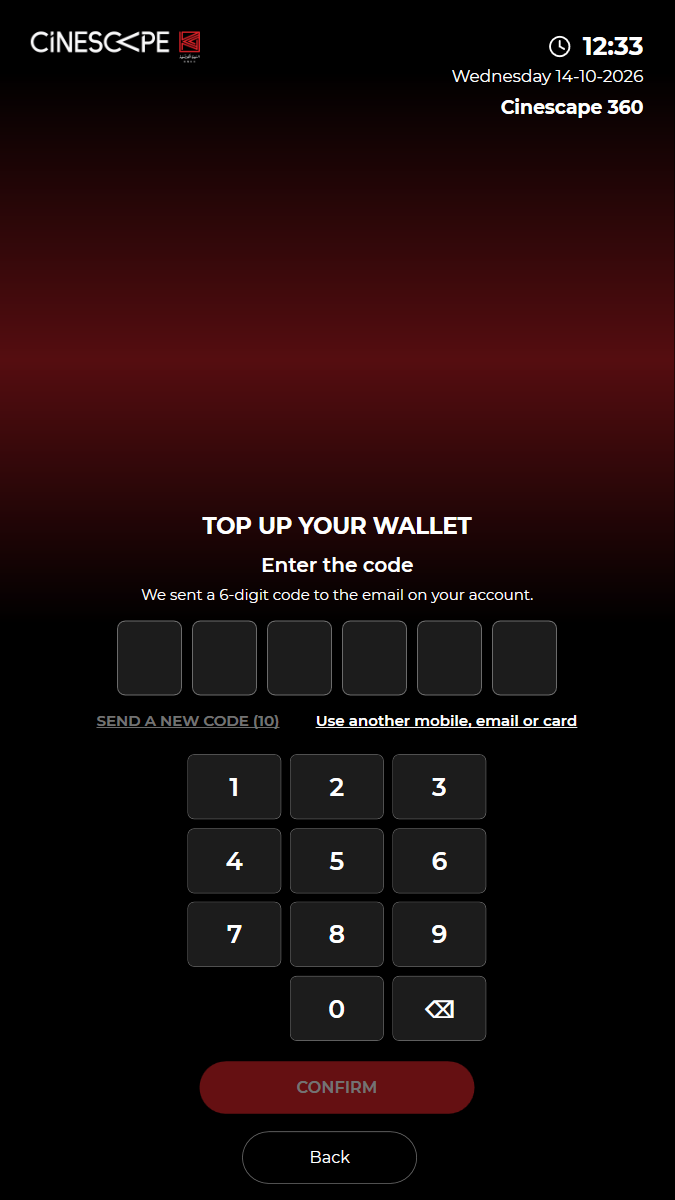
✓ "Enter the code": six boxes, SEND A NEW CODE with a countdown, and another-card link 13.09s
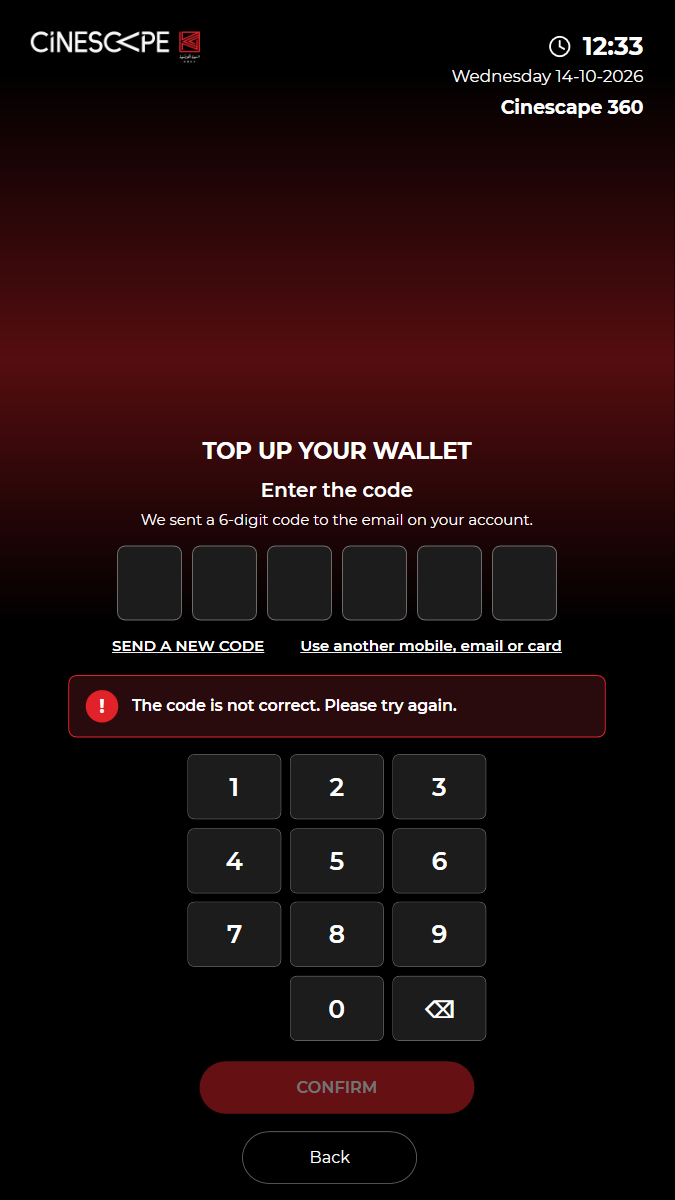
✓ A wrong code (000000) is refused (kiosk/identity/verify) 18.81s
✓ "Use another mobile, email or card" goes back to SEND CODE; Back returns home 27.72s
✓ Passed
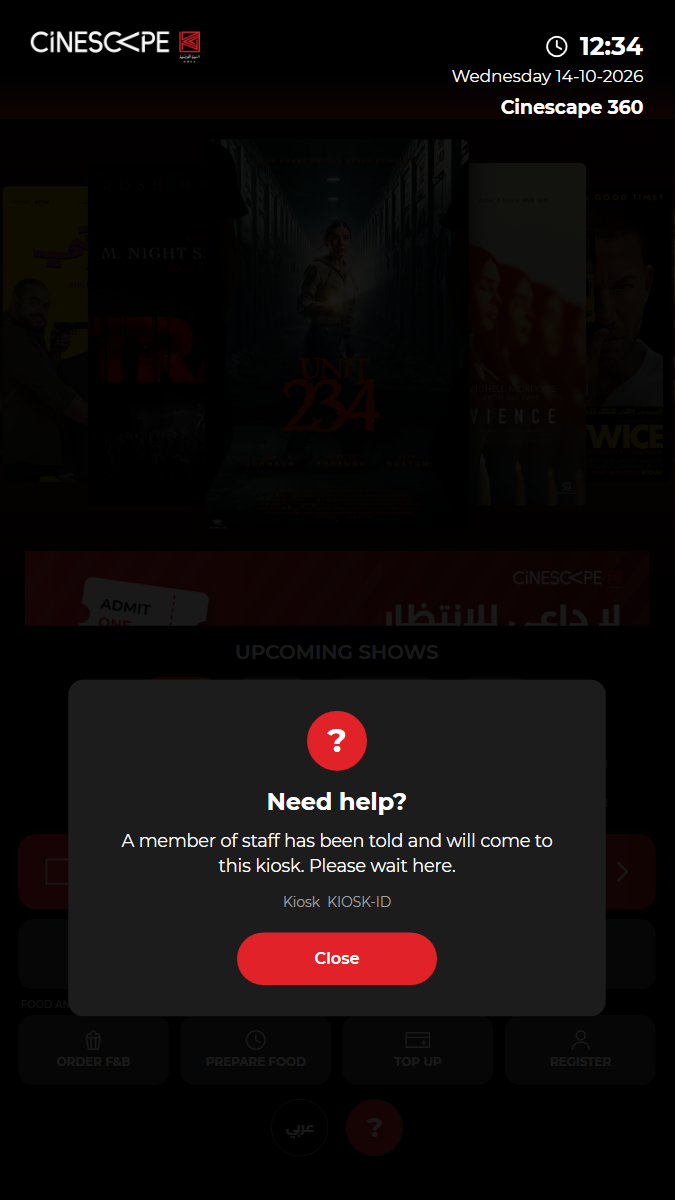
KUI-27 Help button: staff are alerted and the customer is told to wait
· ✓ ✓ ✓ 19.56s
kui-27-help-calls-staff.spec.ts · Kiosk app · 3 steps
kiosk: Reused the open kiosk: back on the home screen, in English, no popupWatch test video This viewer cannot play the video. 3 execution steps with screenshots
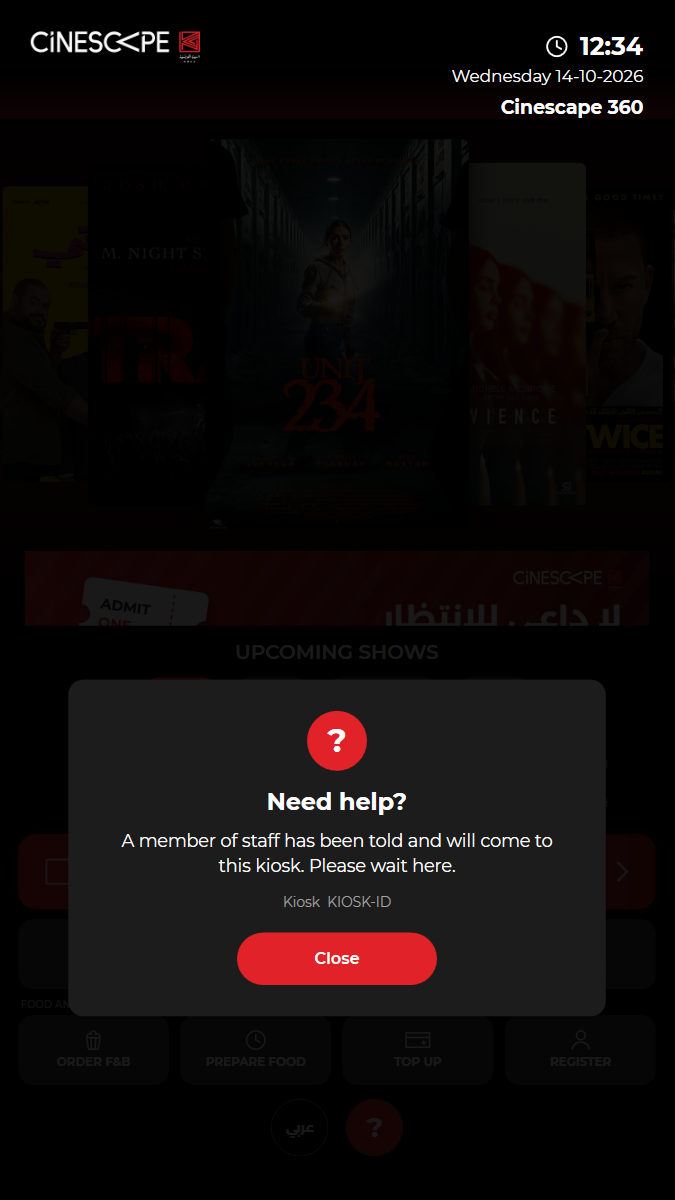
✓ Tap ?: "Need help?" tells the customer staff are coming, with the kiosk ID 5.93s
✓ The kiosk sent a Help alert for this kiosk (content/kiosk-alerts/printer) 0.67s
✓ Close: back on the home screen 3.18s
✓ Passed
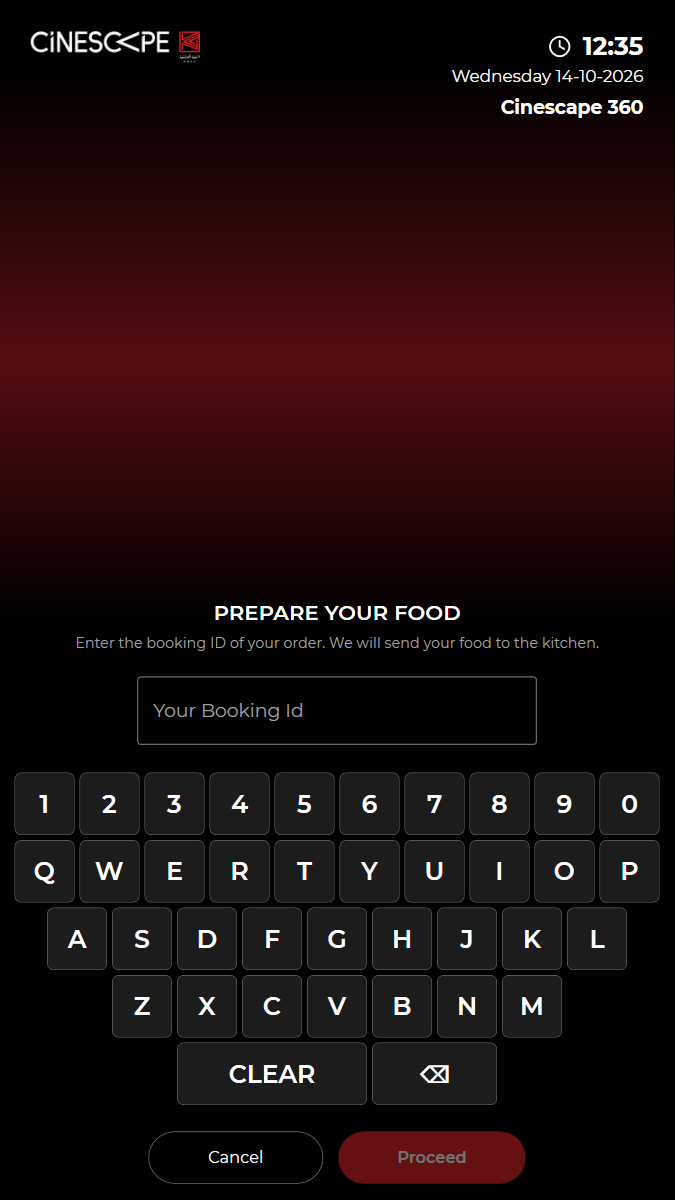
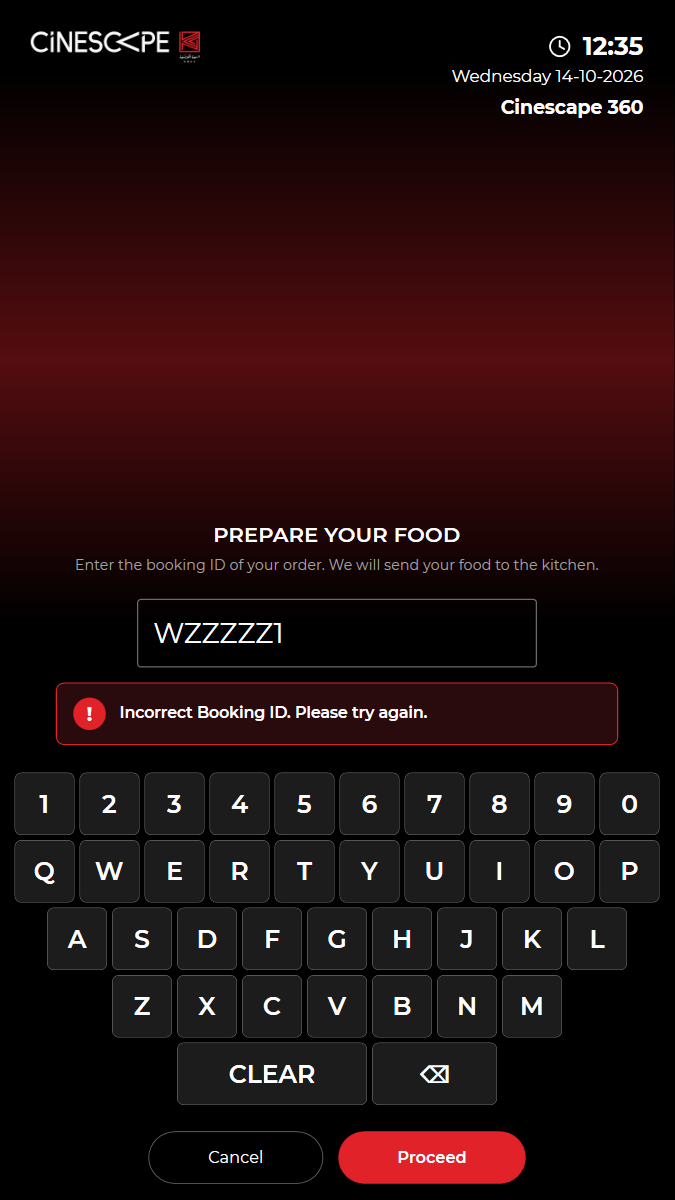
KUI-28 Prepare food: the booking ID screen refuses an unknown booking
· ✓ ✓ ✓ 32.63s
kui-28-prepare-food.spec.ts · Kiosk app · 3 steps
kiosk: Reused the open kiosk: back on the home screen, in English, no popupWatch test video This viewer cannot play the video. 3 execution steps with screenshots
✓ Open PREPARE FOOD: "PREPARE YOUR FOOD" asks for the booking ID 7.10s
✓ Unknown booking ID WZZZZZ1: refused (state NOT_FOUND), nothing sent to the kitchen 10.60s
✓ CLEAR empties the box; Cancel returns home 5.20s
✓ Passed
KUI-29 Checkout: country code picker and the payment methods
· ✓ ✓ ✓ 225.96s
kui-29-checkout-country-code-and-payment-methods.spec.ts · Kiosk app · 10 steps
kiosk: Reused the open kiosk: back on the home screen, in English, no popupWatch test video (part 1 of 2) This viewer cannot play the video. Watch test video (part 2 of 2) This viewer cannot play the video. 10 execution steps with screenshots
✓ Open BUY TICKETS (films showing now) 4.82s
✓ Choose "AFRAID" 5.09s
✓ Choose the 14:10 Standard show 3.65s
✓ Choose General, a seat type and 1 ticket(s), then proceed to the seat map 11.69s
✓ Choose a free seat, skip food and continue to checkout 15.69s
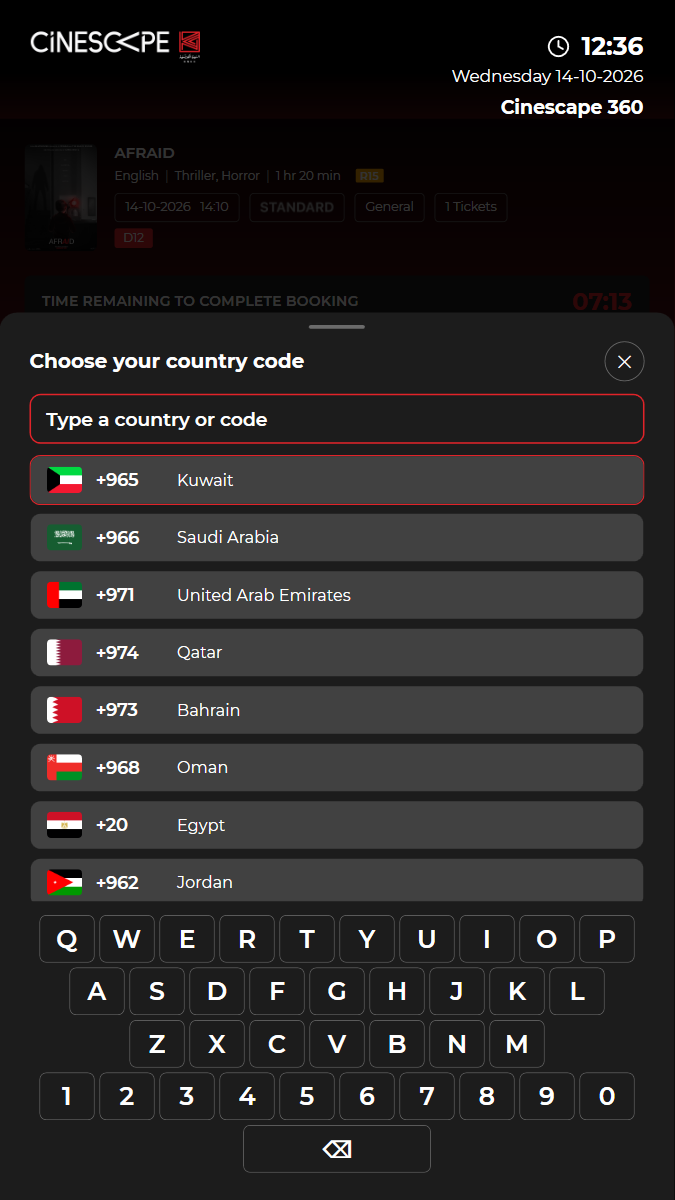
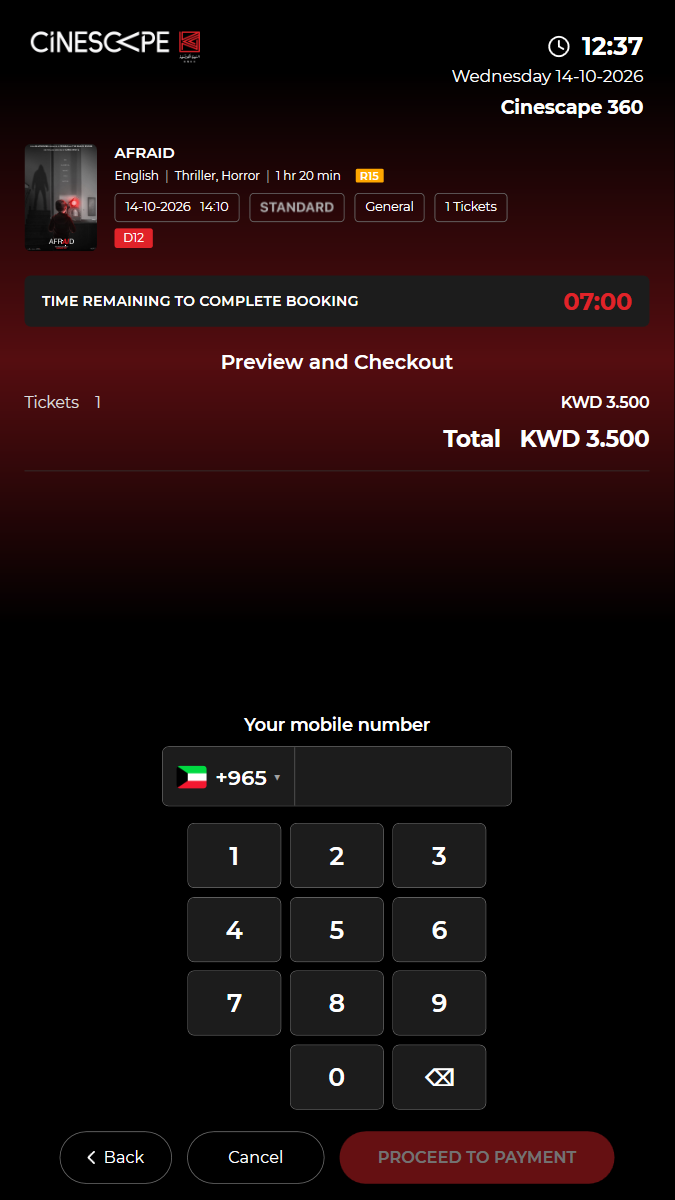
✓ "Your mobile number" starts with +965; the picker lists the Gulf country codes 38.09s
✓ Choose Saudi Arabia: +966 is shown; choose Kuwait again: +965 13.86s
✓ Type the mobile and PROCEED TO PAYMENT: the four payment methods and the amount 47.26s
✓ WALLET: "PAY FROM YOUR WALLET" emails a code to the account of the mobile (build New15) 23.19s
✓ Cancel out: the kiosk cancels the reservation 29.63s
Generated from Playwright JSON results. Screenshots and test videos are bundled with the dashboard.